Nginx : CGI スクリプトを利用する2023/07/04 |
|
Nginx で CGI が実行可能なように設定します。
|
|
| [1] | FastCGI Wrap をインストールして Nginx に設定します。 |
|
root@www:~#
apt -y install fcgiwrap
root@www:~#
vi /etc/nginx/fcgiwrap.conf # 新規作成 # 例として [/cgi-bin] 配下は CGI を有効にする
location /cgi-bin/ {
    gzip off;
    root  /var/www;
    fastcgi_pass  unix:/var/run/fcgiwrap.socket;
    include /etc/nginx/fastcgi_params;
    fastcgi_param SCRIPT_FILENAME  $document_root$fastcgi_script_name;
}
server {
        .....
        .....
        include fcgiwrap.conf;
}
root@www:~# systemctl enable --now fcgiwrap root@www:~# systemctl reload nginx |
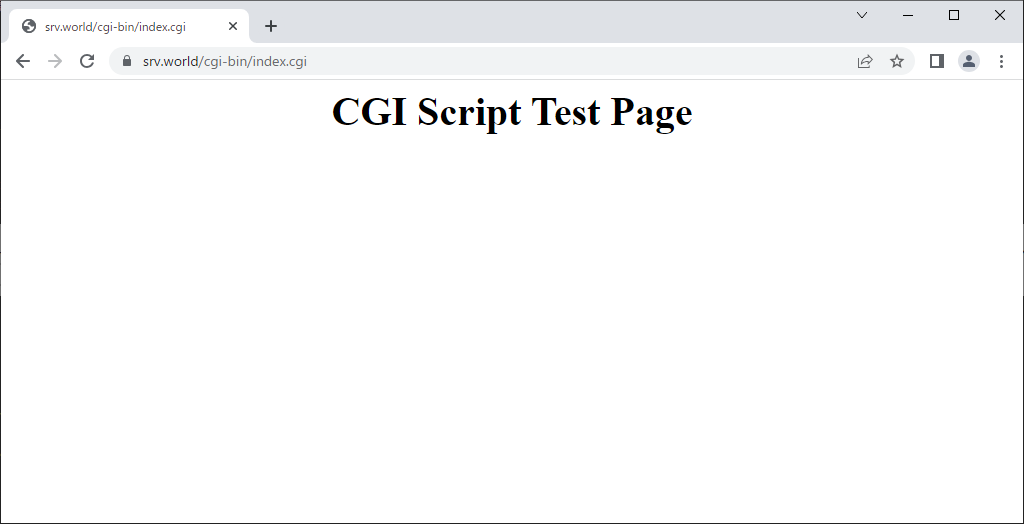
| [2] | 設定したディレクトリ (当例では [/var/www/cgi-bin]) 配下で、任意の言語で CGI テストページ (下例は Python3 スクリプト) を作成して動作確認をします。正常にページが表示されれば OK です。 |
|
root@www:~#
vi /var/www/cgi-bin/index.cgi
#!/usr/bin/python3

print("Content-type: text/html\n")
print("<html>\n<body>")
print("<div style=\"width: 100%; font-size: 40px; font-weight: bold; text-align: center;\">")
print("CGI Script Test Page")
print("</div>")
print("</body>\n</html>")
chmod 705 /var/www/cgi-bin/index.cgi |
|
関連コンテンツ