Desktop Environment : KDE Desktop2023/11/14 |
|
If you installed Fedora without GUI but now need GUI because of GUI required applications and so on, Install Desktop Environment like follows.
|
|
| [1] | Install KDE Desktop Environment on this example. |
|
[root@dlp ~]# dnf -y group install "KDE Plasma Workspaces" |
| [2] | After installing Desktop, to start Desktop session on CUI, re-login with a common user and run like follows. |
|
[fedora@dlp ~]$ export XDG_SESSION_TYPE="wayland exec dbus-run-session startplasma-wayland" [fedora@dlp ~]$ |
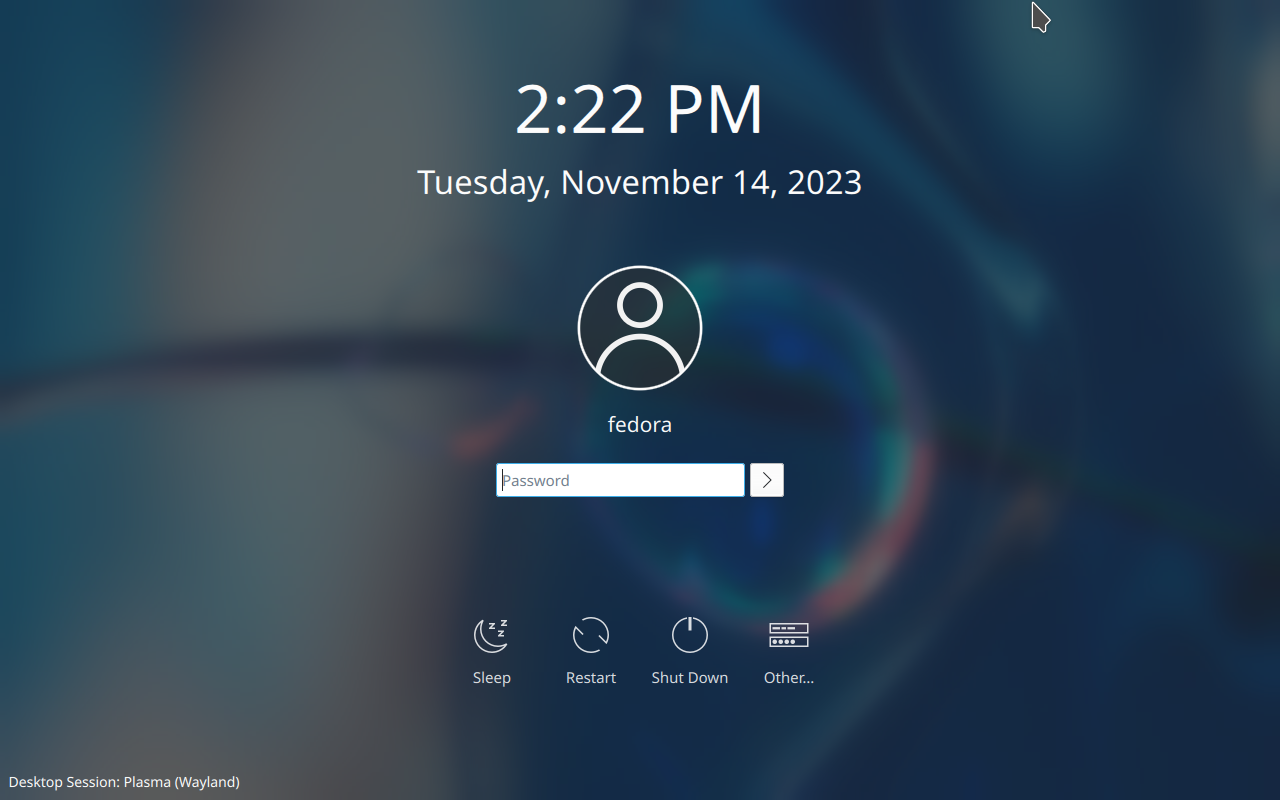
| [3] | If you would like to change your System to Graphical Login as default, Change setting like here and restart computer. Then, Graphical Login screen is shown like follows. |
|
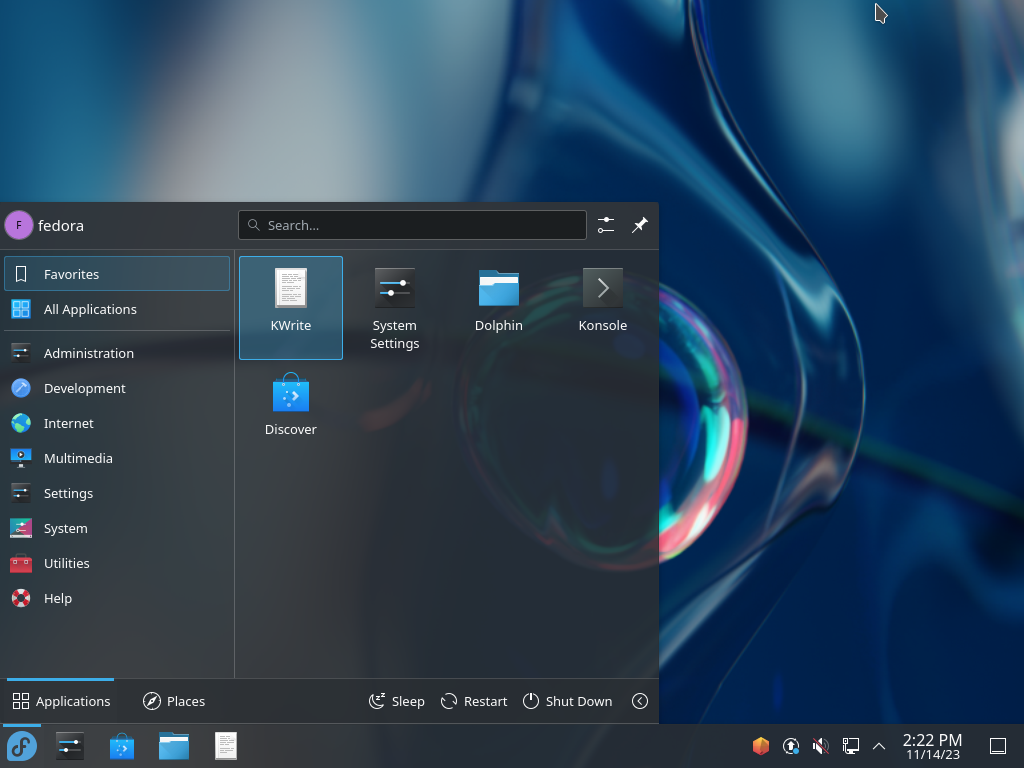
| [4] | KDE Desktop Session starts. |
|
Matched Content