# 仮想マシン格納ディレクトリ作成
root@dlp:~#
# 仮想マシン作成
root@dlp:~# VBoxManage createvm \
--name Ubuntu_2604 \
--ostype Ubuntu_64 \
--register \
--basefolder /var/lib/vbox
Virtual machine 'Ubuntu_2604' is created and registered.
UUID: 248b3a5a-1376-4ca6-a467-c44c698dcbec
Settings file: '/var/lib/vbox/Ubuntu_2604/Ubuntu_2604.vbox'

# 仮想マシンの設定変更
# インターフェース名 [enp1s0] は自身の環境に置き換え
root@dlp:~# VBoxManage modifyvm Ubuntu_2604 \
--cpus 4 \
--memory 4096 \
--nic1 bridged \
--bridgeadapter1 enp1s0 \
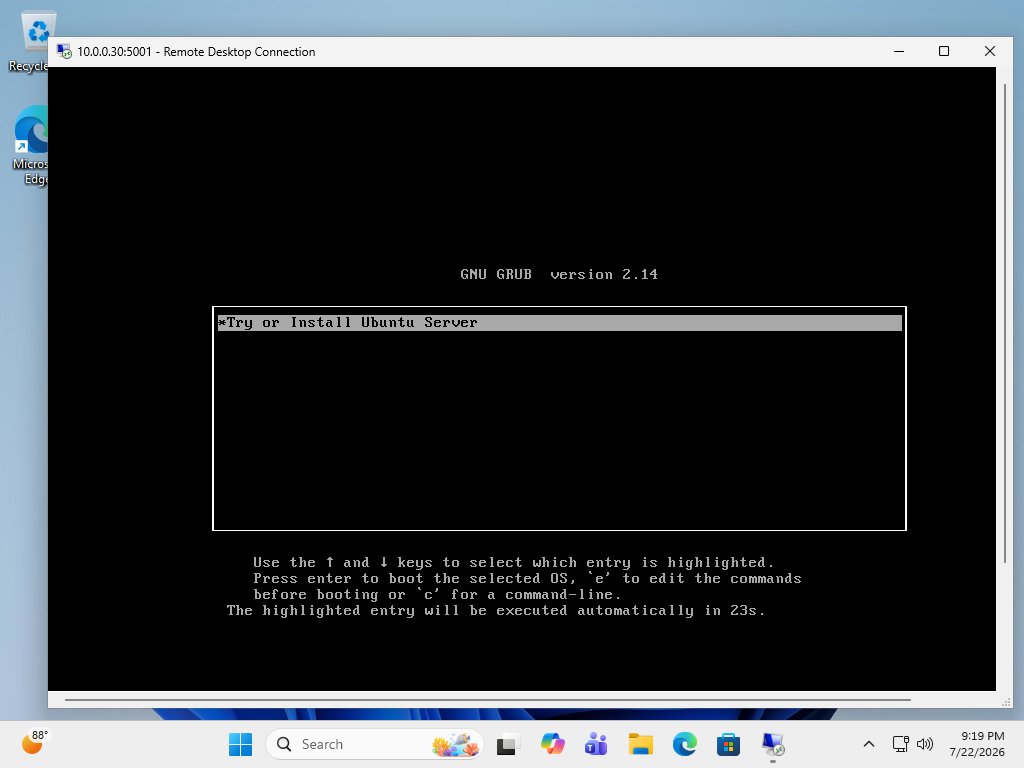
--boot1 dvd \
--graphicscontroller vmsvga \
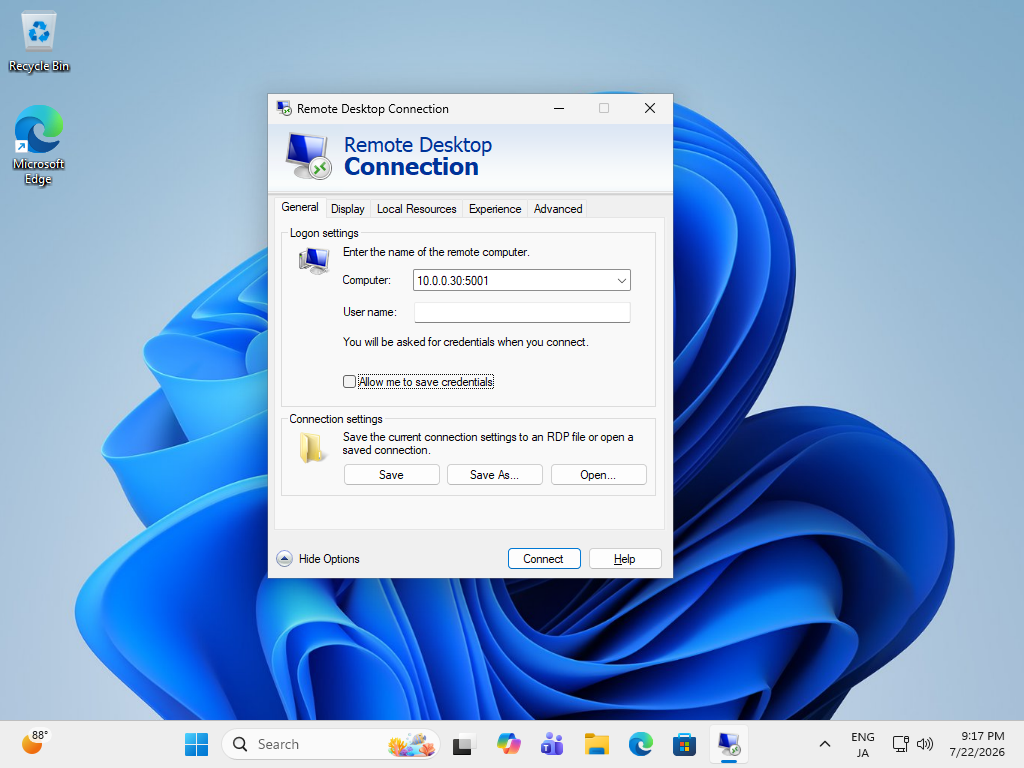
--vrde on \
--vrdeport 5001

# 仮想マシンのストレージ設定
root@dlp:~# VBoxManage storagectl Ubuntu_2604 --name "Ubuntu_2604_SATA" --add sata
root@dlp:~# VBoxManage createhd \
--filename /var/lib/vbox/Ubuntu_2604/Ubuntu_2604.vdi \
--size 20480 \
--format VDI \
--variant Standard
0%...10%...20%...30%...40%...50%...60%...70%...80%...90%...100%
Medium created. UUID: f49d5c4e-d3a1-41d1-9fbf-9e382643f294

root@dlp:~# VBoxManage storageattach Ubuntu_2604 \
--storagectl Ubuntu_2604_SATA \
--port 1 \
--type hdd \
--medium /var/lib/vbox/Ubuntu_2604/Ubuntu_2604.vdi

# 仮想マシンの DVD ドライブ設定
# 下例では事前にダウンロードした ISO ファイルを指定している
root@dlp:~# VBoxManage storageattach Ubuntu_2604 \
--storagectl Ubuntu_2604_SATA \
--port 0 \
--type dvddrive \
--medium /home/ubuntu-26.04-live-server-amd64.iso

# 設定確認
root@dlp:~# VBoxManage showvminfo Ubuntu_2604
Name:                        Ubuntu_2604
Encryption:                  disabled
Groups:                      /
Platform Architecture:       x86
Guest OS:                    Ubuntu (64-bit)
UUID:                        248b3a5a-1376-4ca6-a467-c44c698dcbec
Config file:                 /var/lib/vbox/Ubuntu_2604/Ubuntu_2604.vbox
Snapshot folder:             /var/lib/vbox/Ubuntu_2604/Snapshots
Log folder:                  /var/lib/vbox/Ubuntu_2604/Logs
Hardware UUID:               248b3a5a-1376-4ca6-a467-c44c698dcbec
Memory size:                 4096MB
Page Fusion:                 disabled
VRAM size:                   8MB
CPU exec cap:                100%
CPUProfile:                  host
Chipset:                     piix3
Firmware:                    BIOS
Number of CPUs:              4
HPET:                        disabled
PAE:                         disabled
Long Mode:                   enabled
Triple Fault Reset:          disabled
APIC:                        enabled
X2APIC:                      enabled
Nested VT-x/AMD-V:           disabled
CPUID overrides:             None
Hardware Virtualization:     enabled
Nested Paging:               enabled
Large Pages:                 disabled
VT-x VPID:                   enabled
.....
.....
# * DVD を取り外す場合は以下
root@dlp:~# VBoxManage storageattach Ubuntu_2604 --storagectl Ubuntu_2604_SATA --port 0 --device 0 --medium none
|