Stable Diffusion : インストール2026/06/18 |
|
ディープラーニングの Text-to-Image モデルである [Stable Diffusion] のインストールです。 |
|
| [1] | |
| [2] |
Ubuntu 26.04 の Python バージョンでは Stable Diffusion で使用している PyTorch がサポートしていないため、他の Linux コンテナーを使用して起動します。 |
| [3] | システム要件を満たすコンテナーを Pull して、Stable Diffusion 用のイメージを登録しておきます。 |
|
root@dlp:~#
root@dlp:~# docker pull nvidia/cuda:12.9.2-cudnn-runtime-ubuntu22.04
docker run --gpus all nvidia/cuda:12.9.2-cudnn-runtime-ubuntu22.04 /bin/bash -c \ "apt-get update; apt-get -y install python3.10 python3.10-venv python3-pip git curl libgl1-mesa-dev libglib2.0-0 libgoogle-perftools-dev; git clone https://github.com/AUTOMATIC1111/stable-diffusion-webui; cd /stable-diffusion-webui; sed -i -e 's/https:\/\/github.com\/Stability-AI\/stablediffusion.git/https:\/\/github.com\/w-e-w\/stablediffusion.git/g' modules/launch_utils.py; python3 launch.py --xformers --listen"
.....
.....

Installing requirements
Launching Web UI with arguments: --xformers --listen
Downloading: "https://huggingface.co/runwayml/stable-diffusion-v1-5/resolve/main/v1-5-pruned-emaonly.safetensors" to /stable-diffusion-webui/models/Stable-diffusion/v1-5-pruned-emaonly.safetensors

100%   3.97G/3.97G [00:56<00:00, 75.5MB/s]
/usr/local/lib/python3.10/dist-packages/huggingface_hub/file_download.py:943: FutureWarning: `resume_download` is deprecated and will be removed in version 1.0.0. Downloads always resume when possible. If you want to force a new download, use `force_download=True`.
  warnings.warn(

# 上記まで表示されたら一旦キャンセルしてコンテナーを停止
root@dlp:~# docker ps -a | head -2 CONTAINER ID IMAGE COMMAND CREATED STATUS PORTS NAMES d3cf14c1fecb nvidia/cuda:12.9.2-cudnn-runtime-ubuntu22.04 "/opt/nvidia/nvidia_…" 9 minutes ago Exited (0) 4 seconds ago gifted_wingroot@dlp:~# docker commit d3cf14c1fecb srv.world/stable-diffusion
|
| [4] | Stable Diffusion Web を起動します。 |
|
root@dlp:~# docker images IMAGE ID DISK USAGE CONTENT SIZE EXTRA nvidia/cuda:12.9.2-cudnn-runtime-ubuntu22.04 43bf3575d247 8.07GB 3.15GB U srv.world/stable-diffusion:latest 5623aad15cd4 32.7GB 13.5GBroot@dlp:~# docker run --gpus all -dt -p 7860:7860 srv.world/stable-diffusion /bin/bash -c \ "cd /stable-diffusion-webui; python3 launch.py --xformers --listen" |
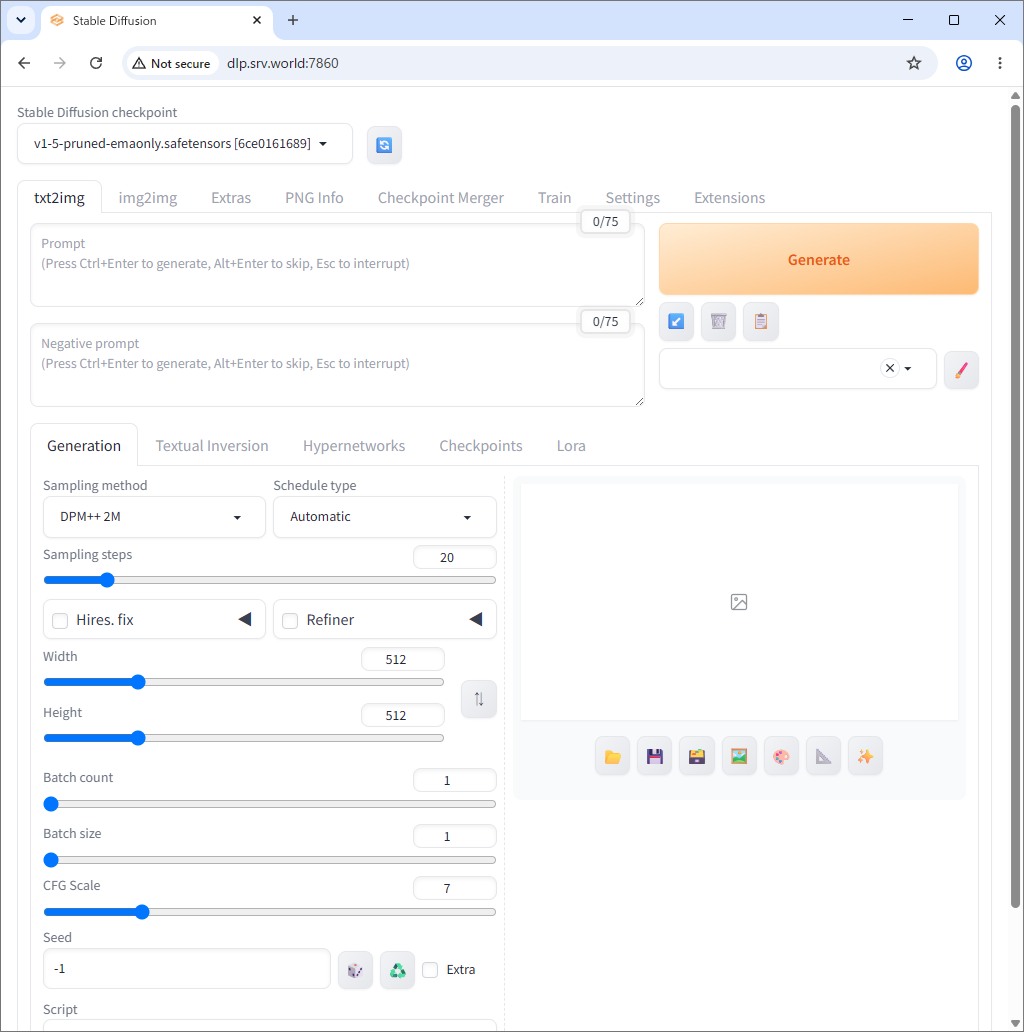
| [5] | 起動時に設定したポートへアクセスすると [Stable Diffusion] を利用することができます。 |
|
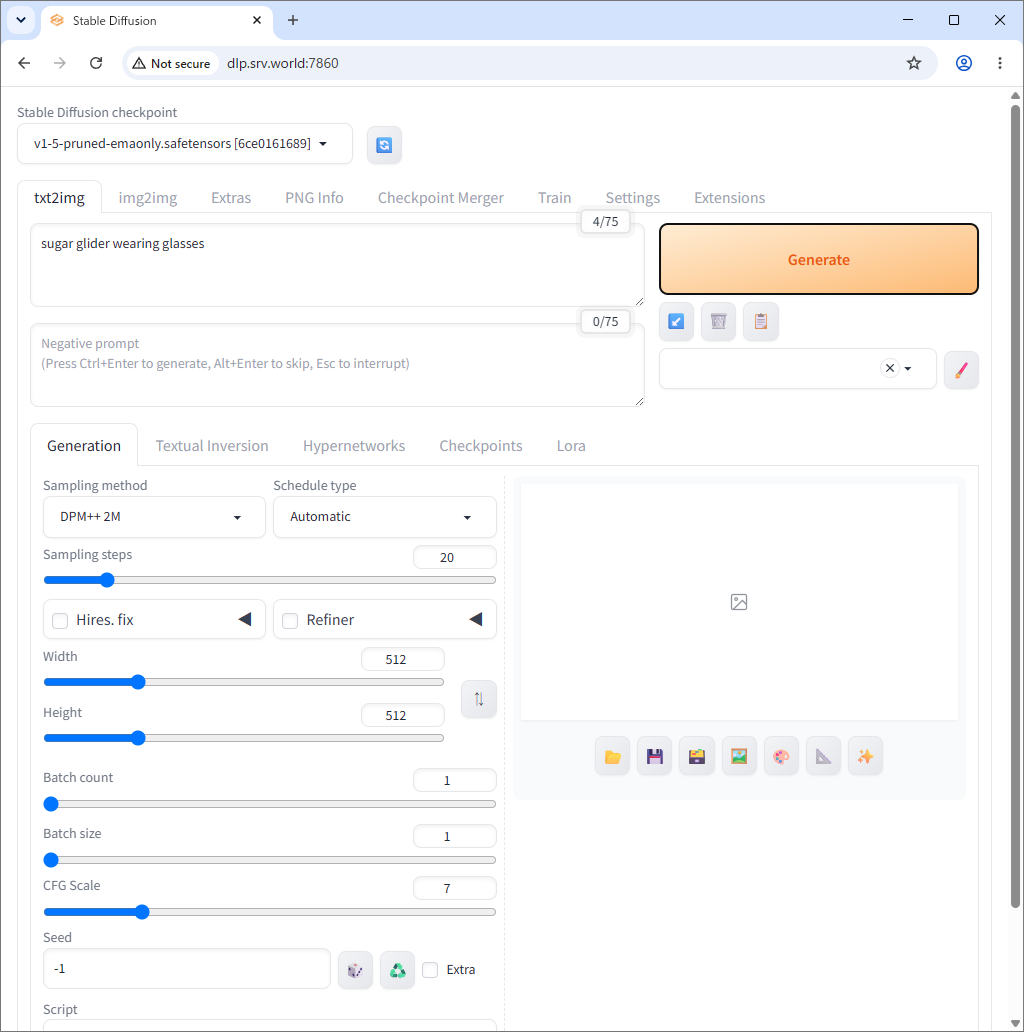
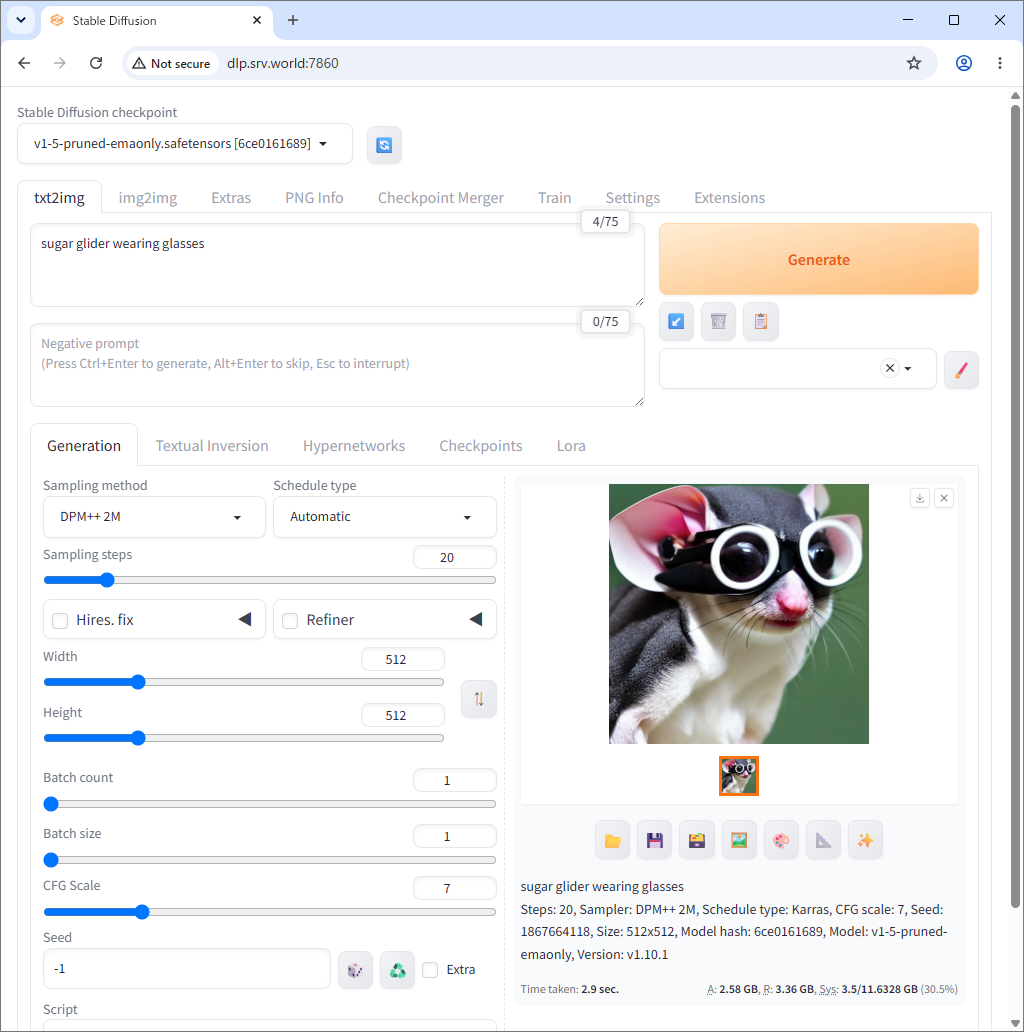
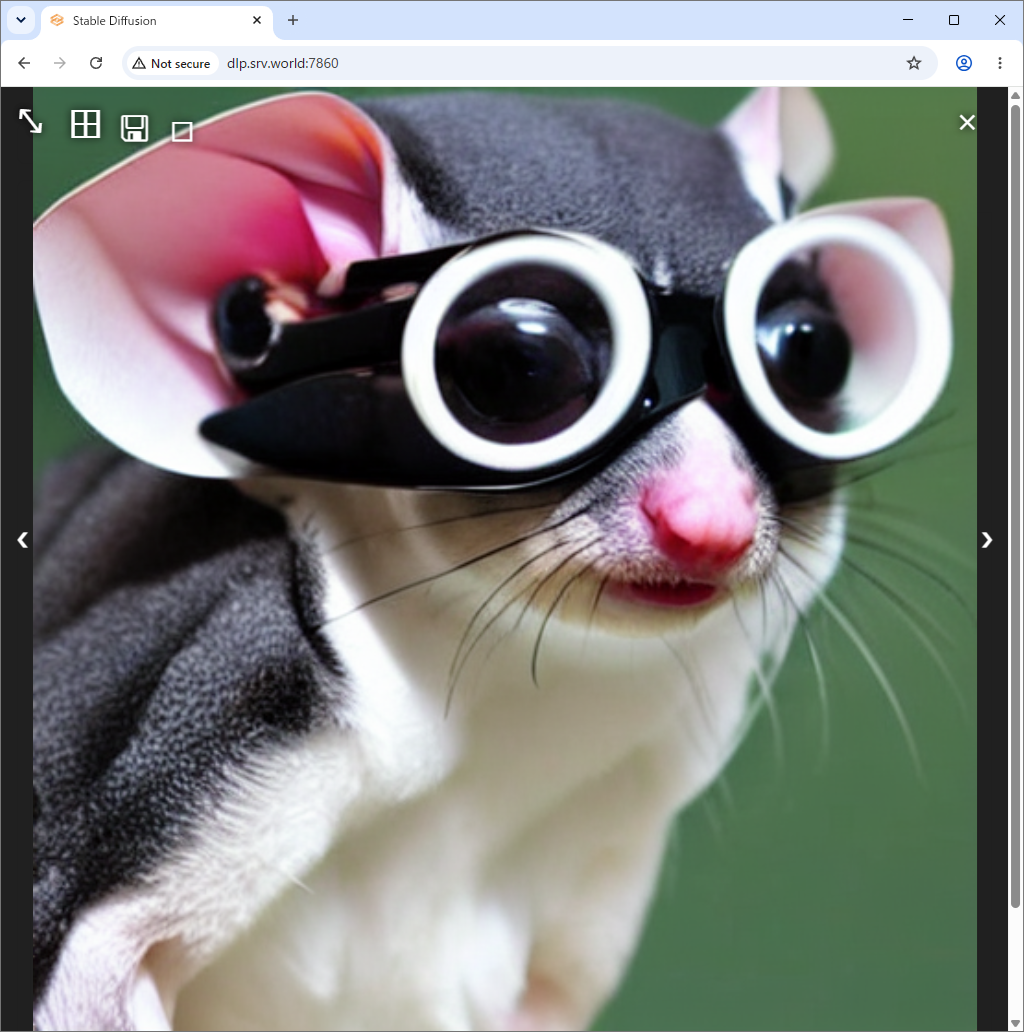
| [6] | 生成したい画像のテキストを入力して [Generate] ボタンをクリックすると、画像が生成されます。 下例では [sugar glider wearing glasses] (眼鏡をかけたフクロモモンガ) を入力 |
|
|
|
関連コンテンツ