Next.js : インストール2026/06/16 |
|
React ベースの Web 開発フレームワーク Next.js のインストールです。 |
|
| [1] | |
| [2] | 任意の一般ユーザーで Next.js テストアプリケーションを作成します。 |
|
# Next.js アプリケーション [test-app] 作成 ubuntu@dlp:~/testproject2$ npx create-next-app test-app Need to install the following packages: create-next-app@16.2.9 Ok to proceed? (y) y ✓ Would you like to use the recommended Next.js defaults? Yes, use recommended defaults Creating a new Next.js app in /home/ubuntu/testproject2/test-app. Using npm. ..... ..... Initialized a git repository. Success! Created test-app at /home/ubuntu/testproject2/test-app
ubuntu@dlp:~/testproject2$
cd test-app
# 開発用サーバーを起動 ubuntu@dlp:~/testproject2/test-app$ npm run dev > test-app@0.1.0 dev > next dev --turbopack ▲ Next.js 16.2.9 (Turbopack) - Local: http://localhost:3000 - Network: http://10.0.0.30:3000 ✓ Ready in 284ms Attention: Next.js now collects completely anonymous telemetry regarding usage. This information is used to shape Next.js' roadmap and prioritize features. You can learn more, including how to opt-out if you'd not like to participate in this anonymous program, by visiting the following URL: https://nextjs.org/telemetry |
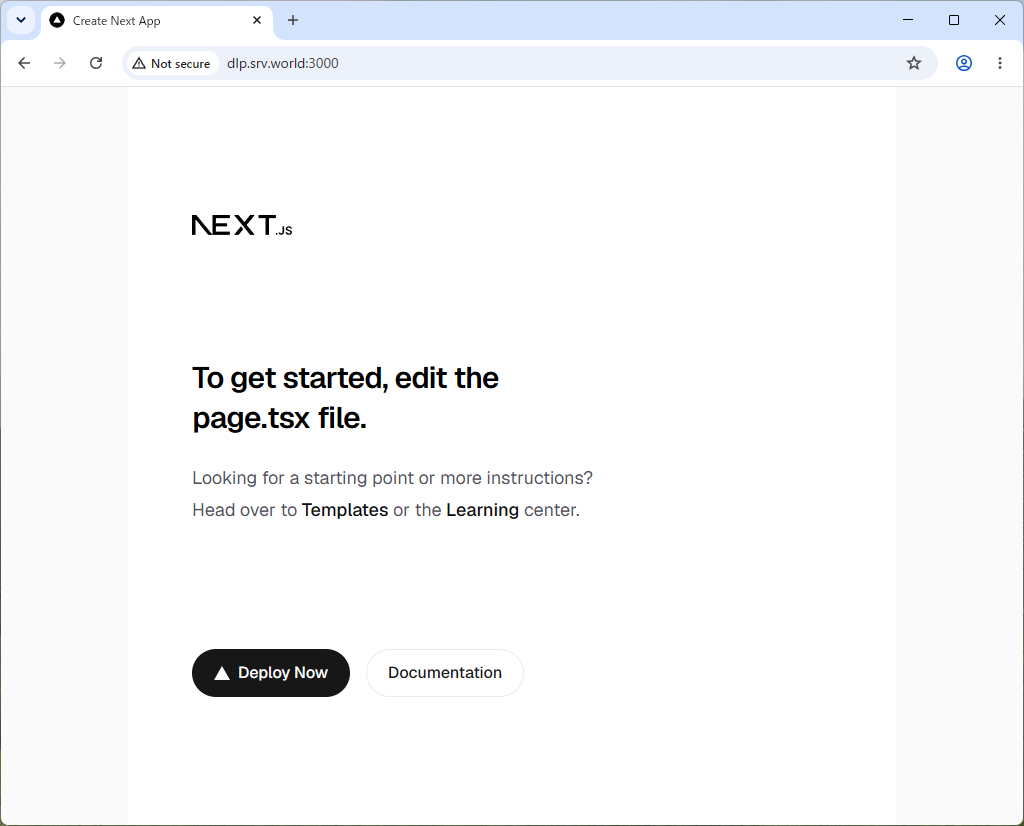
| 任意のクライアントコンピューターで表示された URL に Web アクセスして、以下のようなページが表示されれば OK です。 |
|
関連コンテンツ