Nginx : バーチャルホストの設定2019/08/07 |
|
Nginx のバーチャルホストの設定です。
例として、デフォルトドメインに加えて、新たに [virtual.host] ドメインを設定します。 |
|
| [1] | Nginx の設定です。 |
|
root@www:~#
vi /etc/nginx/sites-available/virtual.host.conf # 新規作成
server {
    listen       80;
    server_name  www.virtual.host;

    location / {
        root   /var/www/virtual.host;
        index  index.html index.htm;
    }
}
mkdir /var/www/virtual.host root@www:~# cd /etc/nginx/sites-enabled root@www:/etc/nginx/sites-enabled# ln -s /etc/nginx/sites-available/virtual.host.conf ./ root@www:/etc/nginx/sites-enabled# systemctl restart nginx |
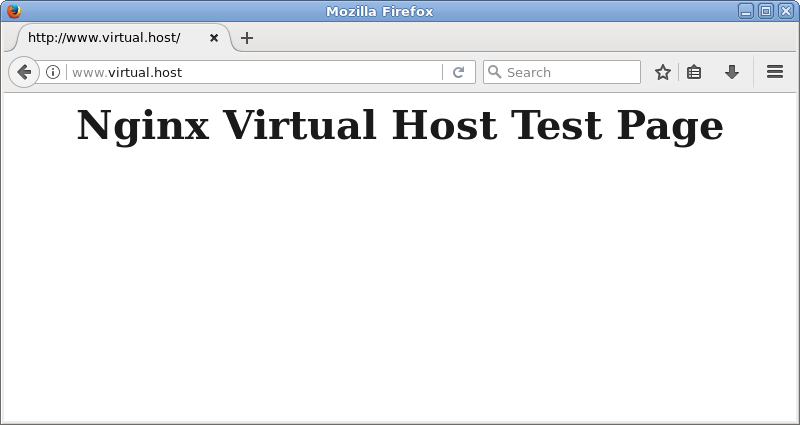
| [2] | テストページを作成して動作確認します。作成したテストページに Web アクセスして、ページが表示されれば OK です。 |
|
root@www:~#
vi /var/www/virtual.host/index.html <html> <body> <div style="width: 100%; font-size: 40px; font-weight: bold; text-align: center;"> Nginx Virtual Host Test Page </div> </body> </html> |
|
関連コンテンツ