Webmin : Install2026/01/07 |
|
Install Webmin that is web based system configuration tool for administrators. |
|
| [1] | Install required packages first. |
|
dlp:~ # zypper -n install perl perl-Net-SSLeay perl-Encode-Detect qrencode
|
| [2] | Install Webmin. Make sure the latest version and install it. ⇒ http://download.webmin.com/download/yum/ |
|
dlp:~ #
zypper --no-gpg-checks -n install http://download.webmin.com/download/yum/webmin-2.610-1.noarch.rpm
dlp:~ #
vi /etc/webmin/miniserv.conf # last line : add access permission allow=127.0.0.1 10.0.0.0/24
systemctl restart webmin
|
| [3] | If Firewalld running, allow service port. |
|
dlp:~ # firewall-cmd --add-port=10000/tcp success dlp:~ # firewall-cmd --runtime-to-permanent success |
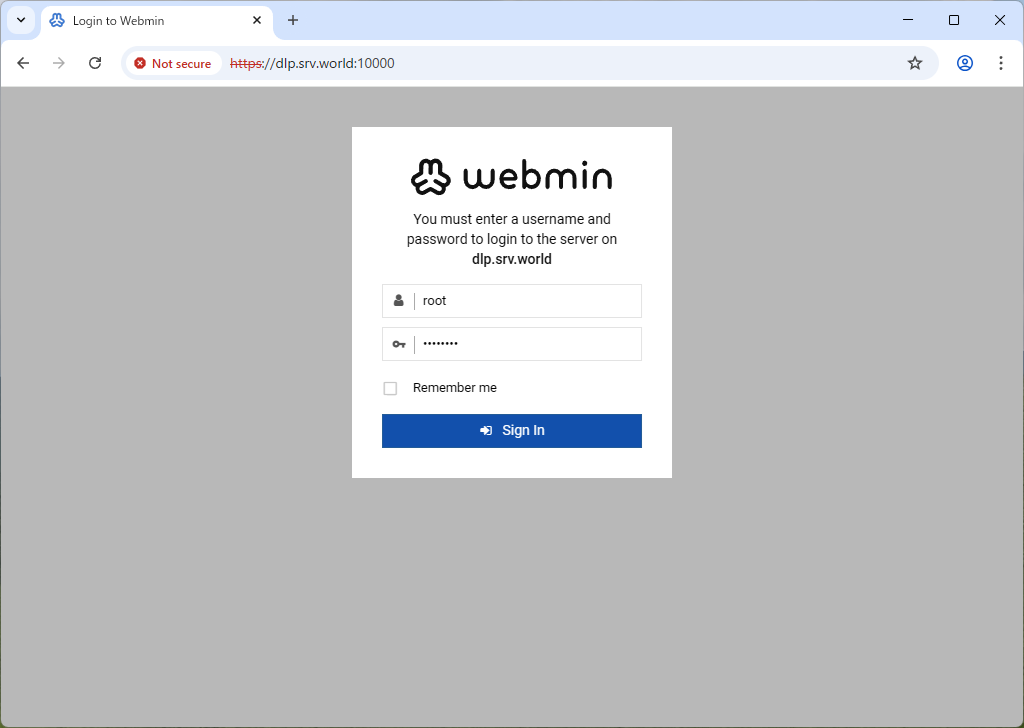
| [4] | Access to the [https://(server's hostname or IP address):10000/] from a client computer which is in the network you allowed. Then, Webmin login form is displayed, it's possible to login as any OS user account. |
|
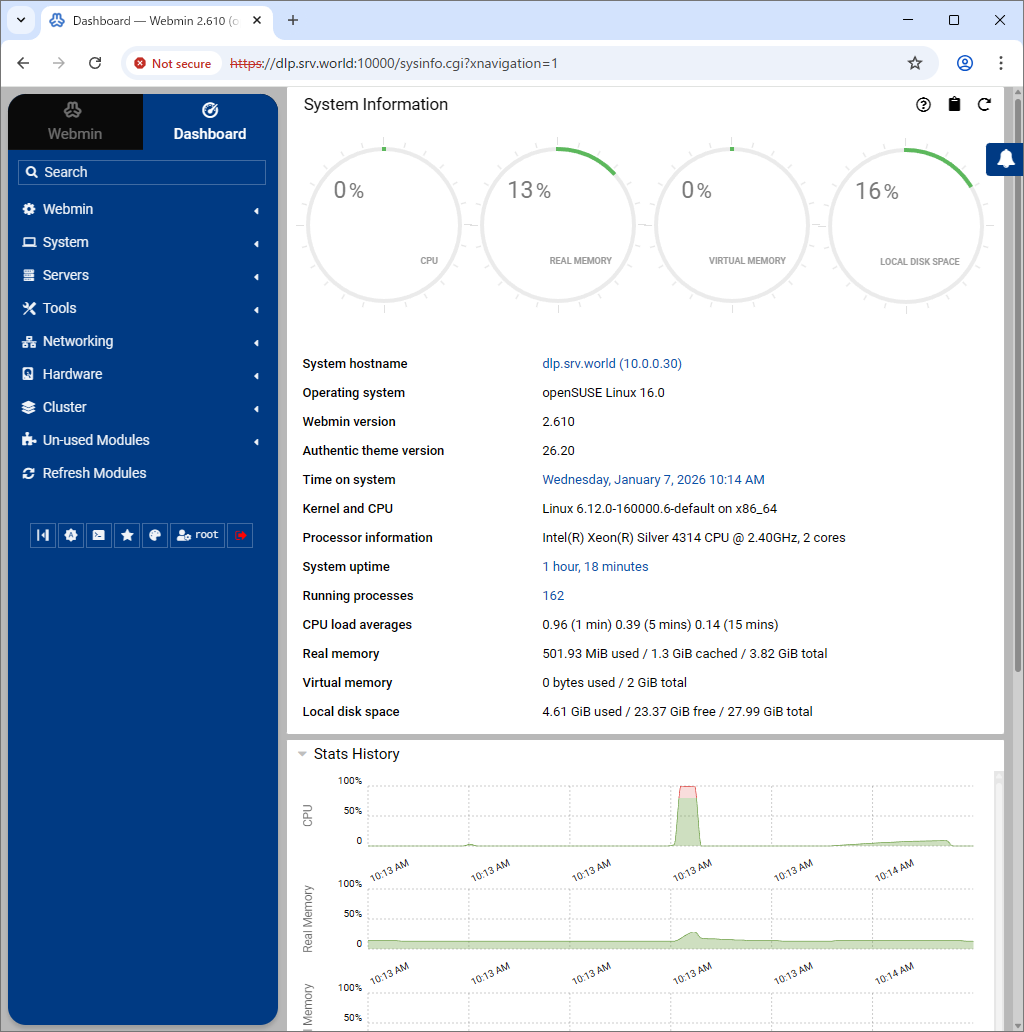
| [5] | This is the main page of Webmin. It's possible to configure various system settings. |
|
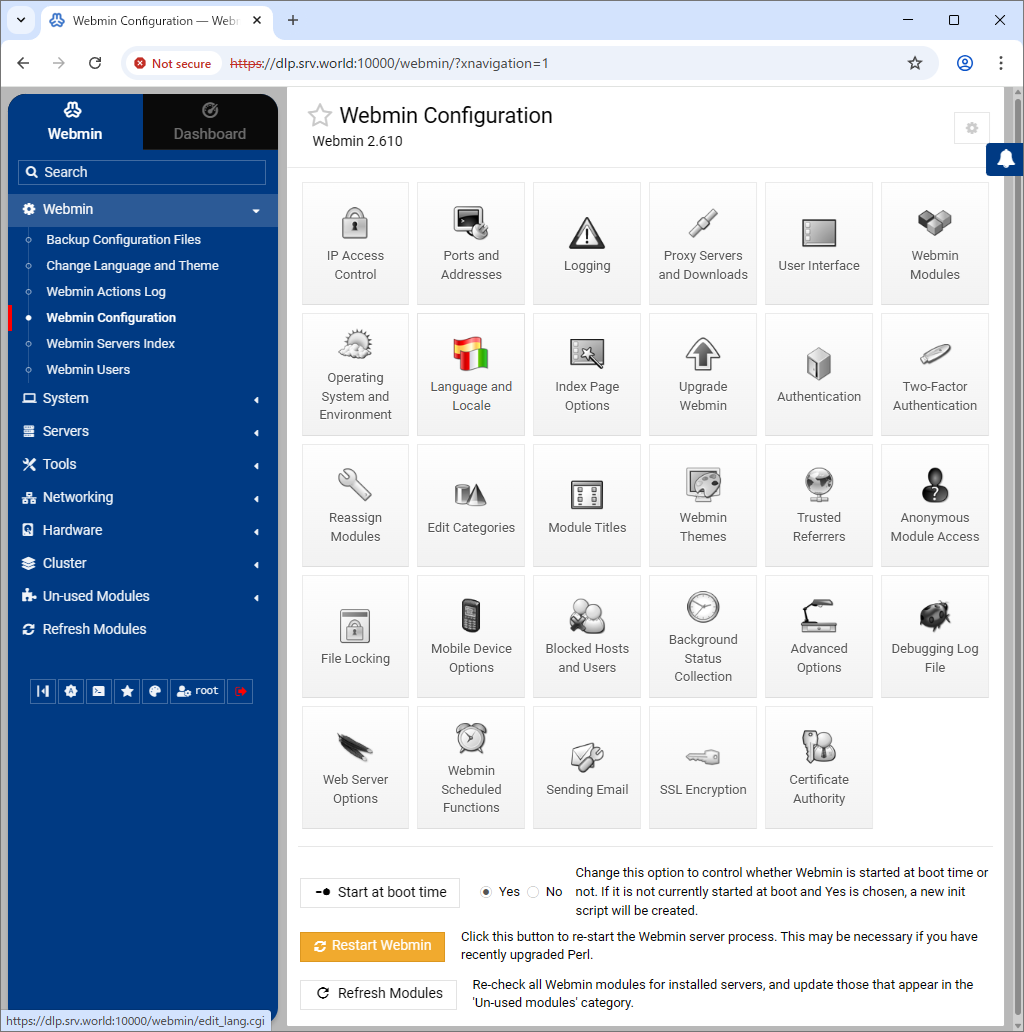
| [6] | You can change to your language to click [Webmin] - [Webmin Configuration] on the left pane and click [Language and Locale] on the right pane. |
|
Matched Content