Jitsi Meet : Install2026/01/09 |
|
Install Jitsi Meet that is the Online Video Conferencing System. |
|
| [1] |
Get SSL certificate, refer to here. |
| [2] | |
| [3] | |
| [4] | Install Jitsi Meet. |
|
dlp:~ #
dlp:~ # zypper -n install git openssl-3 git clone https://github.com/jitsi/docker-jitsi-meet Cloning into 'docker-jitsi-meet'... remote: Enumerating objects: 7505, done. remote: Counting objects: 100% (175/175), done. remote: Compressing objects: 100% (83/83), done. remote: Total 7505 (delta 125), reused 93 (delta 92), pack-reused 7330 (from 3) Receiving objects: 100% (7505/7505), 1.93 MiB | 22.72 MiB/s, done. Resolving deltas: 100% (3492/3492), done.dlp:~ # cd docker-jitsi-meet dlp:~/docker-jitsi-meet # cp env.example .env
dlp:~/docker-jitsi-meet #
vi .env # line 22 : change to http well-known port HTTP_PORT=80 # line 25 : change to https well-known port HTTPS_PORT=443 # line 28 : change to your timezone TZ=Asia/Tokyo # line 32 : change to your server name users can access PUBLIC_URL=https://dlp.srv.world # line 122 : uncomment ENABLE_AUTH=1 # line 125 : uncomment ENABLE_GUESTS=1 # line 128 : uncomment AUTH_TYPE=internal # generate passwords that are used in Jitsi internal dlp:~/docker-jitsi-meet # ./gen-passwords.sh
# pull container image dlp:~/docker-jitsi-meet # docker-compose pull [+] Pulling 0/4 web Pulling jicofo Pulling jvb Pulling prosody Pullingdlp:~/docker-jitsi-meet # podman images REPOSITORY TAG IMAGE ID CREATED SIZE docker.io/jitsi/jvb unstable 5af105cfcdd8 12 hours ago 856 MB docker.io/jitsi/jicofo unstable f6214b9249c6 12 hours ago 715 MB docker.io/jitsi/web unstable 6de7462a3ada 12 hours ago 379 MB docker.io/jitsi/prosody unstable 7d0d626e70a1 12 hours ago 260 MBdlp:~/docker-jitsi-meet # docker-compose up -d [+] Running 5/5 ✓ Network docker-jitsi-meet_meet.jitsi Created 0.1s ✓ Container docker-jitsi-meet-prosody-1 Started 0.1s ✓ Container docker-jitsi-meet-jicofo-1 Started 0.1s ✓ Container docker-jitsi-meet-jvb-1 Started 0.1s ✓ Container docker-jitsi-meet-web-1 Starteddlp:~/docker-jitsi-meet # docker-compose ps NAME IMAGE COMMAND SERVICE CREATED STATUS PORTS docker-jitsi-meet-jicofo-1 docker.io/jitsi/jicofo:unstable "" jicofo 15 seconds ago Up 14 seconds 127.0.0.1:8888->8888/tcp docker-jitsi-meet-jvb-1 docker.io/jitsi/jvb:unstable "" jvb 15 seconds ago Up 14 seconds 127.0.0.1:8080->8080/tcp, 10000/udp docker-jitsi-meet-prosody-1 docker.io/jitsi/prosody:unstable "" prosody 15 seconds ago Up 14 seconds docker-jitsi-meet-web-1 docker.io/jitsi/web:unstable "" web 15 seconds ago Up 14 seconds 80/tcp, 443/tcp # register users # prosodyctl register (username) (hostname) (password) # if using a container image like this example, replace (hostname) with [meet.jitsi] dlp:~/docker-jitsi-meet # docker-compose exec prosody prosodyctl --config /config/prosody.cfg.lua register serverworld meet.jitsi mypassword usermanager info User account created: serverworld@meet.jitsi # if Firewalld is running, allow service ports dlp:~/docker-jitsi-meet # firewall-cmd --add-service={http,https} success dlp:~/docker-jitsi-meet # firewall-cmd --runtime-to-permanent success # self-signed certificate generated by the app is as follows # for example, to replace it with your own Lets Encrypt certificate # overwrite [cert.crt] with [fullchain.pem] # overwrite [cert.key] with [privkey.pem] and restart the application dlp:~/docker-jitsi-meet # ll ~/.jitsi-meet-cfg/web/keys total 8 -rw-r--r--. 1 root root 1326 Jan 9 11:15 cert.crt -rw-------. 1 root root 1704 Jan 9 11:15 cert.key |
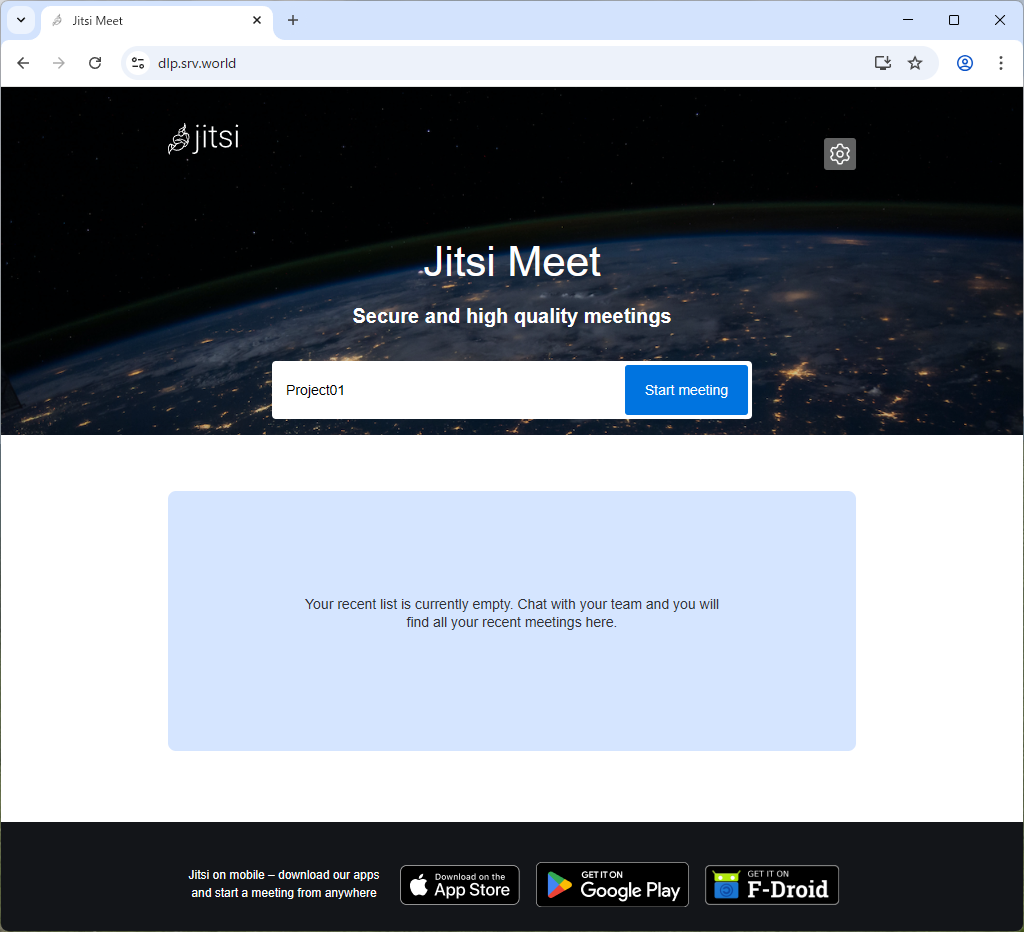
| [5] | Access to the URL of the hostname you did input during the installation with an web browser from any client computer, then Jitsi Meet site is shown. Input any conference name and click [Start meeting] button. |
|
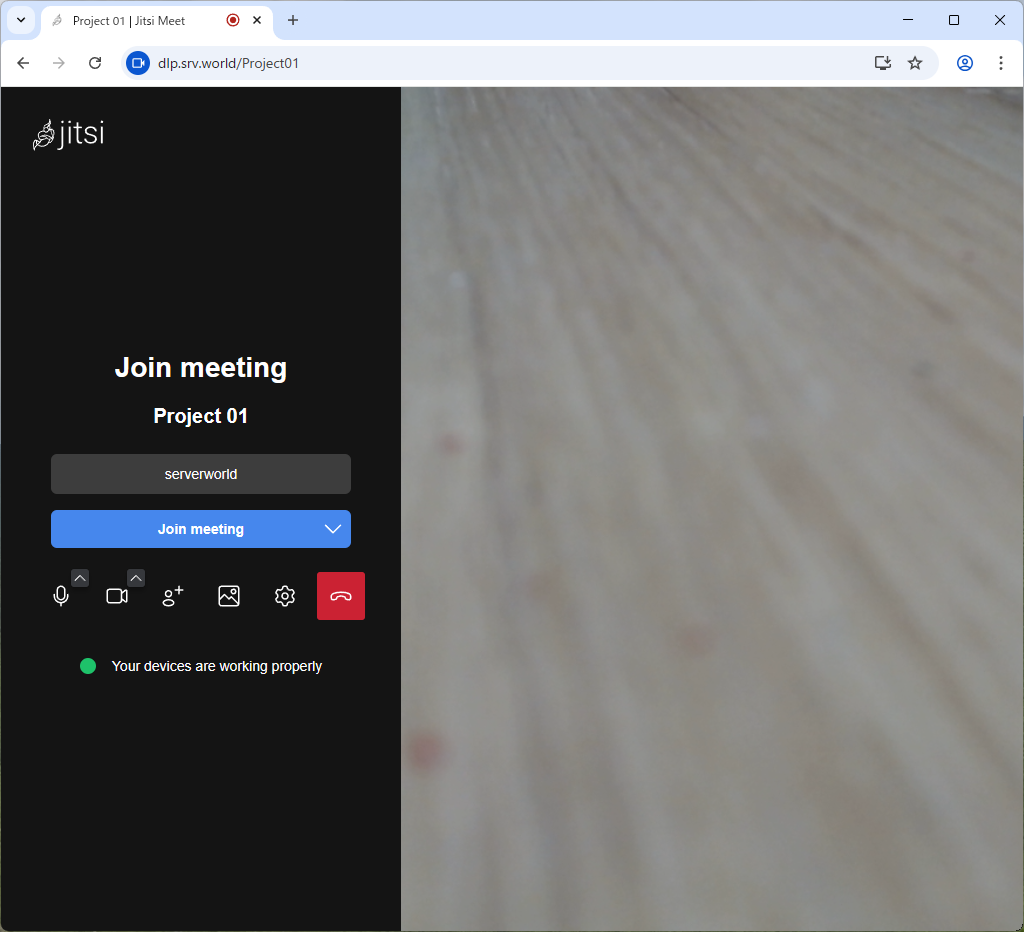
| [6] | Input an username and password you added. |
|

|
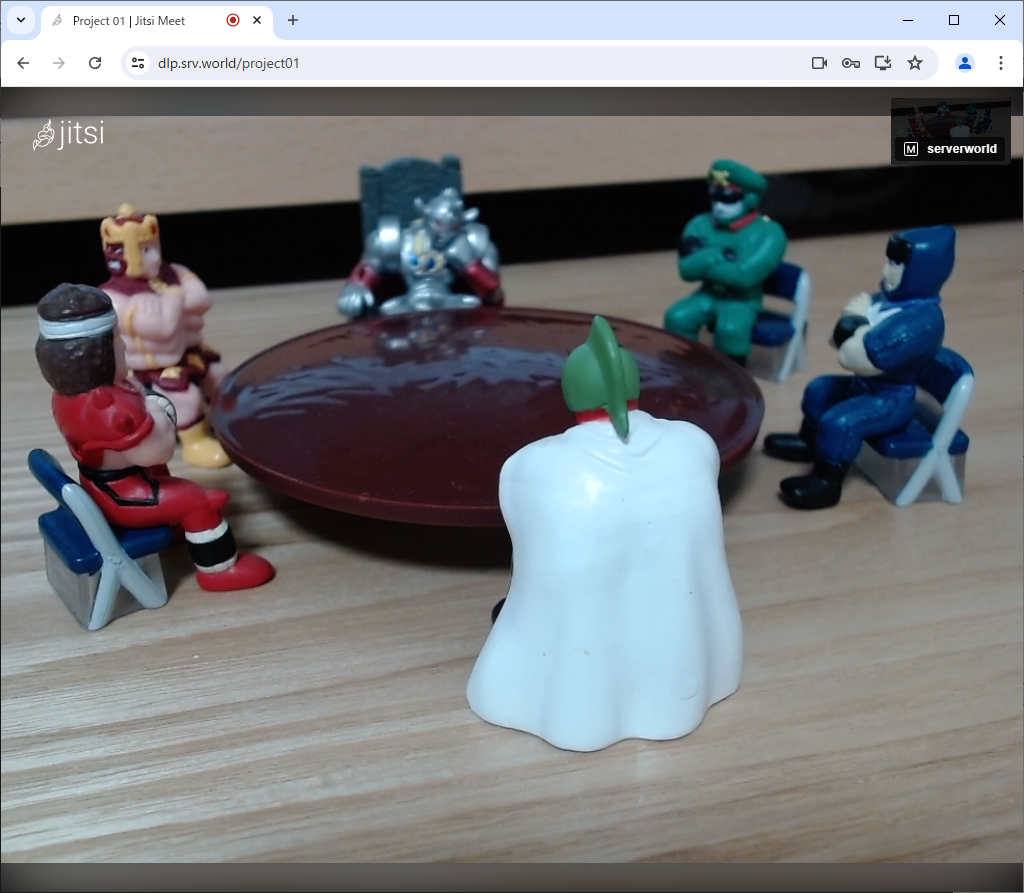
| [7] | After successfully authentication, you can join on the meeting. |
|
Matched Content