DNS Server : Install2021/12/23 |
|
Configure DNS Server to provide feature of resolving Hostname or IP Address.
On CUI installation, set like follows.
|
|
| [1] | Run PowerShell with Admin Privilege and Install DNS Server. |
Windows PowerShell Copyright (C) Microsoft Corporation. All rights reserved. # install DNS with admin tools PS C:\Users\Administrator> Install-WindowsFeature DNS -IncludeManagementTools Success Restart Needed Exit Code Feature Result ------- -------------- --------- -------------- True No Success {DNS Server, Remote Server Administration ... |
|
DNS Server : Install (GUI)
|
|
On GUI installation, set like follows.
|
|
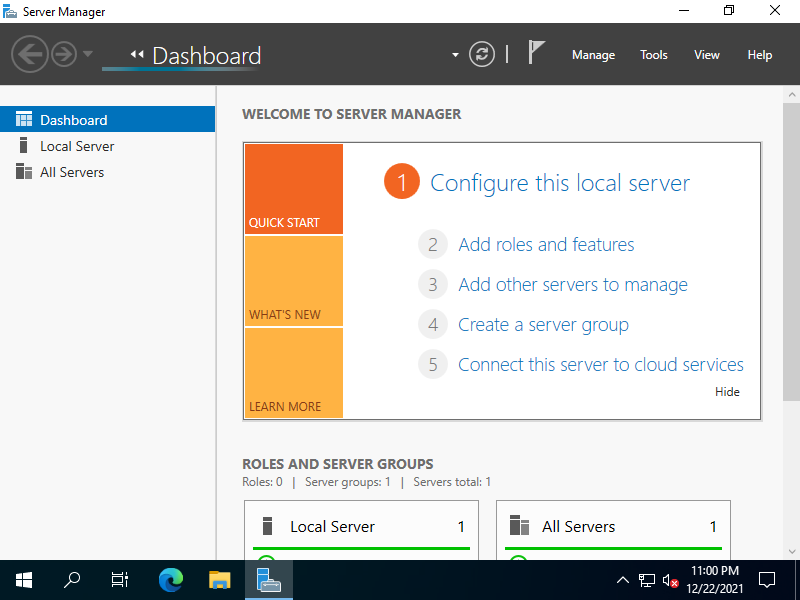
| [2] | Run Server Manager and Click [Add roles and features]. |
|
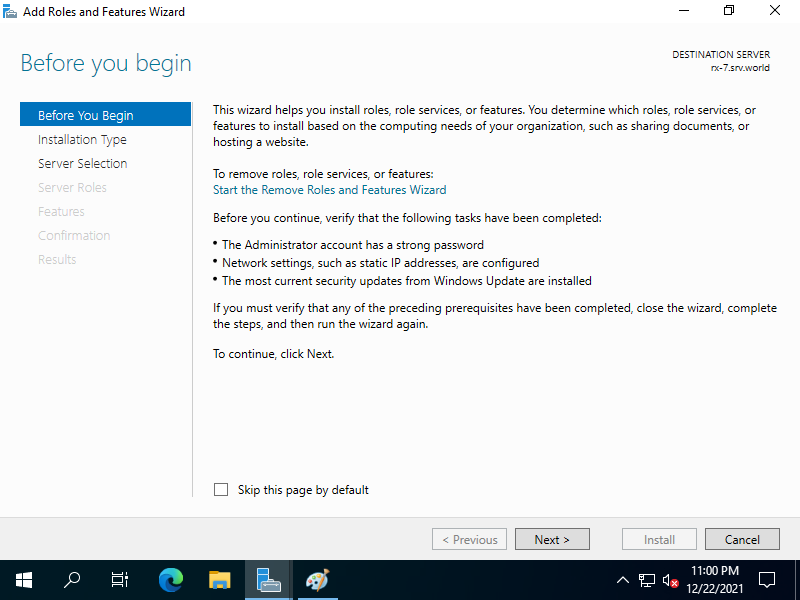
| [3] | Click [Next] button. |
|
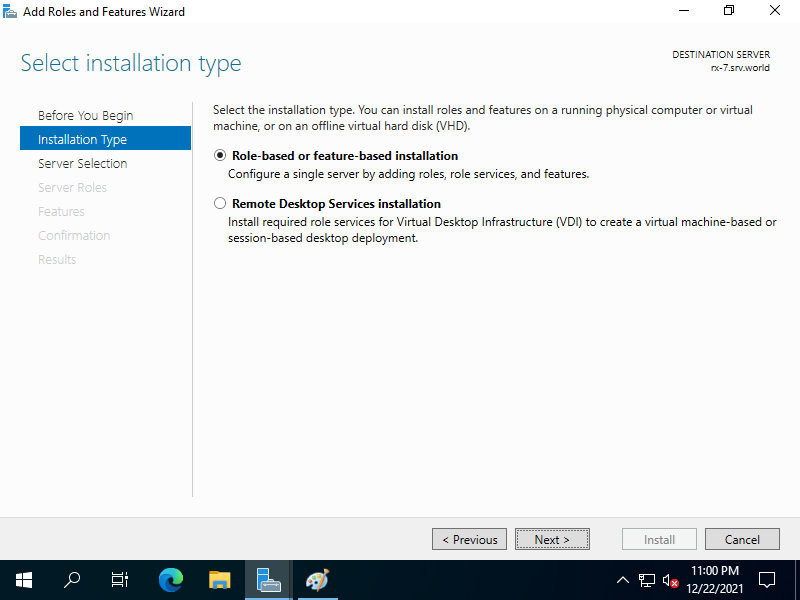
| [4] | Select [Role-based or feature-based installation]. |
|
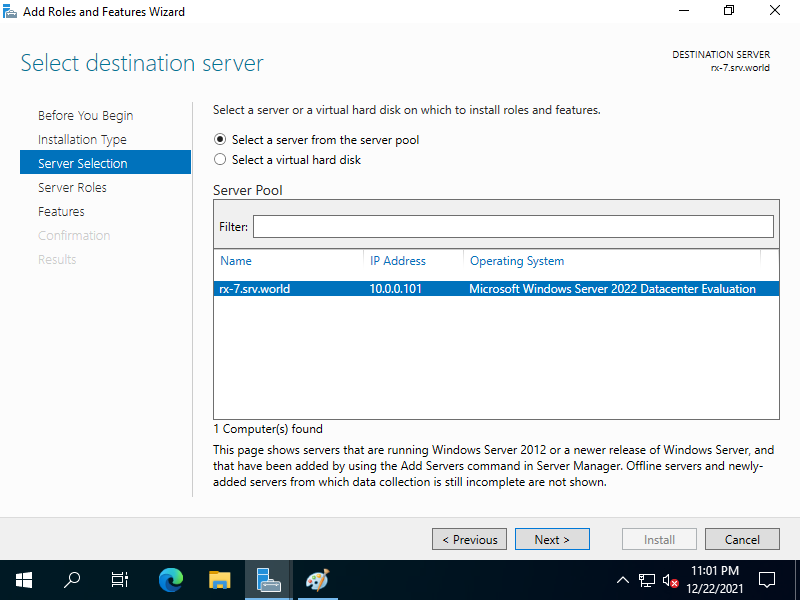
| [5] | Select a Host which you'd like to add services. |
|
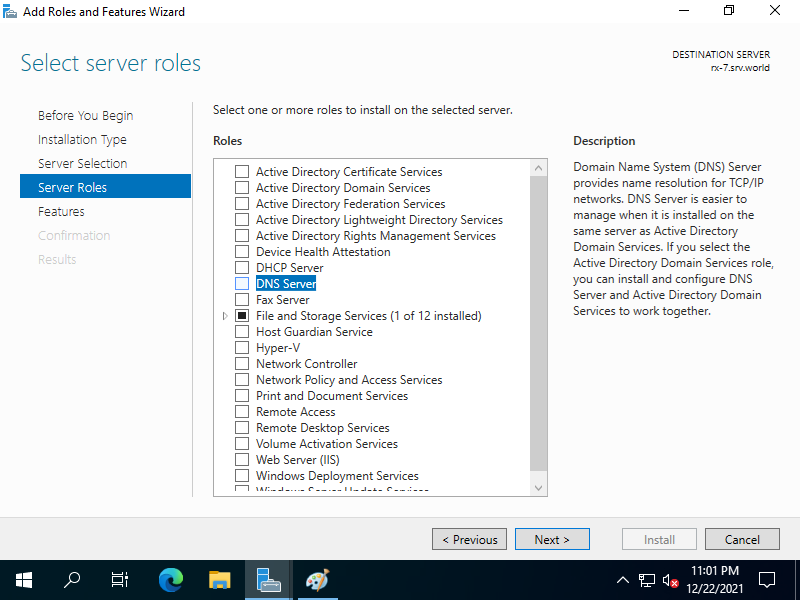
| [6] | Check a box [DNS Server]. |
|
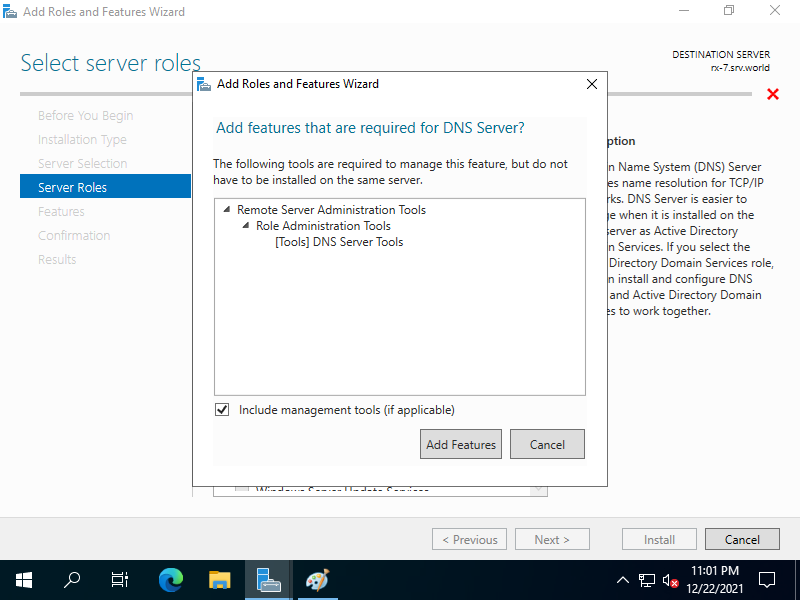
| [7] | Addtional features are required to add DNS Server. Click [Add Features] button and then Click [Next] button. |
|
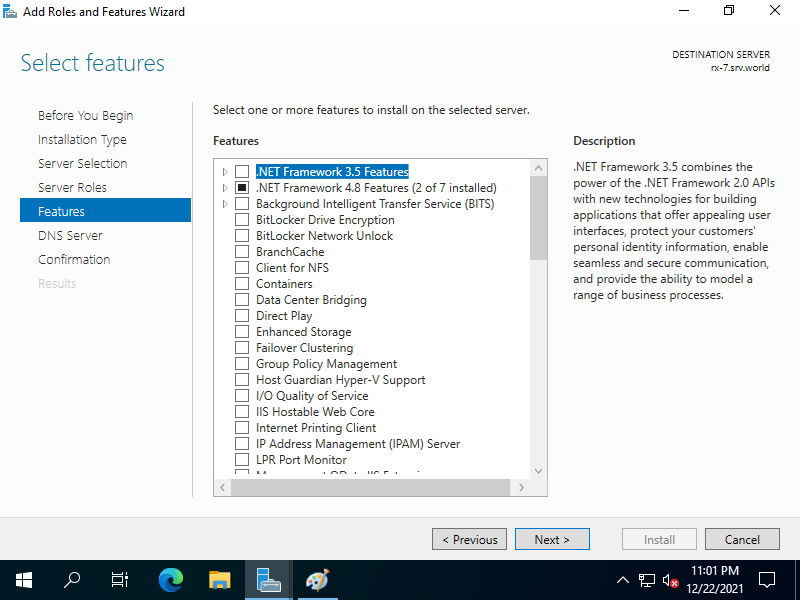
| [8] | Click [Next] button. |
|
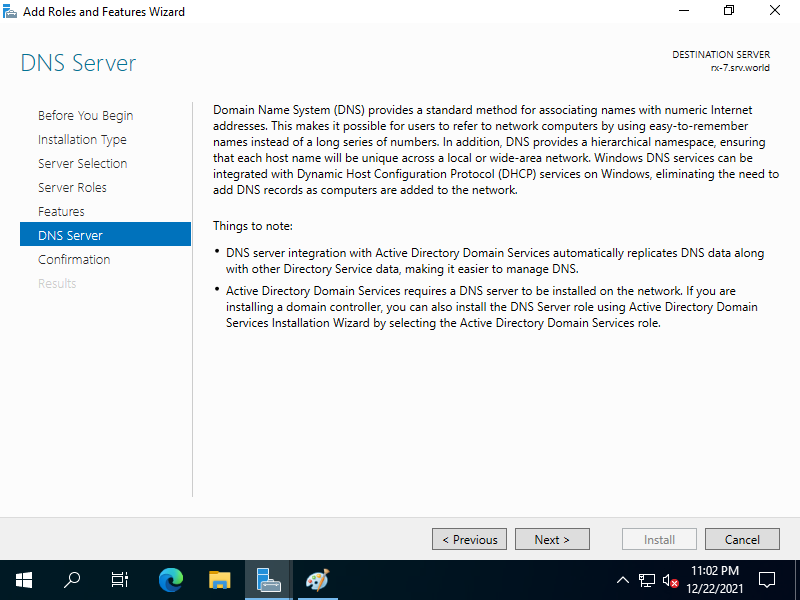
| [9] | Click [Next] button. |
|
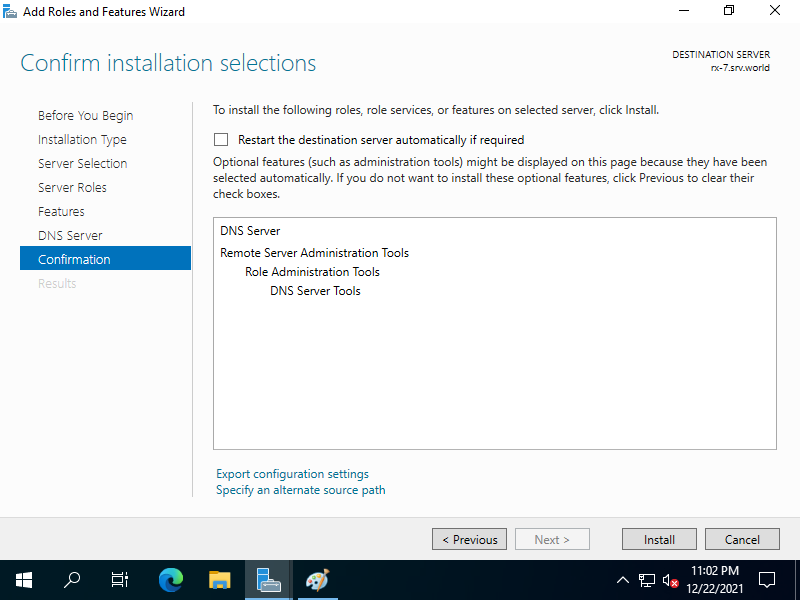
| [10] | Click [Install] button. |
|
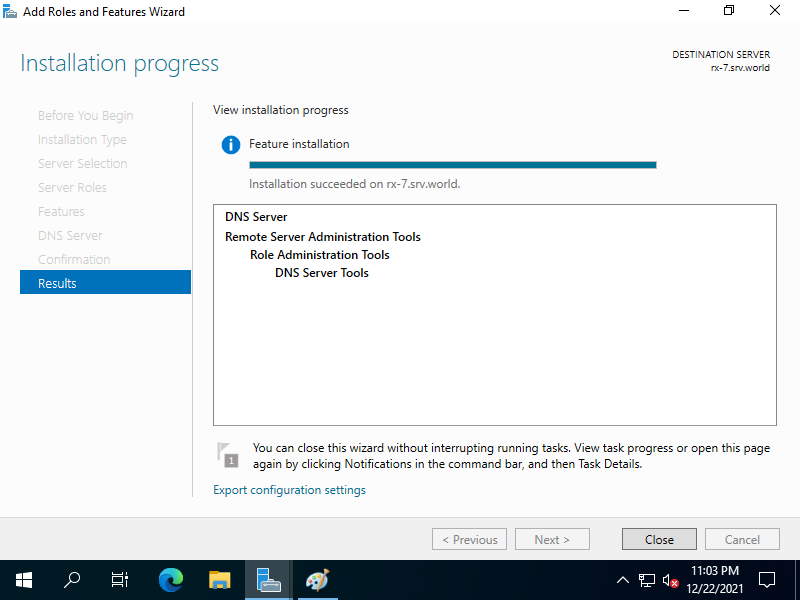
| [11] | After finishing Installation, click [Close] button. |
|
Matched Content