Windows Admin Center : Overview of Items #22022/12/22 |
|
This is the Overview of each Item on Windows Admin Center Web Console.
|
|
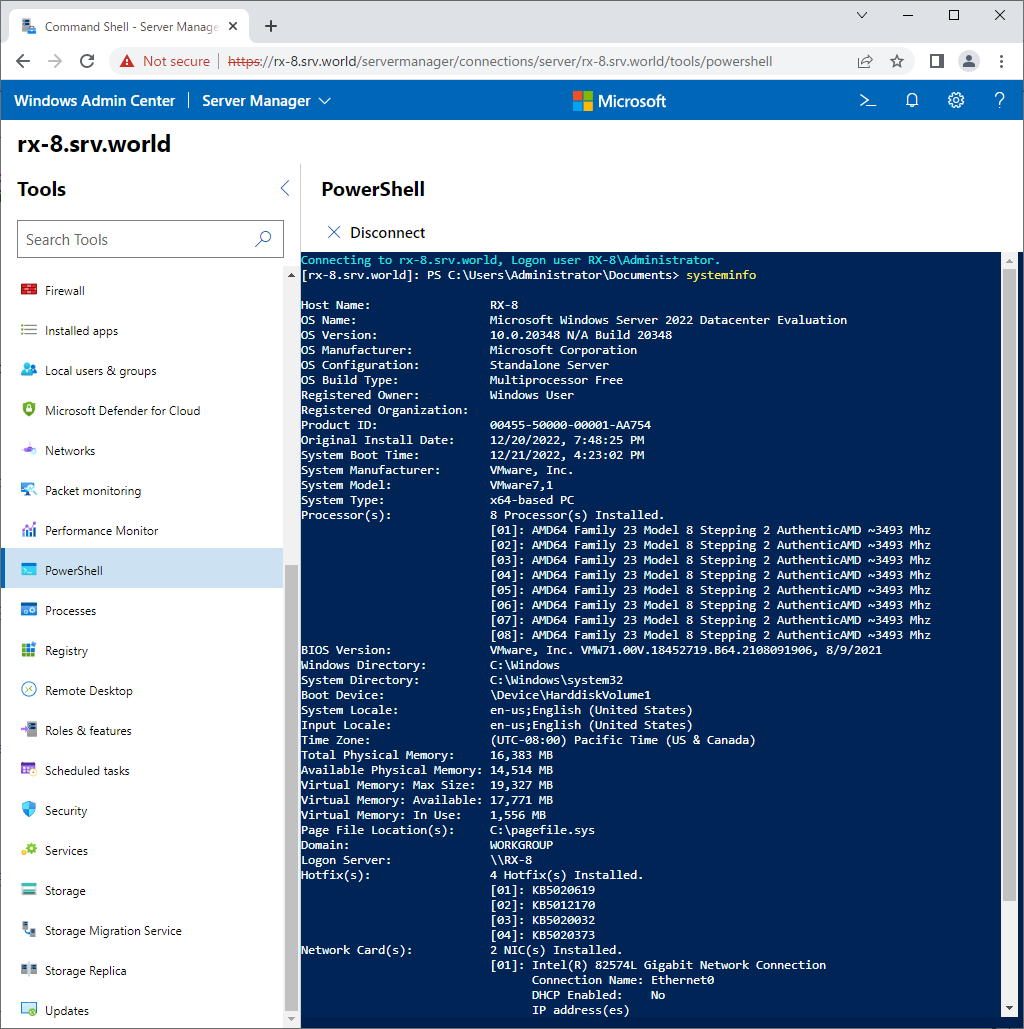
| [1] | For [PowerShell] on the left pane, it's possible to manage or configure the target Host with PowerShell Cmdlets directly. |
|
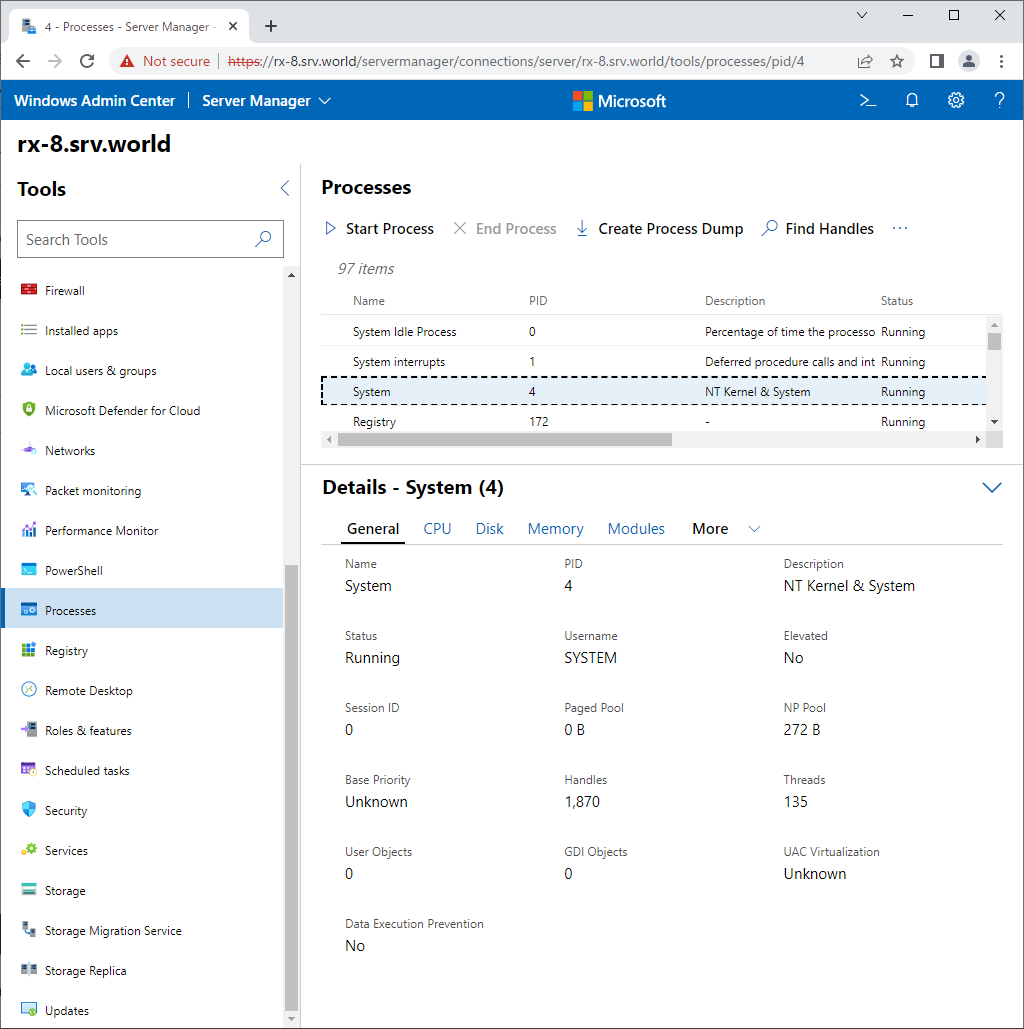
| [2] | For [Processes] on the left pane, it's possible to manage processes. |
|
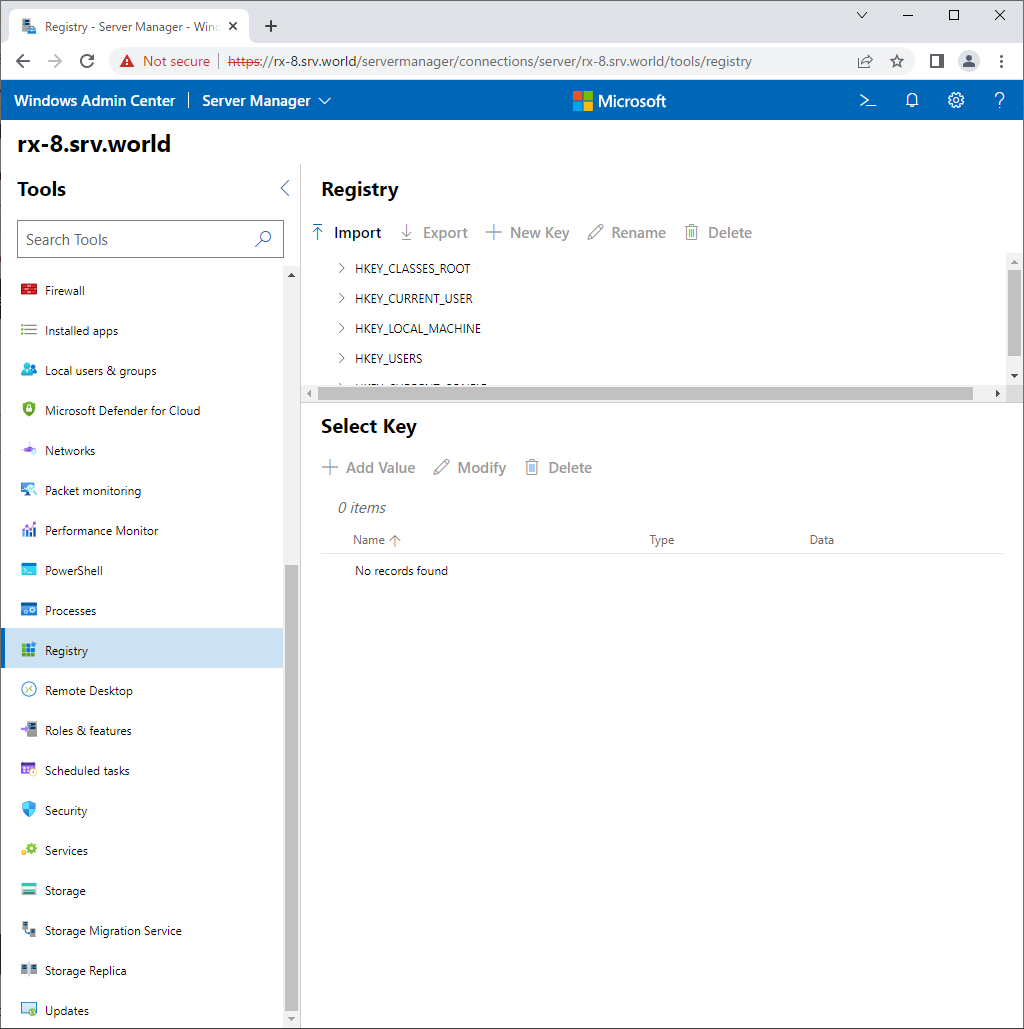
| [3] | For [Registry] on the left pane, it's possible to manage Registry Keys. |
|
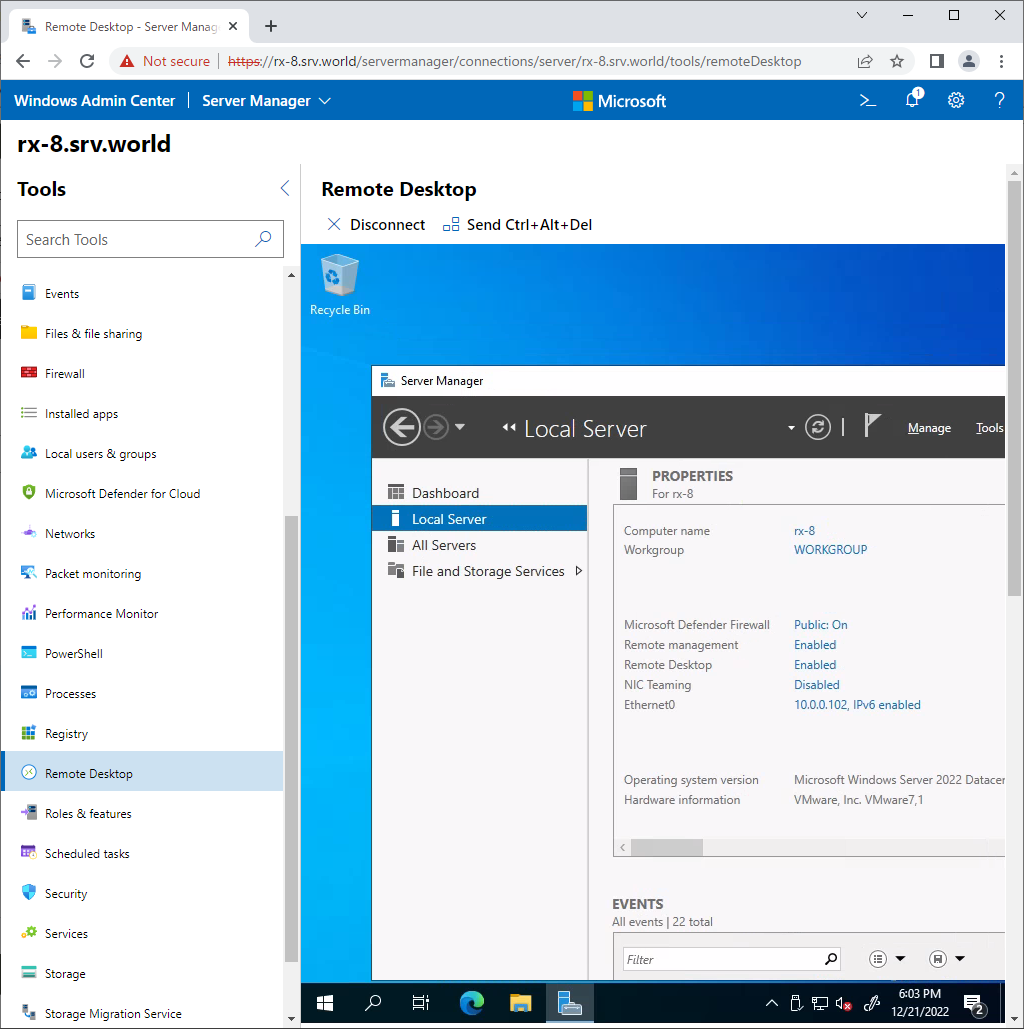
| [4] | For [Remote Desktop] on the left pane, it's possible to connect to the target Host with Remote Desktop. It needs Remote Desktop is enabled on the target Host first. |
|
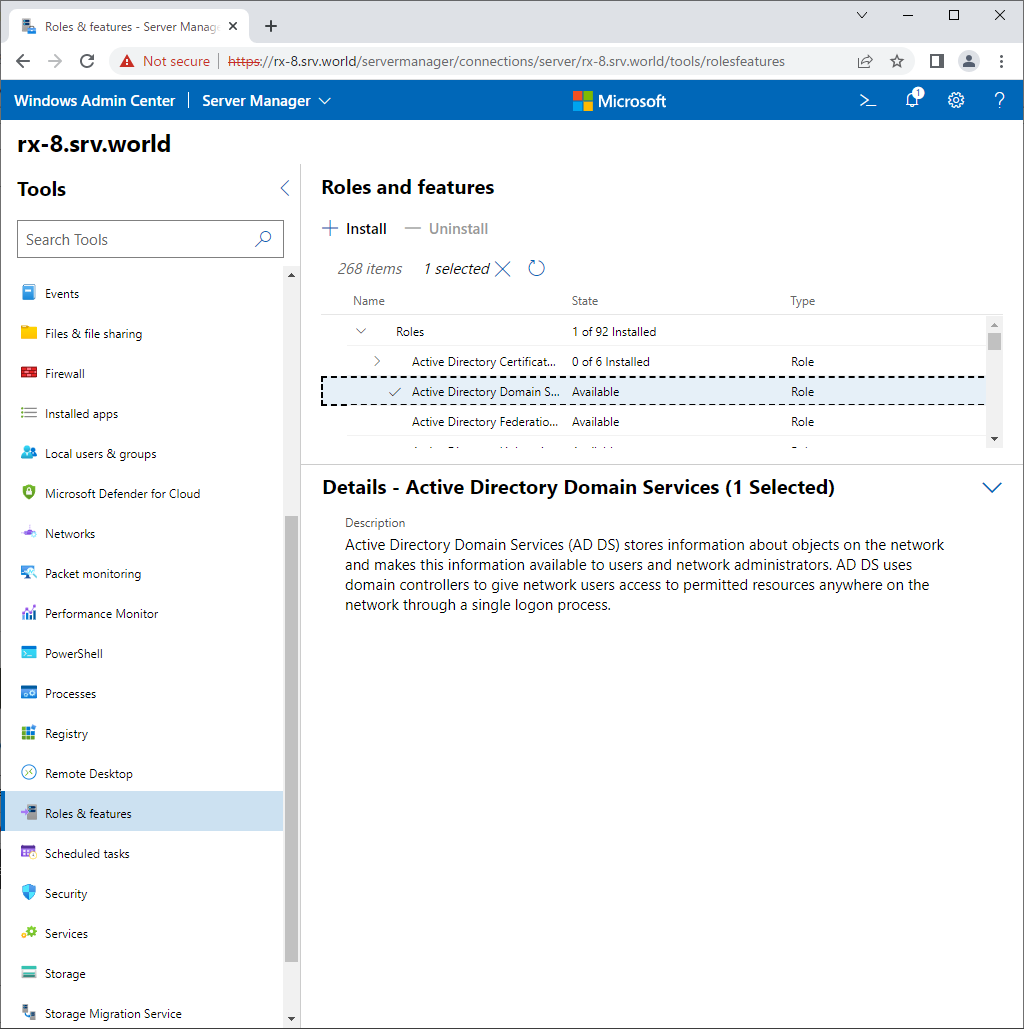
| [5] | For [Roles and Features] on the left pane, it's possible to install or remove Roles and Features. |
|
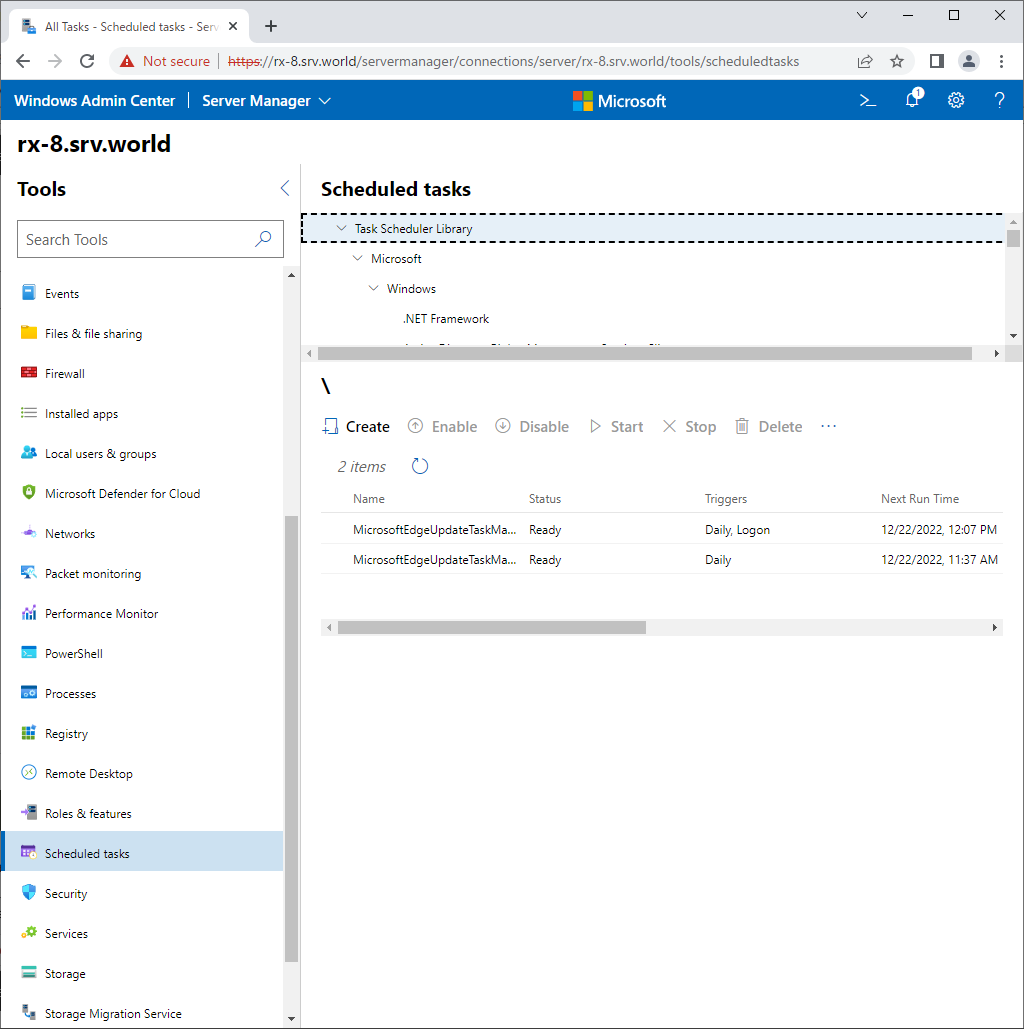
| [6] | For [Scheduled Tasks] on the left pane, it's possible to manage tasks, it's the same feature with Windows Task Scheduler. |
|
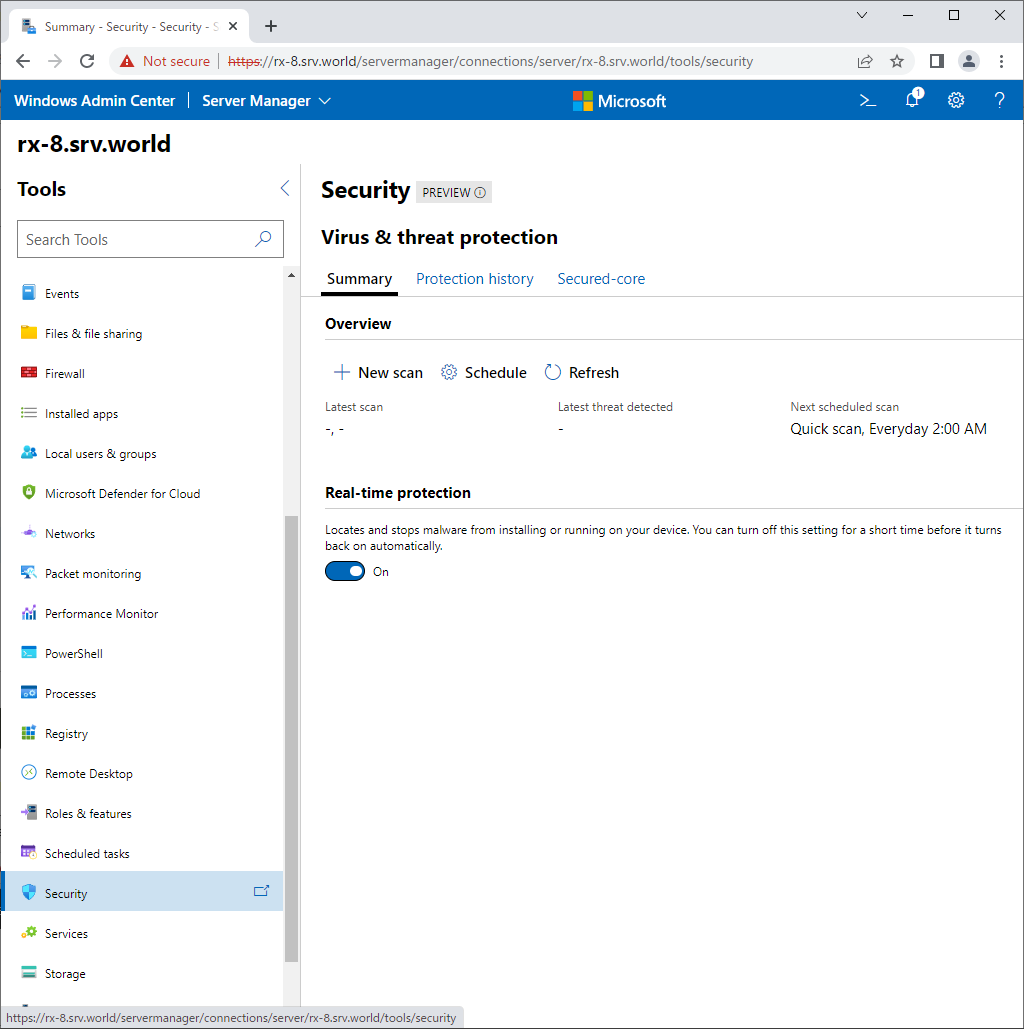
| [7] | For [Security] on the left pane, it's possible to manage Windows security. |
|
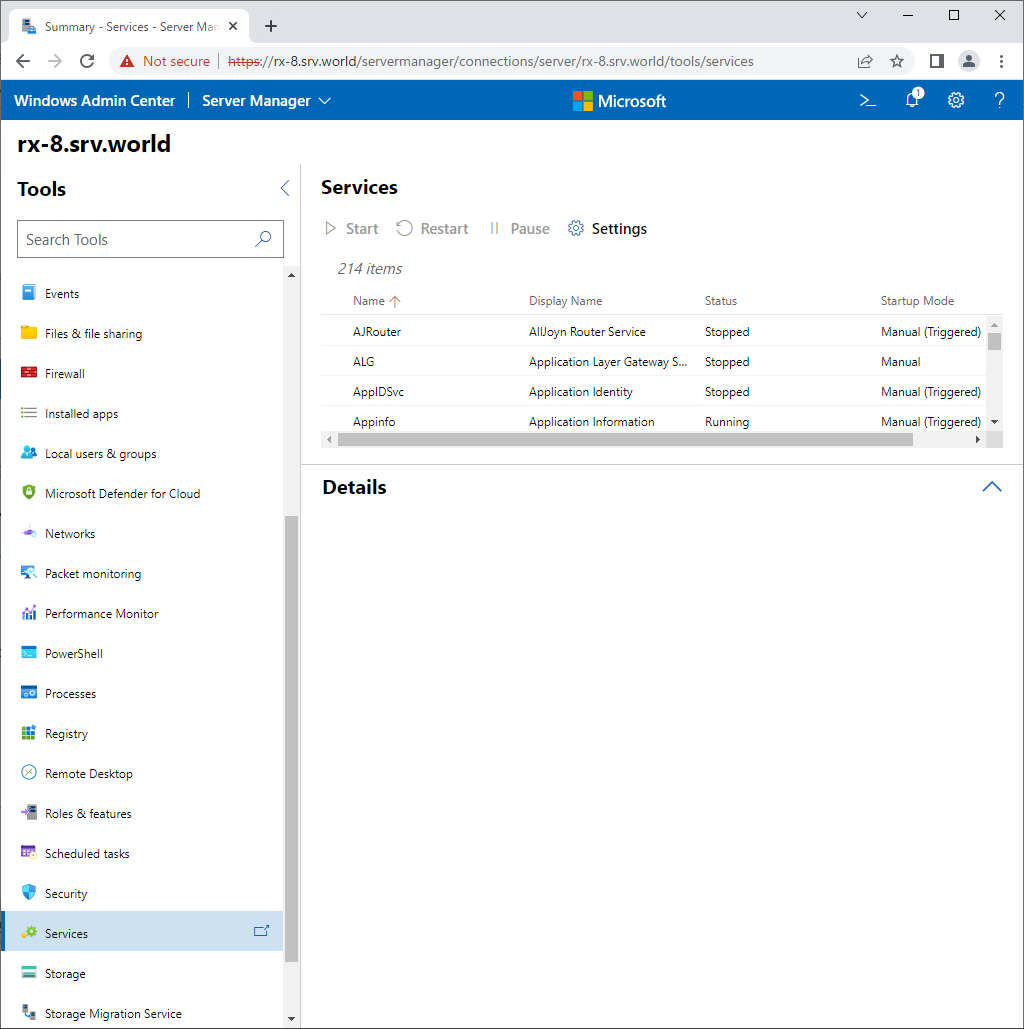
| [8] | For [Services] on the left pane, it's possible to start or stop services. |
|
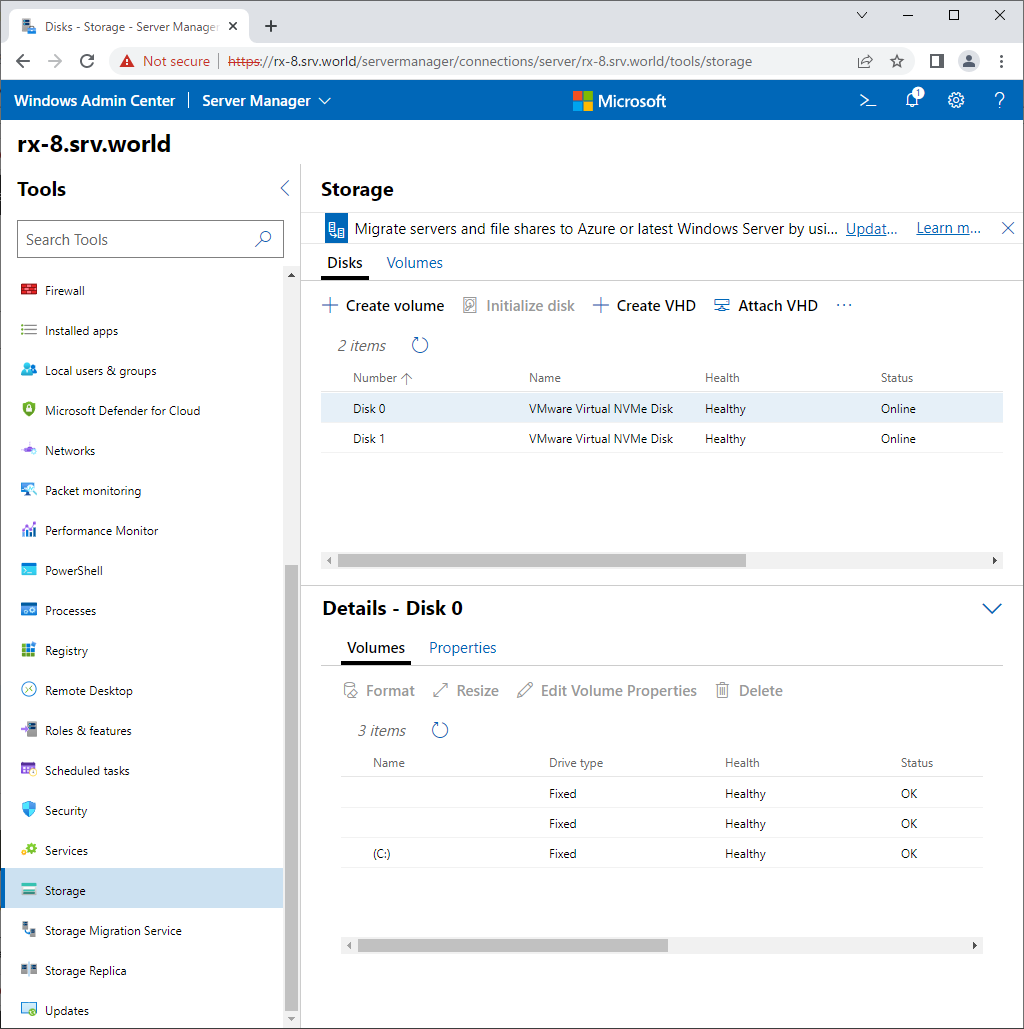
| [9] | For [Storage] on the left pane, it's possible to manage disks that are attached on target Host. |
|
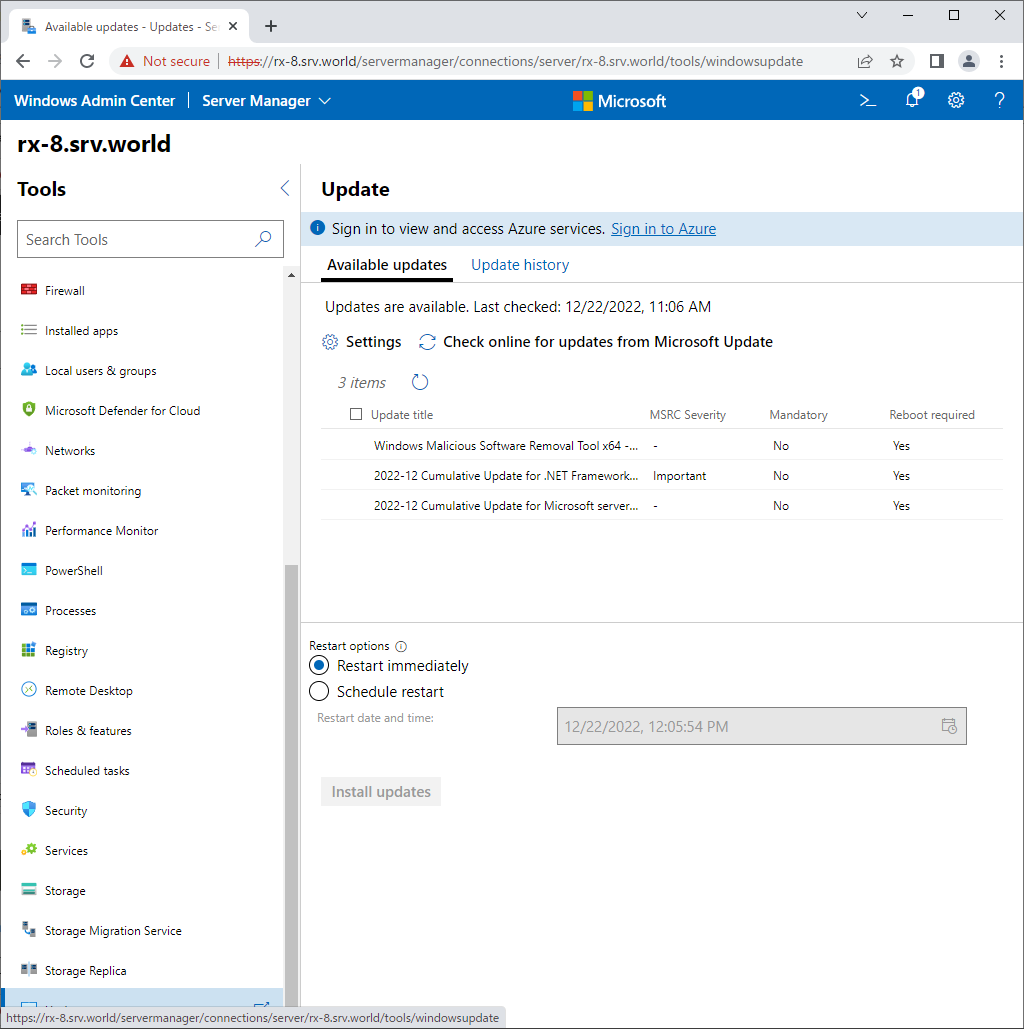
| [10] | For [Updates] on the left pane, it's possible to manage Windows Updated programs. |
|
Matched Content