Usermin : Install2026/06/19 |
|
Install Usermin that is web based configuration tool for common users. |
|
| [1] | Install required packages first. |
|
root@dlp:~# apt -y install python3 apt-show-versions shared-mime-info unzip libapt-pkg-perl libauthen-pam-perl libio-pty-perl libnet-ssleay-perl
|
| [2] | Install Usermin. |
|
root@dlp:~# wget https://www.webmin.com/download/deb/usermin-current.deb root@dlp:~# dpkg -i usermin-current.deb Selecting previously unselected package usermin. (Reading database ... 121454 files and directories currently installed.) Preparing to unpack usermin-current.deb ... Unpacking usermin (2.530) ... Setting up usermin (2.530) ...
root@dlp:~#
vi /etc/usermin/miniserv.conf # add to last line : add access permission allow=127.0.0.1 10.0.0.0/24 # prohibit login as root account denyusers=root systemctl restart usermin |
| [3] | If UFW is enabled, allow service port. |
|
root@dlp:~# ufw allow 20000/tcp Rule added Rule added (v6) |
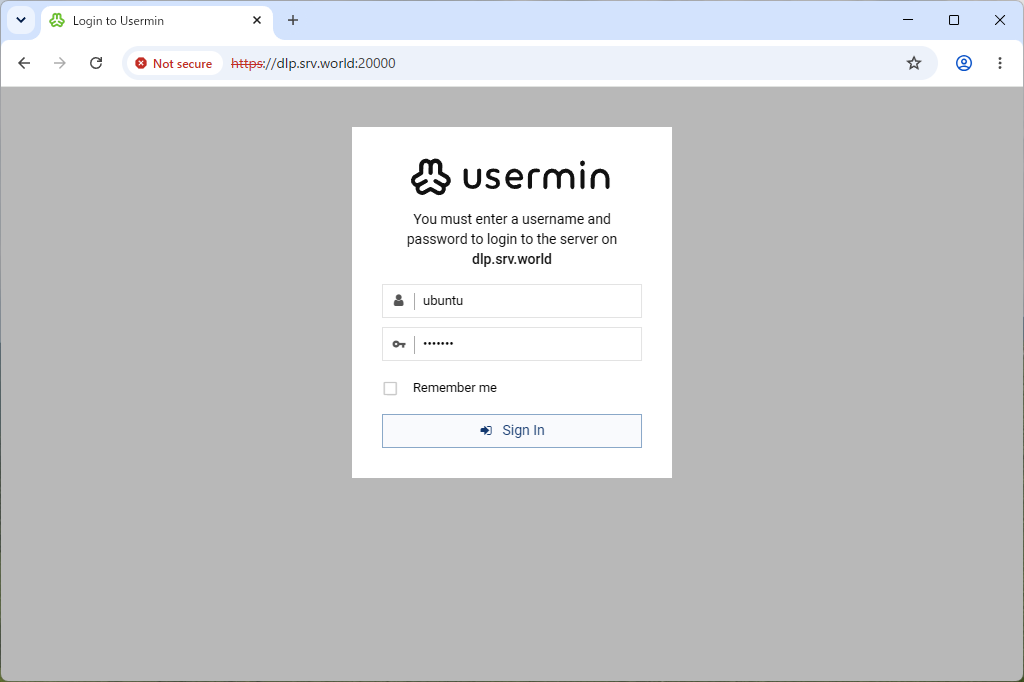
| [4] | Access to the [https://(server's hostname or IP address):20000/] from a client computer which is in the network you allowed. Then, Usermin login form is displayed, it's possible to login as any OS common user account. |
|
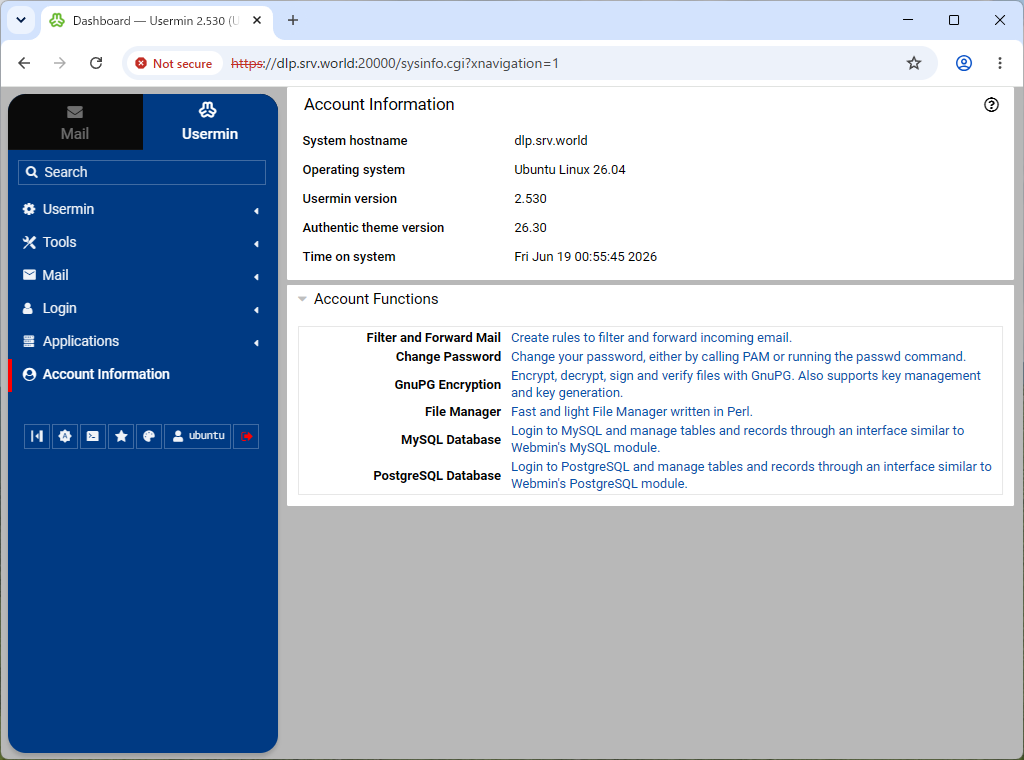
| [5] | This is the main page of Usermin. It's possible to configure various user settings. |
|
Matched Content