NextCloud : Upload Files2022/09/09 |
|
This is How to upload Files to NextCloud.
|
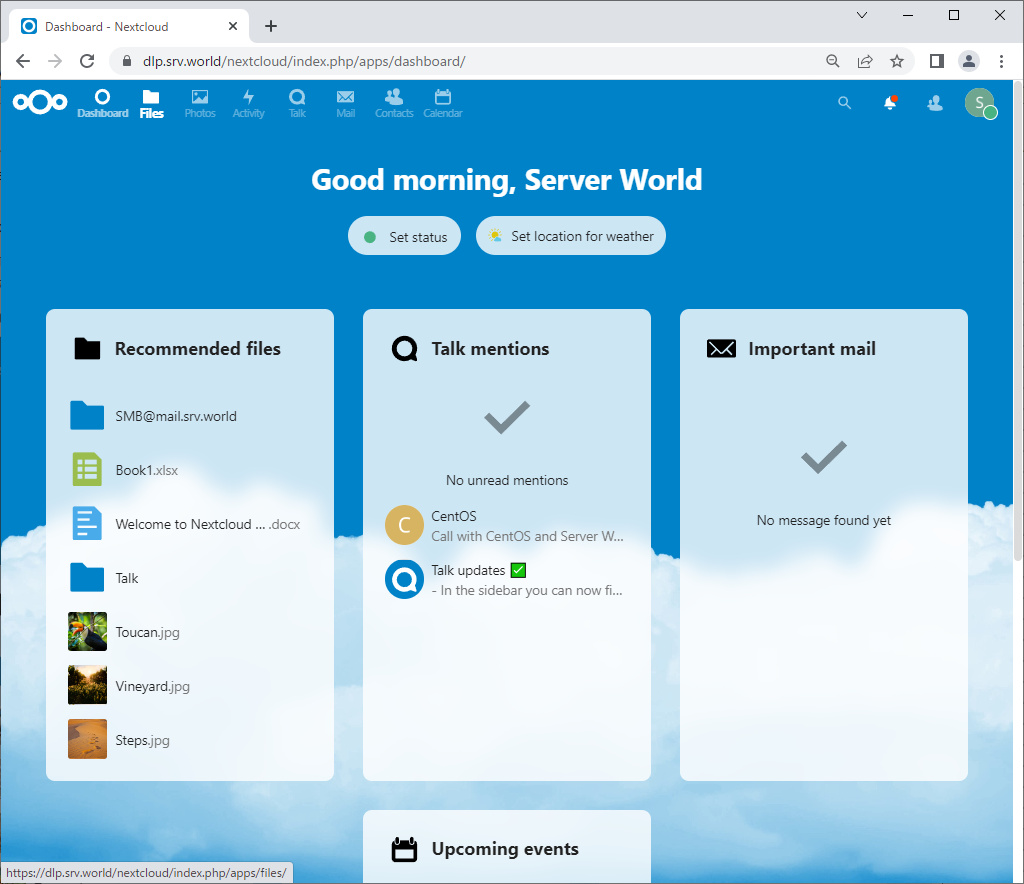
| [1] | Login to NextCloud Web with your own account and Click [Files] icon on upper menu. |
|
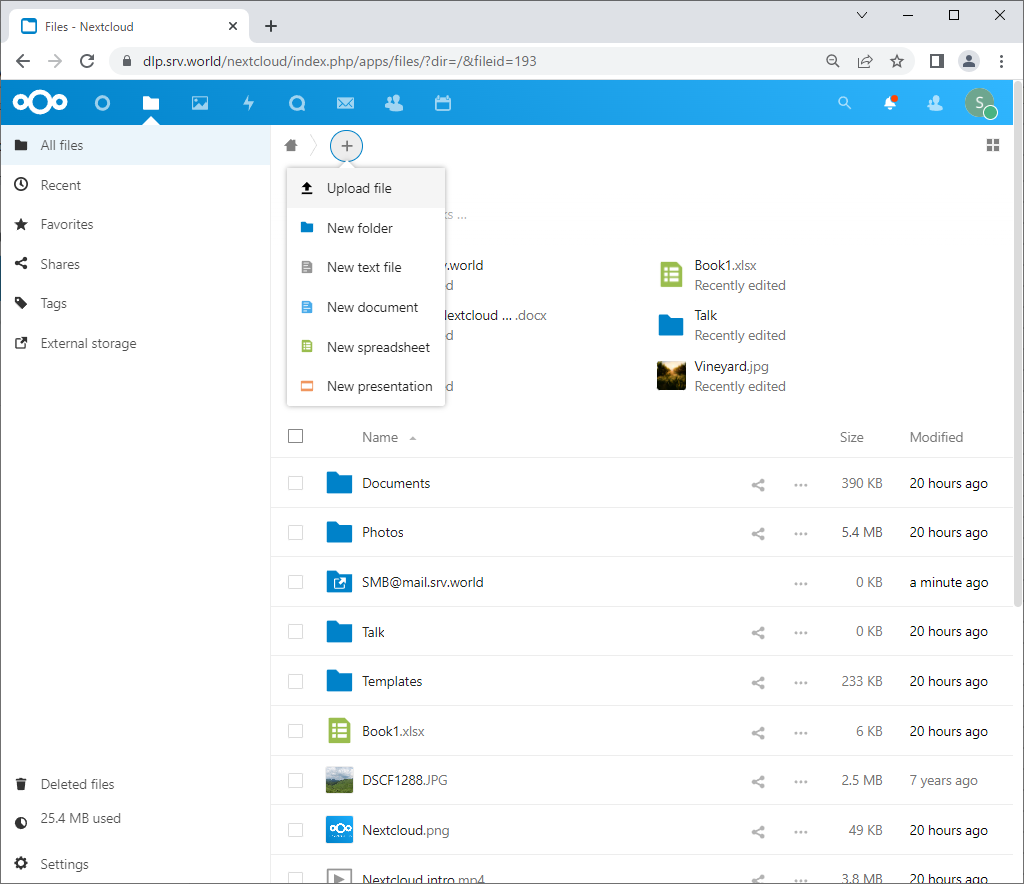
| [2] | Click [+] icon and select [Upload file]. Next, specify a file you'd like to upload on your Computer. |
|
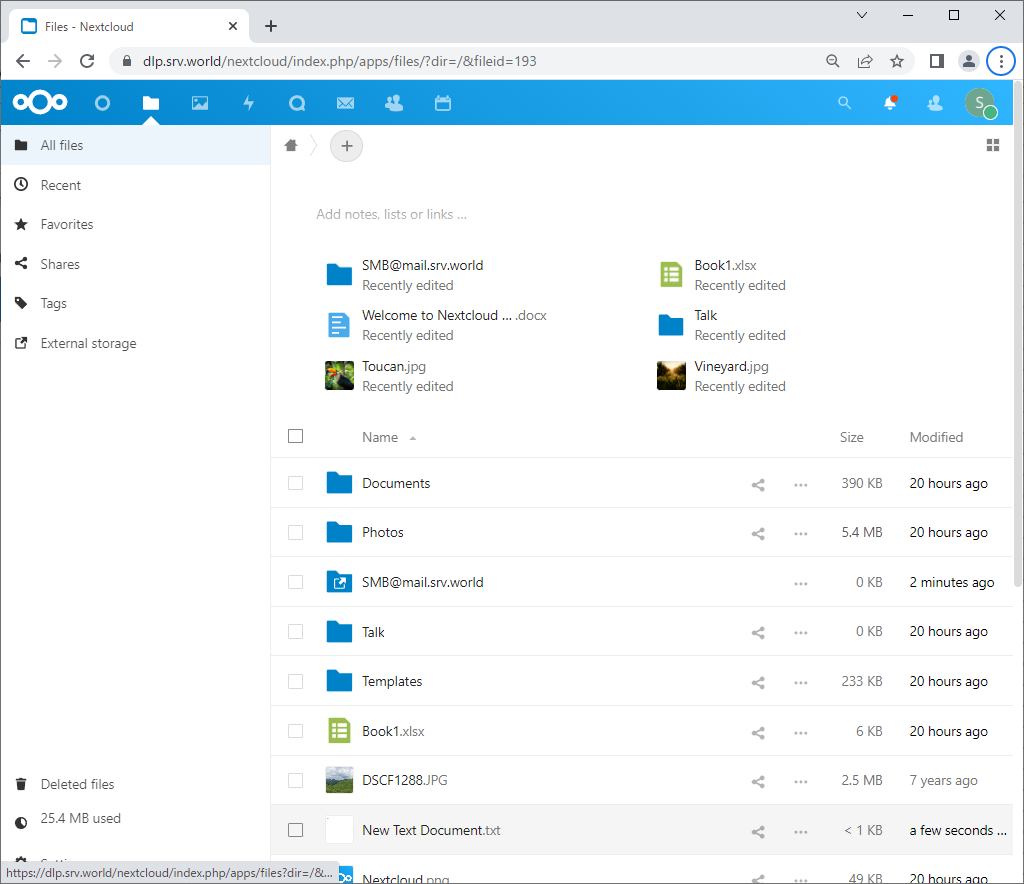
| [3] | After files successfully uploaded, they are listed on the screen. |
|
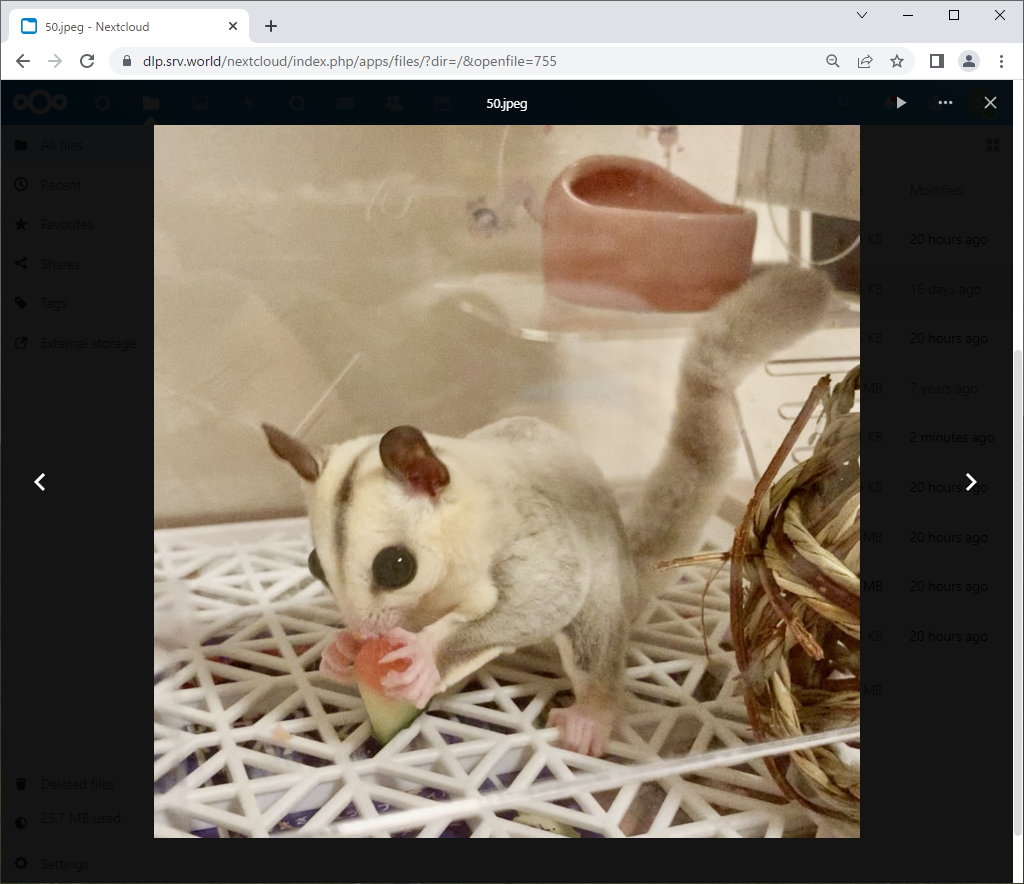
| [4] | It's possible to open graphics files on the Web. |
|
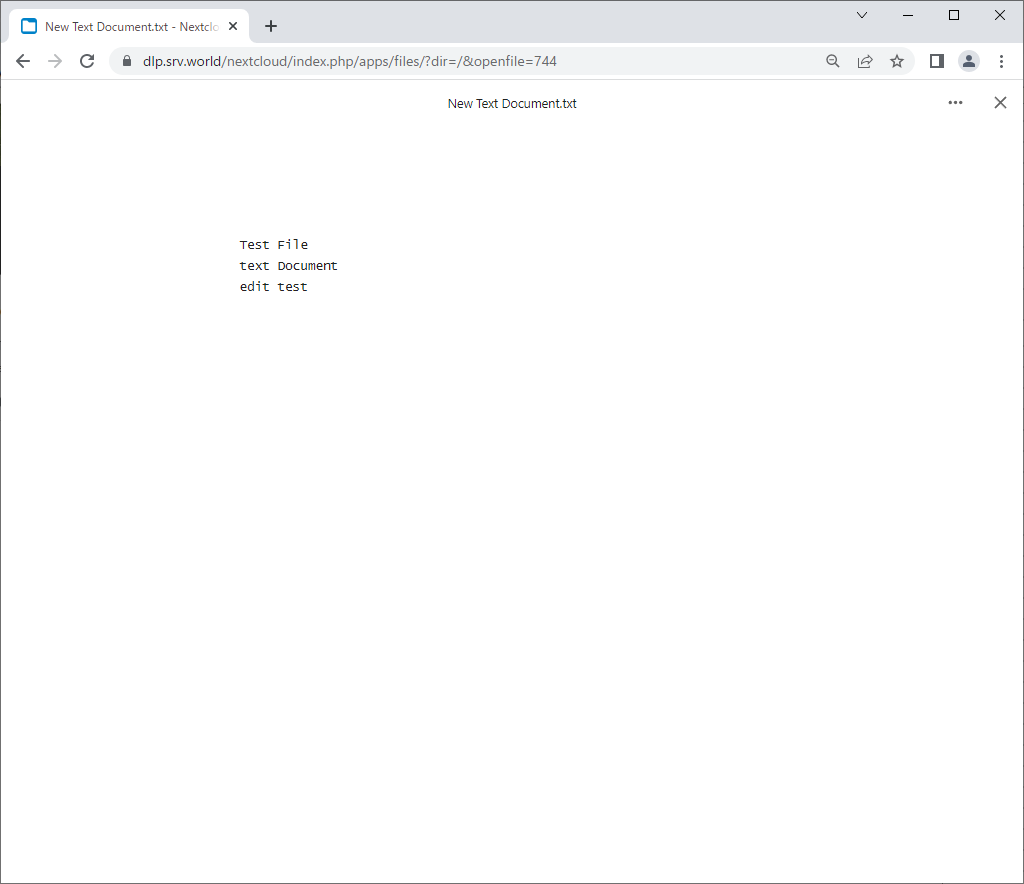
| [5] | For text documents, it's possible to open and edit on the Web directly. |
|
Matched Content