Apache2 : Use PHP Scripts2019/04/26 |
|
Configure Apache2 to use PHP scripts.
|
|
| [1] | Install PHP. |
|
root@www:~# apt -y install php php-cgi libapache2-mod-php php-common php-pear php-mbstring
|
| [2] | Configure Apache2. |
|
root@www:~# a2enconf php7.2-cgi Enabling conf php7.2-cgi. To activate the new configuration, you need to run: systemctl reload apache2
root@www:~#
vi /etc/php/7.2/apache2/php.ini # line 941: uncomment and add your timezone date.timezone = "Asia/Tokyo"
systemctl restart apache2 |
| [3] | Create a PHP test page and access to it from client PC with web browser. It's OK if following page is shown. |
|
root@www:~#
vi /var/www/html/index.php
<html>
<body>
<div style="width: 100%; font-size: 40px; font-weight: bold; text-align: center;">
<?php
    print "PHP Test Page";
?>
</div>
</body>
</html>
|
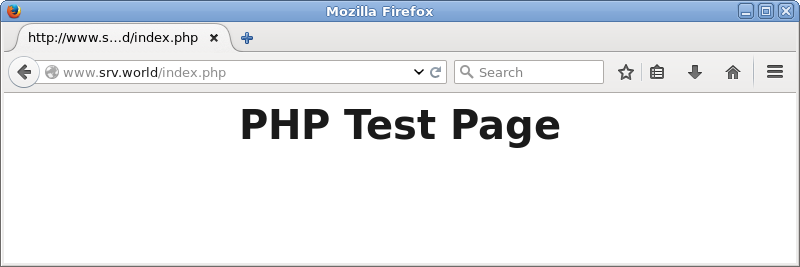
|
Matched Content