Desktop Environment : MATE Desktop2019/04/23 |
|
Desktop Environment is not neccessary for Server usage, though.
But Sometimes installation or using an application requires Desktop Environment, then Install Desktop Environment like follwos.
|
|
| [1] | Install MATE Desktop Environment. |
|
root@dlp:~#
root@dlp:~#
apt -y install ubuntu-mate-desktop |
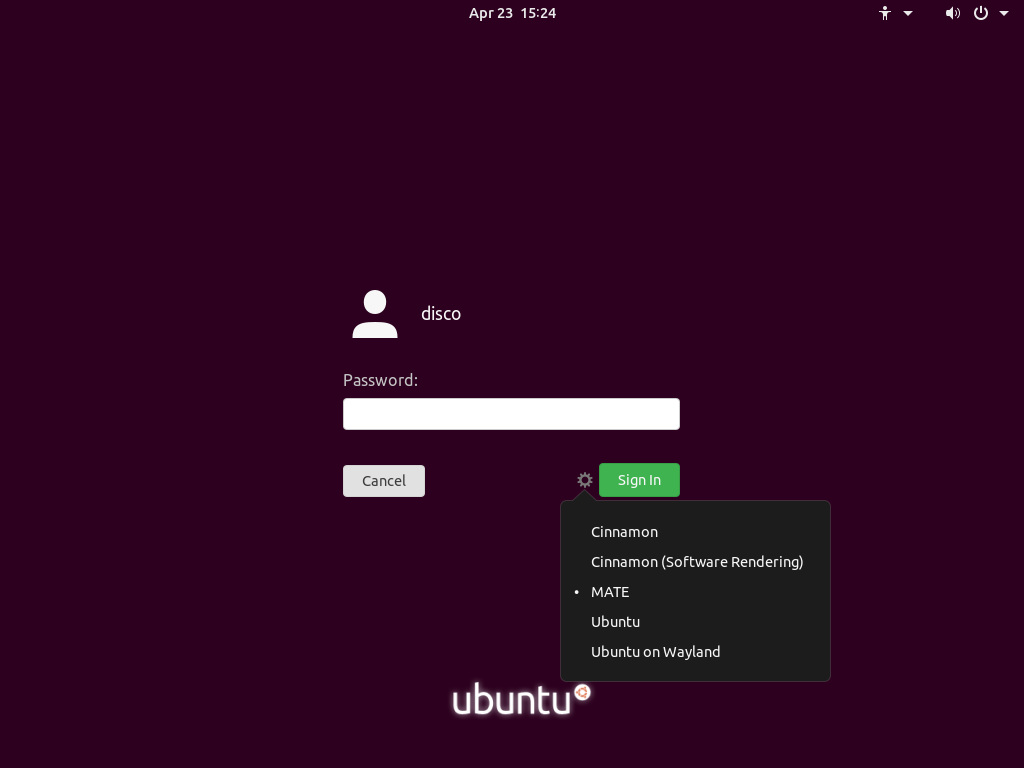
| [2] | After restarting computer, select a user to login, then click the icon which is on the left with [Sign In] button and select [MATE] like follows. |
|
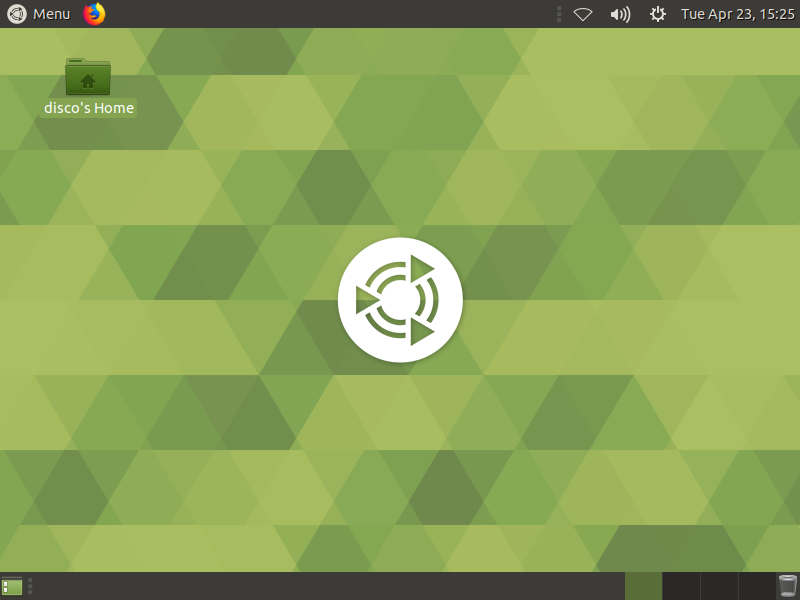
| [3] | MATE Desktop Environment starts. |
|
Matched Content