PostgreSQL 15 : Install phpPgAdmin2024/02/09 |
|
Install phpPgAdmin to operate PostgreSQL on web browser from Client computers.
|
|
| [1] | |
| [2] | |
| [3] | Install phpPgAdmin. |
|
root@www:~ #
pkg install -y phppgadmin-php83 php83-pgsql php83-fileinfo php83-session php83-curl adodb5-php83
root@www:~ #
vi /usr/local/www/phpPgAdmin/conf/config.inc.php # line 18 : add $conf['servers'][0]['host'] = ' localhost ';
# line 114 : change to [false] if you allow to login with privileged user like postgres, root $conf['extra_login_security'] = true; # line 120 : change to [true] if you set config that database owners can look only their own databases $conf['owned_only'] = false;
root@www:~ #
vi /var/db/postgres/data15/pg_hba.conf # change authentication method local all all peer host all all 127.0.0.1/32 scram-sha-256 host all all ::1/128 scram-sha-256 local replication all peer host replication all 127.0.0.1/32 ident host replication all ::1/128 ident
root@www:~ #
vi /usr/local/www/phpPgAdmin/classes/database/Connection.php
        # line 78 : add PostgreSQL 15
        switch (substr($version,0,2)) {
            case '15': return 'Postgres';break;
            case '14': return 'Postgres';break;
            case '13': return 'Postgres13';break;
            case '12': return 'Postgres12';break;
            case '11': return 'Postgres11';break;
            case '10': return 'Postgres10';break;
root@www:~ #
vi /usr/local/etc/apache24/Includes/phppgadmin.conf # create new
Alias /phppgadmin /usr/local/www/phpPgAdmin
<Directory /usr/local/www/phpPgAdmin>
    DirectoryIndex index.php
    Options None
    AllowOverride None
    # access permission for phpPgAdmin
    Require ip 127.0.0.1 10.0.0.0/24
</Directory>
service postgresql restart root@www:~ # service php-fpm reload root@www:~ # service apache24 reload |
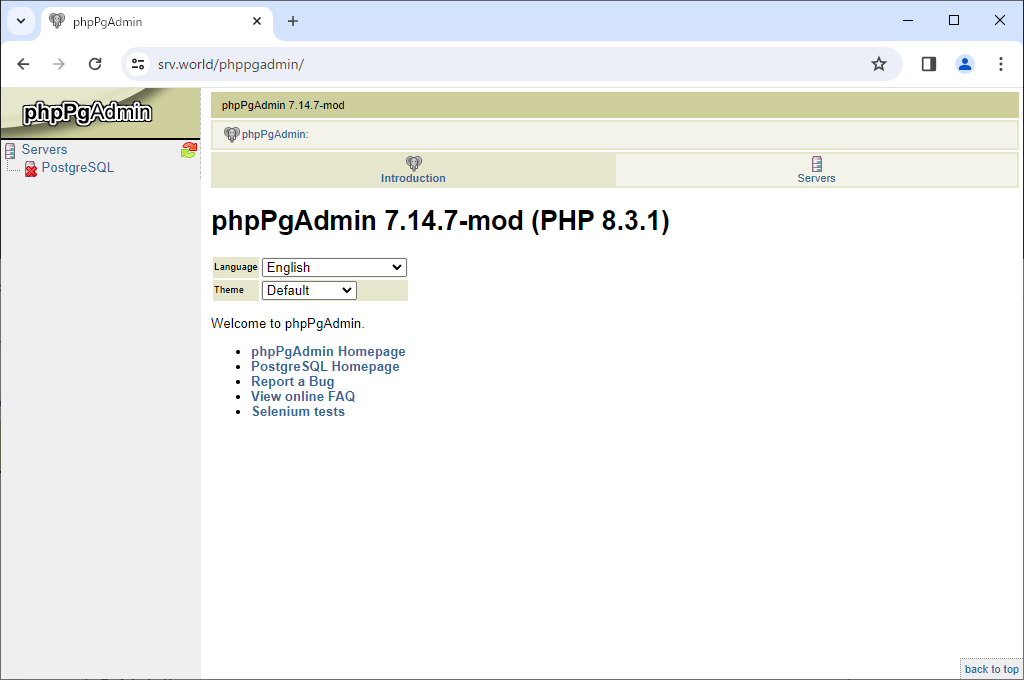
| [4] | Access to [http://(web server hostname or IP address)/phppgadmin/] with web browser from any client computer that you have granted access to. Then phpPgAdmin login form is displayed, Click [PostgreSQL] link on the left pane. |
|
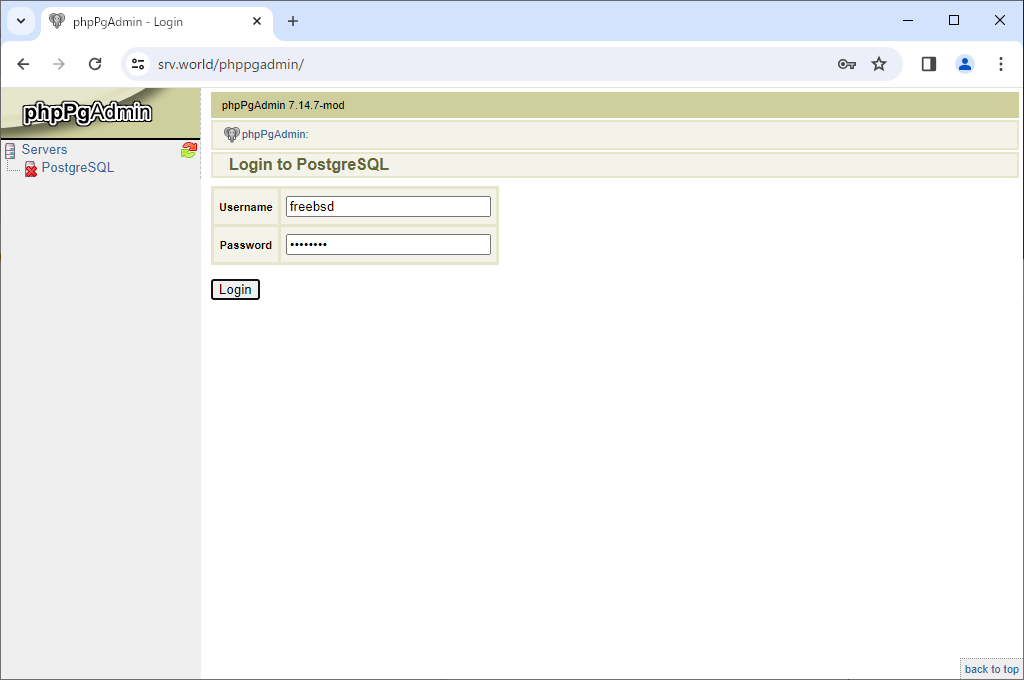
| [5] | Authenticate as a user and password that is in PostgreSQL. |
|
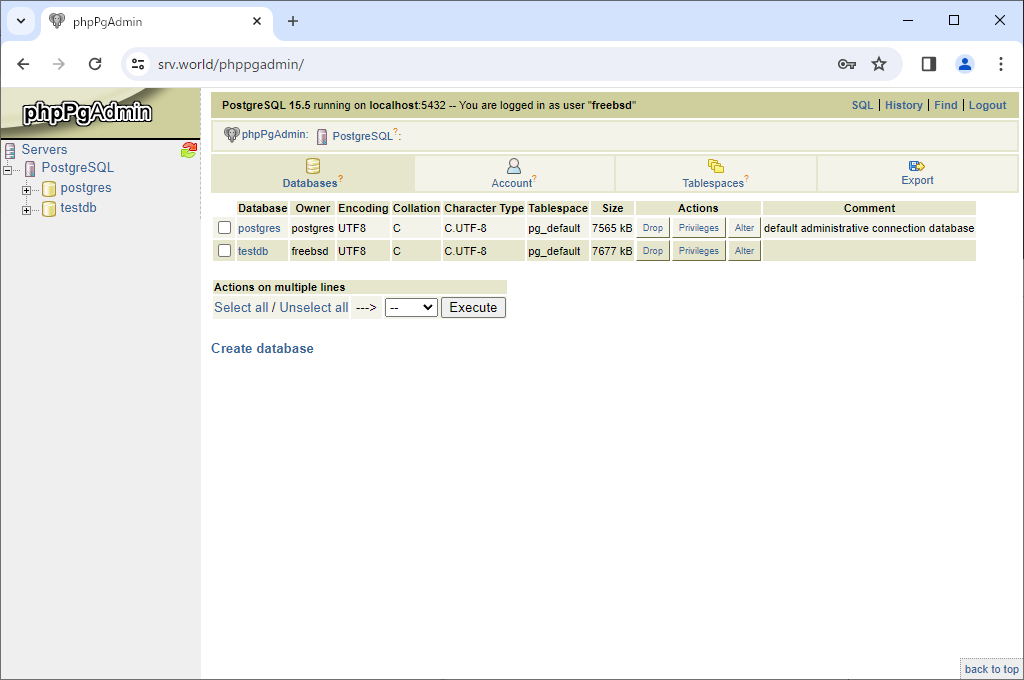
| [6] | After successfully passed authentication, phpPgAdmin admin site is shown. It's possible to operate PostgreSQL databases on here. |
|
Matched Content