FTP Client : Windows2023/04/28 |
|
Configure Client computer to connect to FTP Server. The example below is for Windows.
|
|
| [1] |
For example, use FileZilla for FTP Client software. Download FileZilla from the follows.
⇒ https://filezilla-project.org/download.php?type=client |
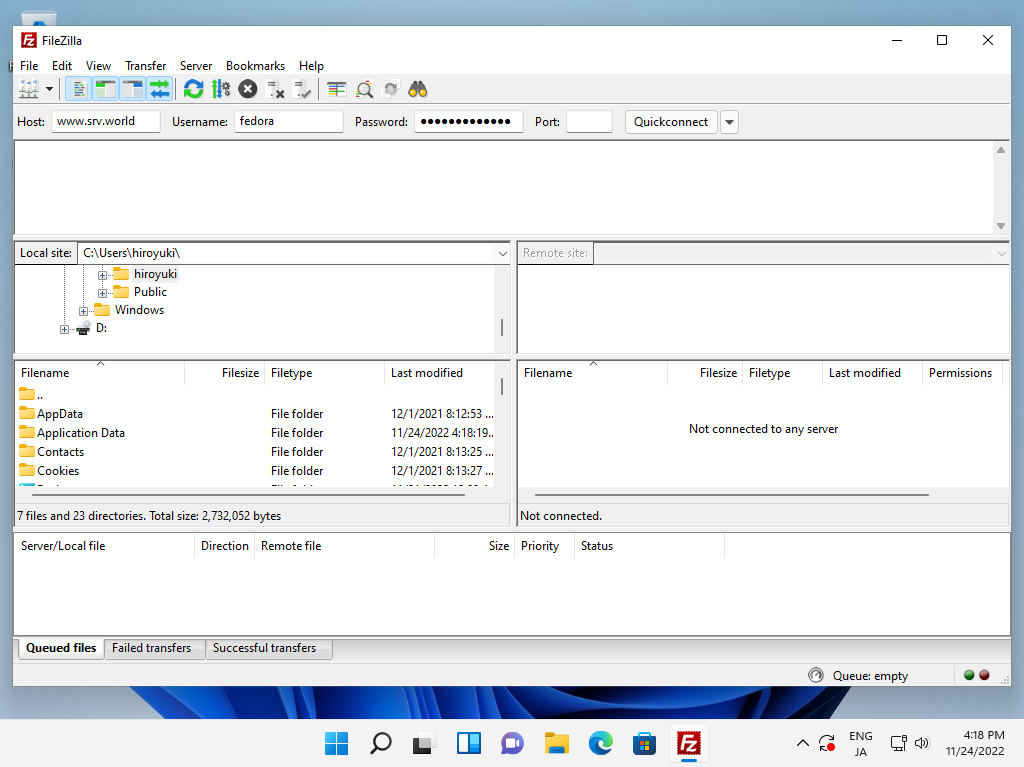
| [2] | Install FileZilla to your Windows PC and start it, then following screen is shown. Input your FTP Hostname, username. password, connection-port, like follows. Next Click [Quick connect]. |
|
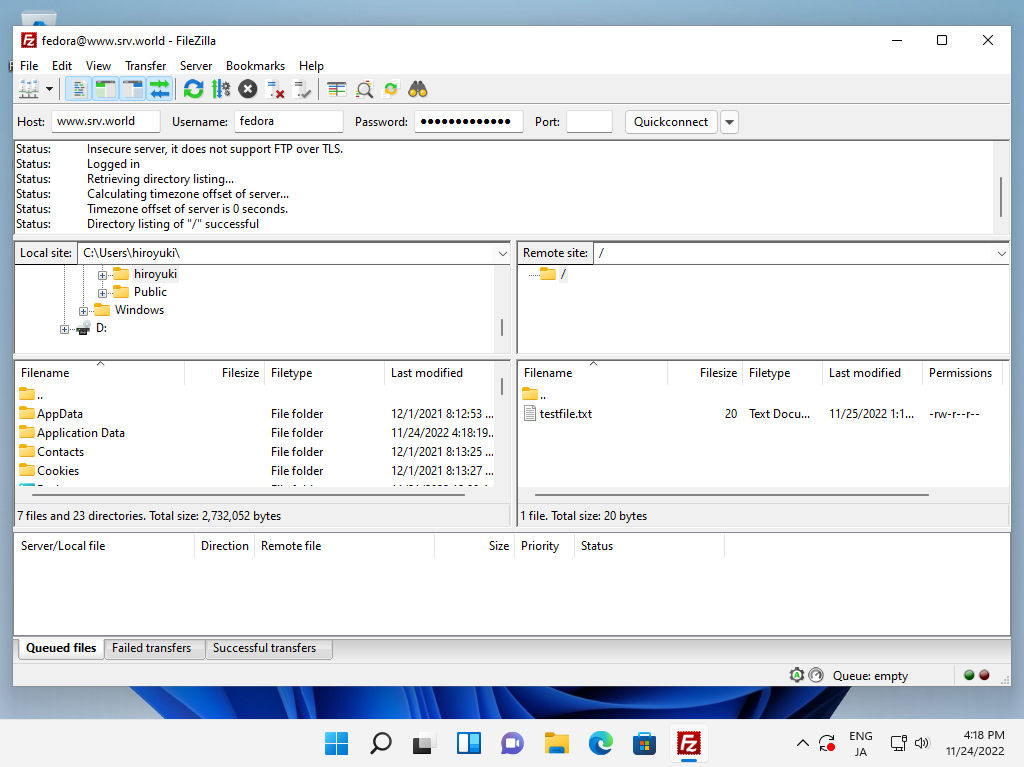
| [3] | After successfully passed authentication, it's possible to transfer files on it. |
|
Matched Content