Desktop Environment : Xfce Desktop2025/08/18 |
|
If you installed Debian without GUI but now need GUI because of GUI required applications and so on, Install Desktop Environment like follows. |
|
| [1] | Install Xfce Desktop Environment. |
|
root@dlp:~#
root@dlp:~#
apt -y install task-xfce-desktop |
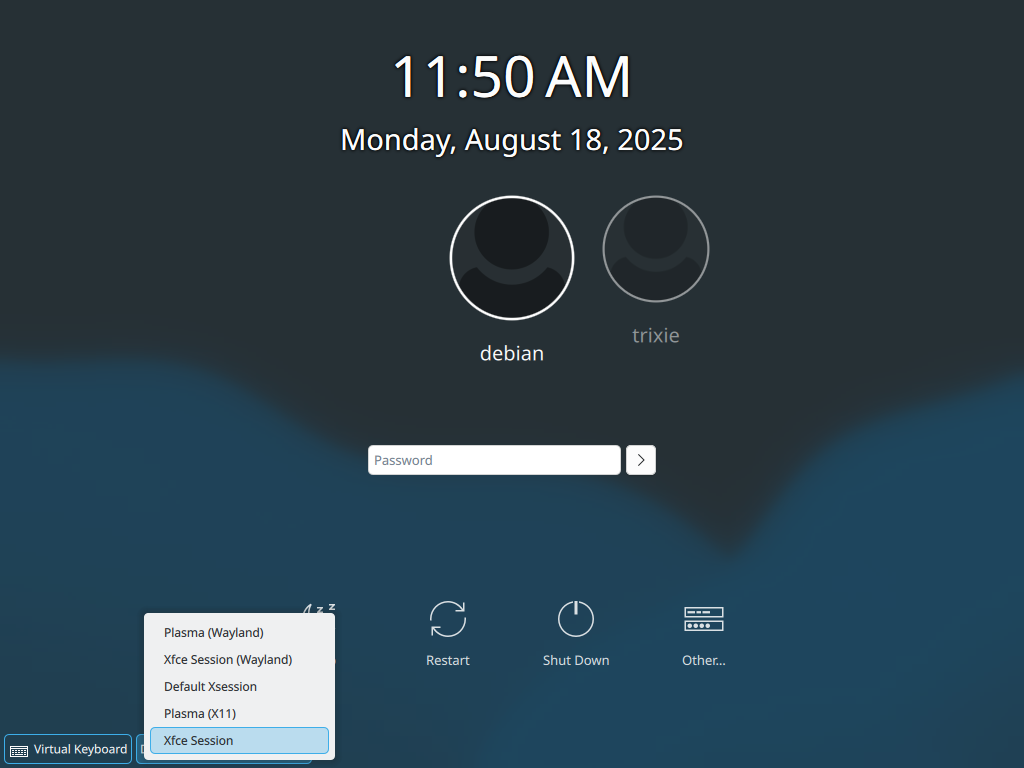
| [2] | After restarting computer, select a user to login, then click the icon which is lower-right and select [Xfce Session] like follows. |
|
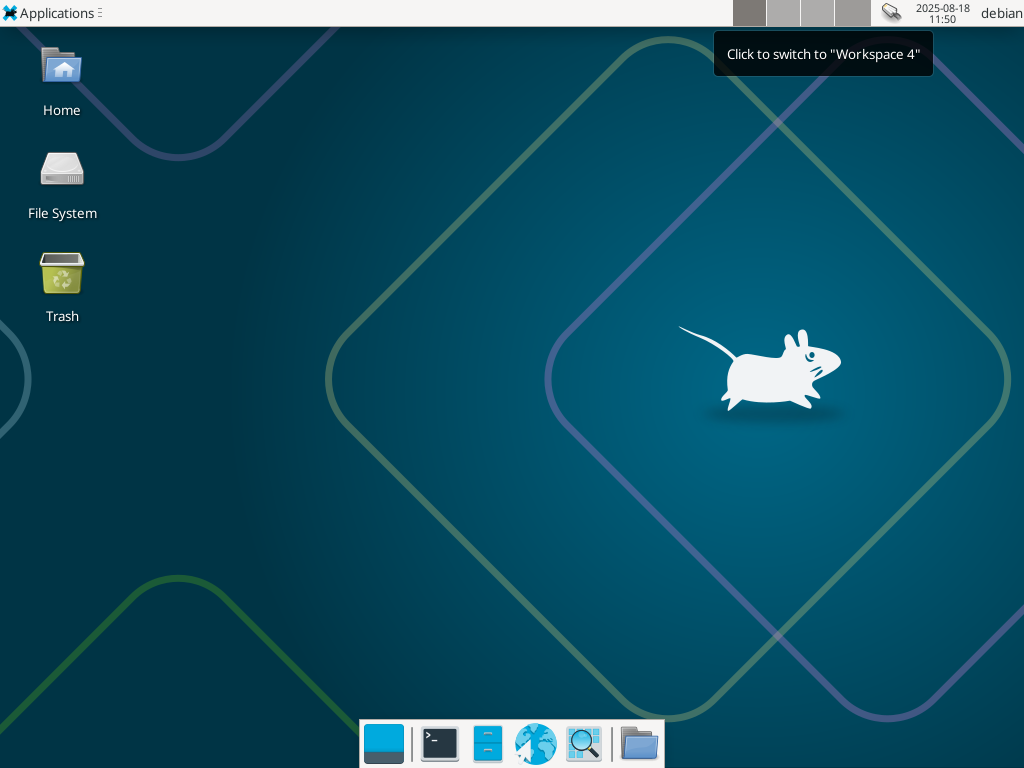
| [3] | Xfce Desktop Environment starts. |
|
Matched Content