Cacti : Set Email Notification2025/10/03 |
|
Configure Email Notification Settings. |
|
| [1] |
For Email notification, it needs SMTP Server. |
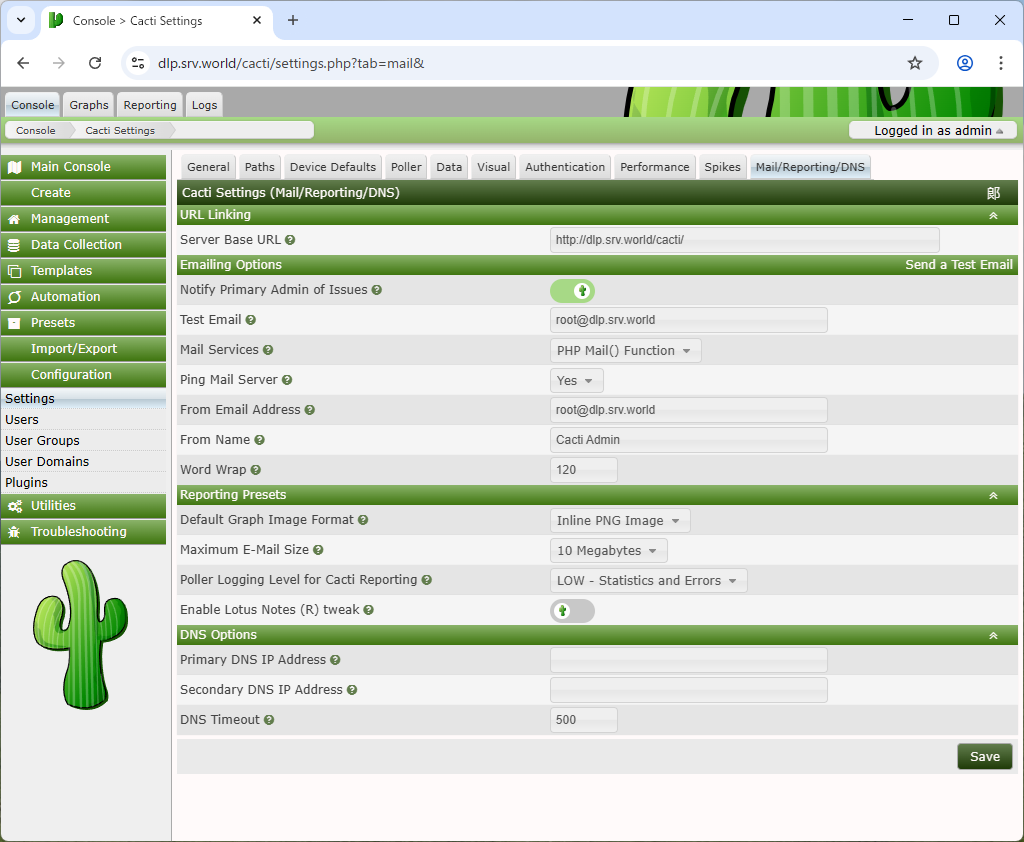
| [2] | Login to the Cacti admin site and Click [Configuration] - [Settings] on the left pane, then Click to move [Mail/Reporting/DNS] tab on the right pane. In [Mail/Reporting/DNS] tab, Set Email service or Sender address and so on. |
|
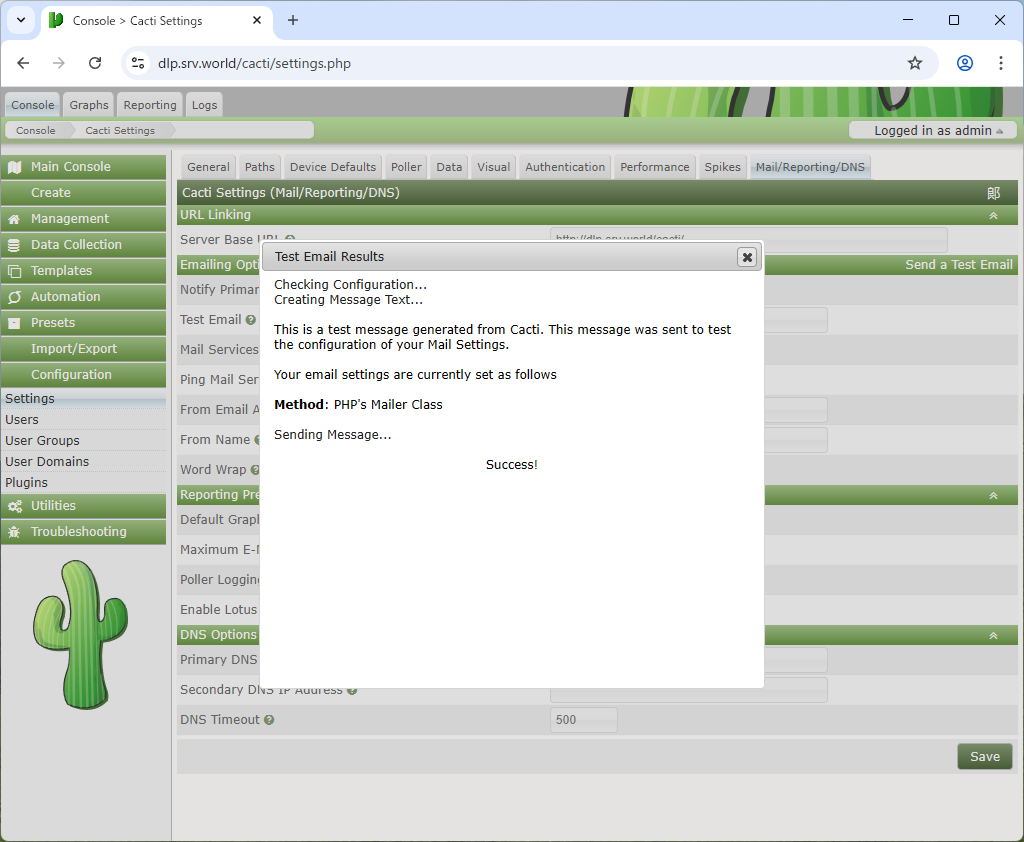
| [3] | After clicking [Save] button, Click [Send a Test Email] link to verify Email settings. |
|
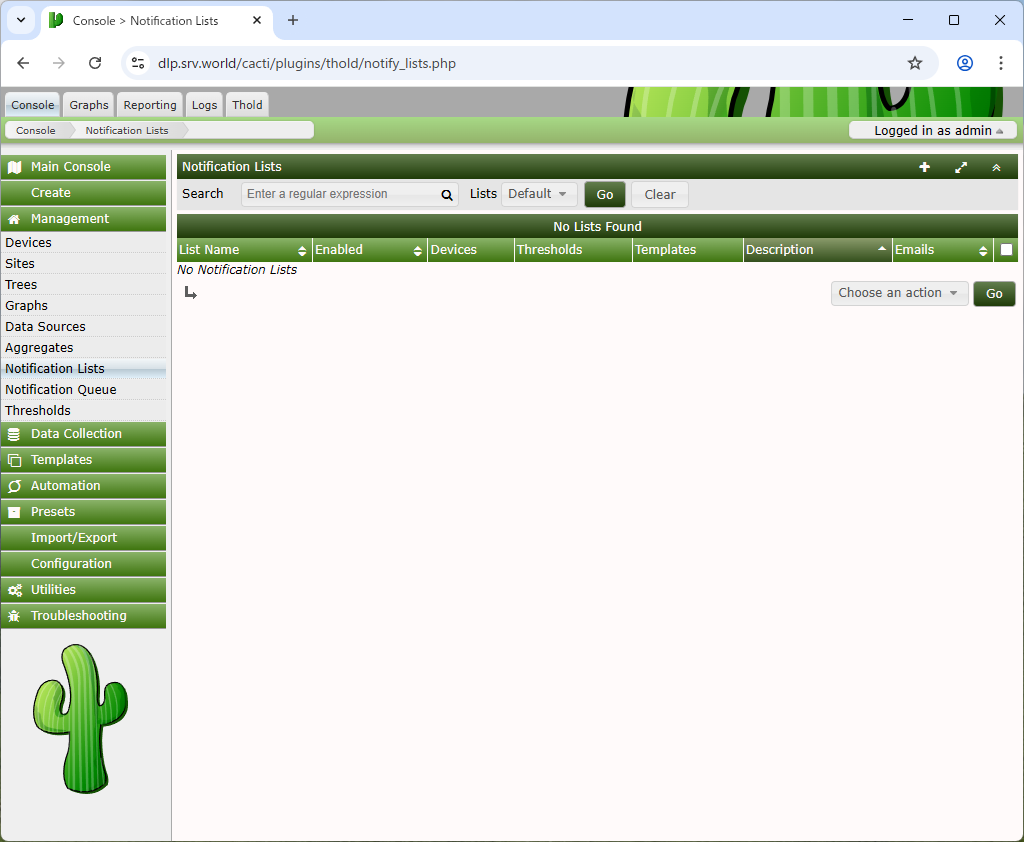
| [4] | Next, Set groups which Email notification receives. Click [Management] - [Notification Lists] on the left pane and Click [+] button on the right pane. |
|
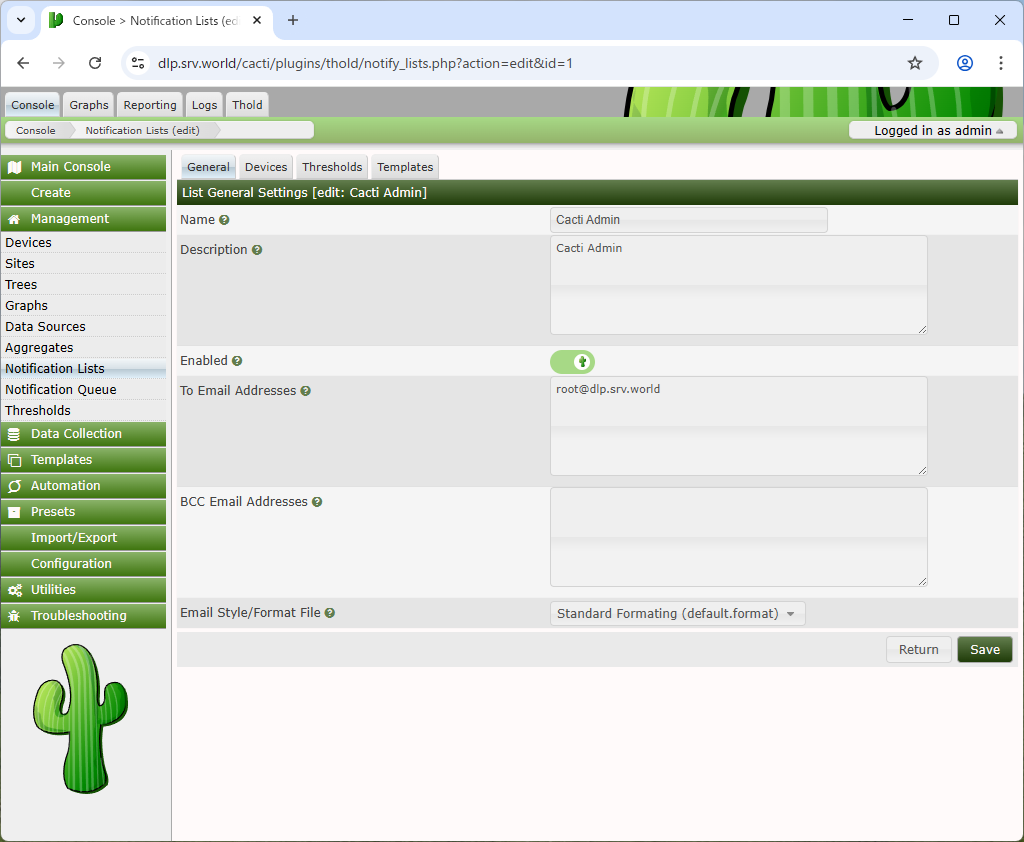
| [5] | Input group information like name or email addresses you'd like to set. |
|
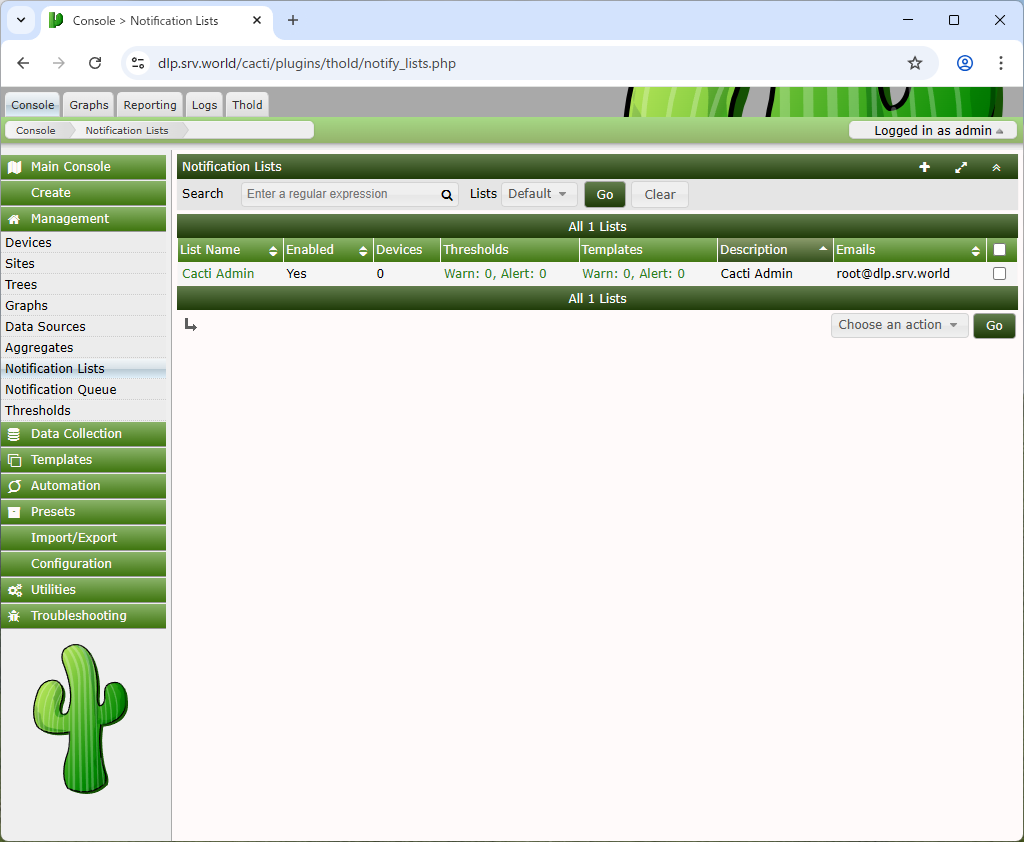
| [6] | After adding a group, it will be displayed on [Notification Lists]. |
|
Matched Content