Cacti : Monitoring Setting2025/10/03 |
|
This is the Basic Monitoring Settings. |
|
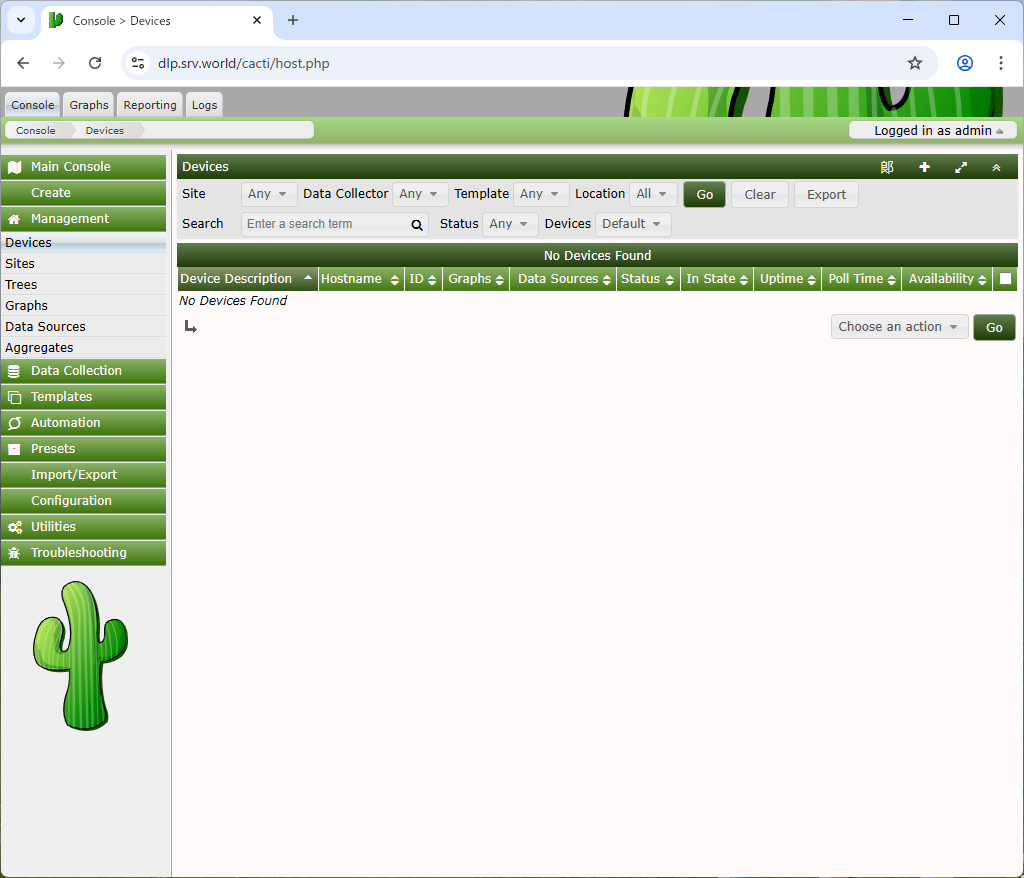
| [1] | Login to the Cacti admin site and Click [Management] - [Devices] on the left pane, then Click [+] icon which is upper-right on the right pane. |
|
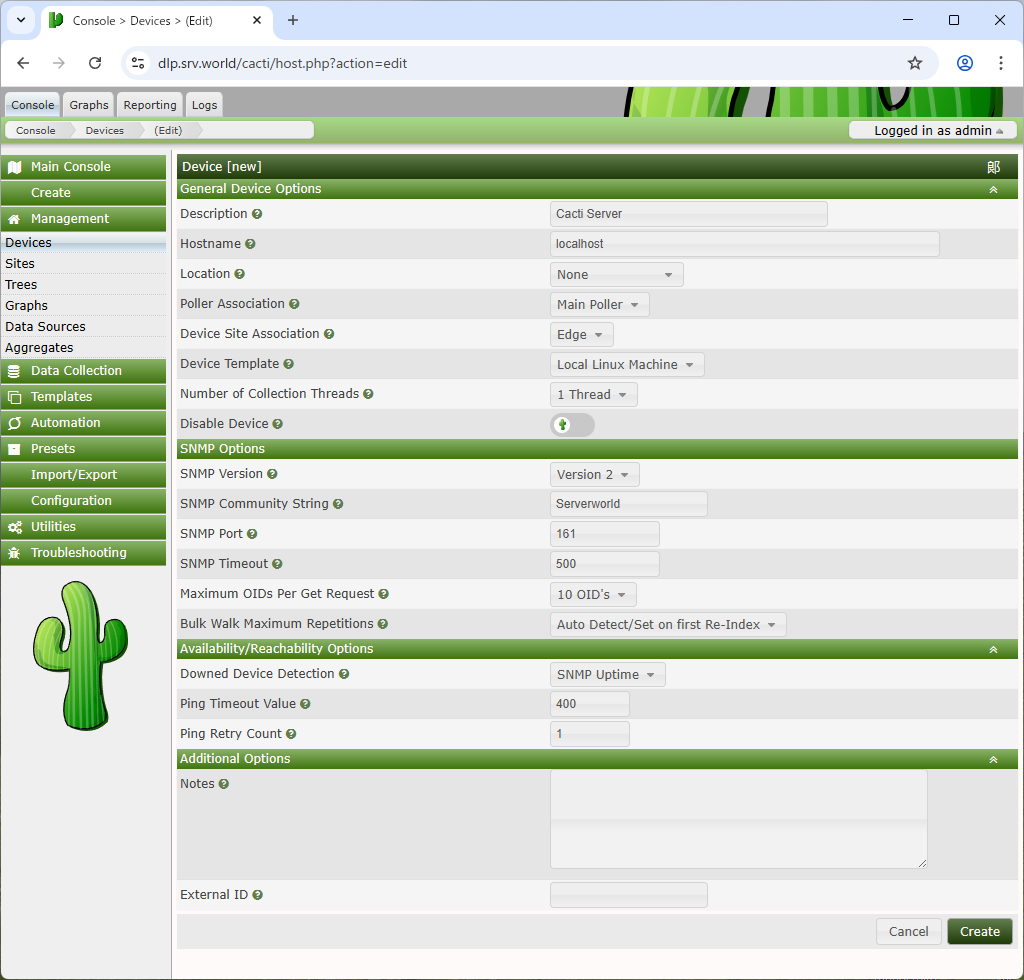
| [2] | Enter the required information as follows. In the [SNMP Options] section, enter the SNMP version set in [snmpd.conf] in [SNMP Version] and the set community name in [SNMP Community String]. After entering the required information, click the [Create] button at the bottom of the screen. |
|
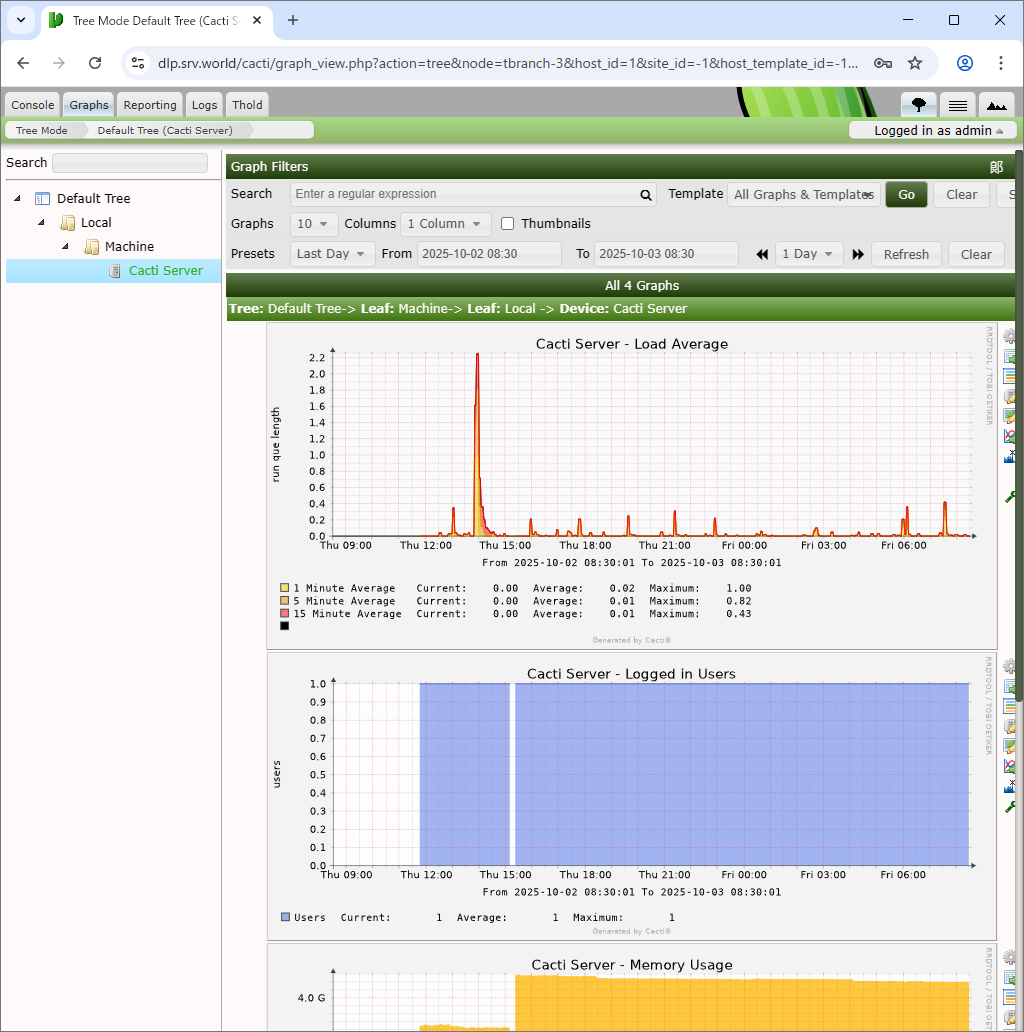
| [3] | After few minutes later, move to [Graphs] tab, then it's possible to see Graphs. |
|
Matched Content