Zabbix 6.0 : Add Monitoring Target Item2023/07/11 |
|
The templates are provided by default for well known services, so it's easy possible to monitor them.
For example, Add Apache httpd service on Zabbix server as a monitoring target item.
|
|
| [1] | Enable server-status on Apache httpd. |
|
root@dlp:~#
vi /etc/apache2/conf-available/server-status.conf # create new
<Location /server-status>
    SetHandler server-status
    Require local
</Location>
a2enconf server-status root@dlp:~# systemctl reload apache2 |
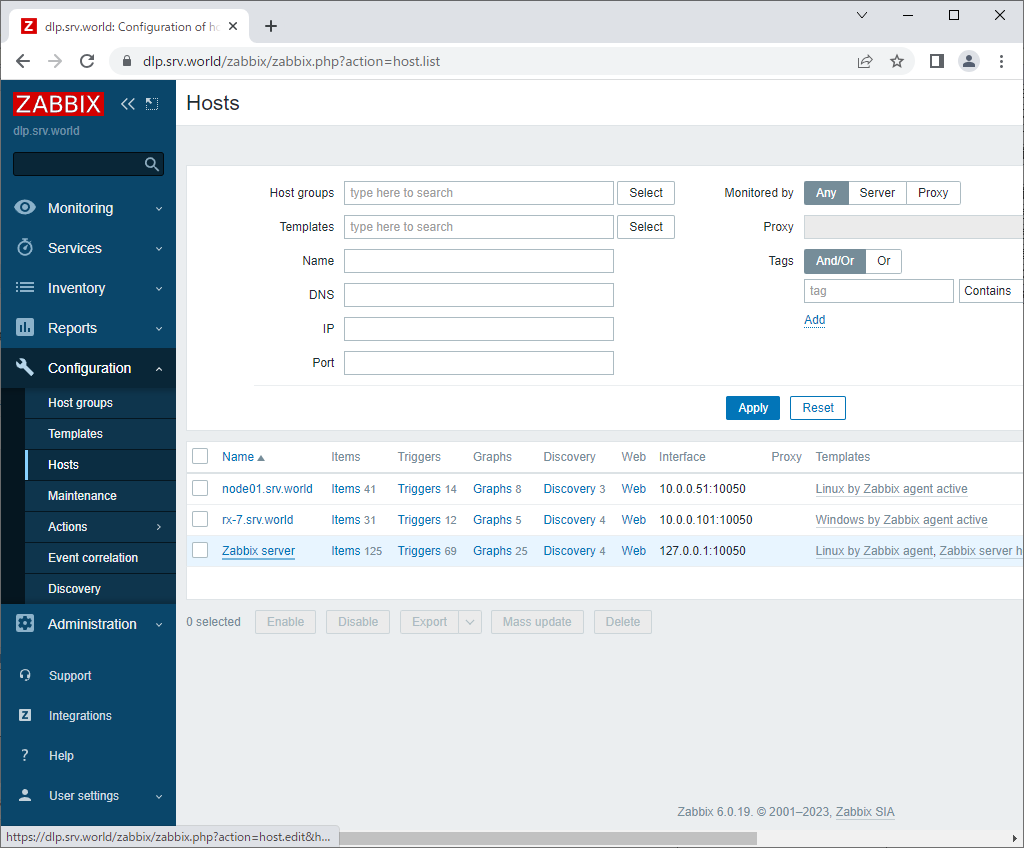
| [2] | Login to Zabbix admin site with admin user and click [Configuration] - [Hosts] on the left pane, and then click the target Host you add a new item and select [Configuration]. |
|
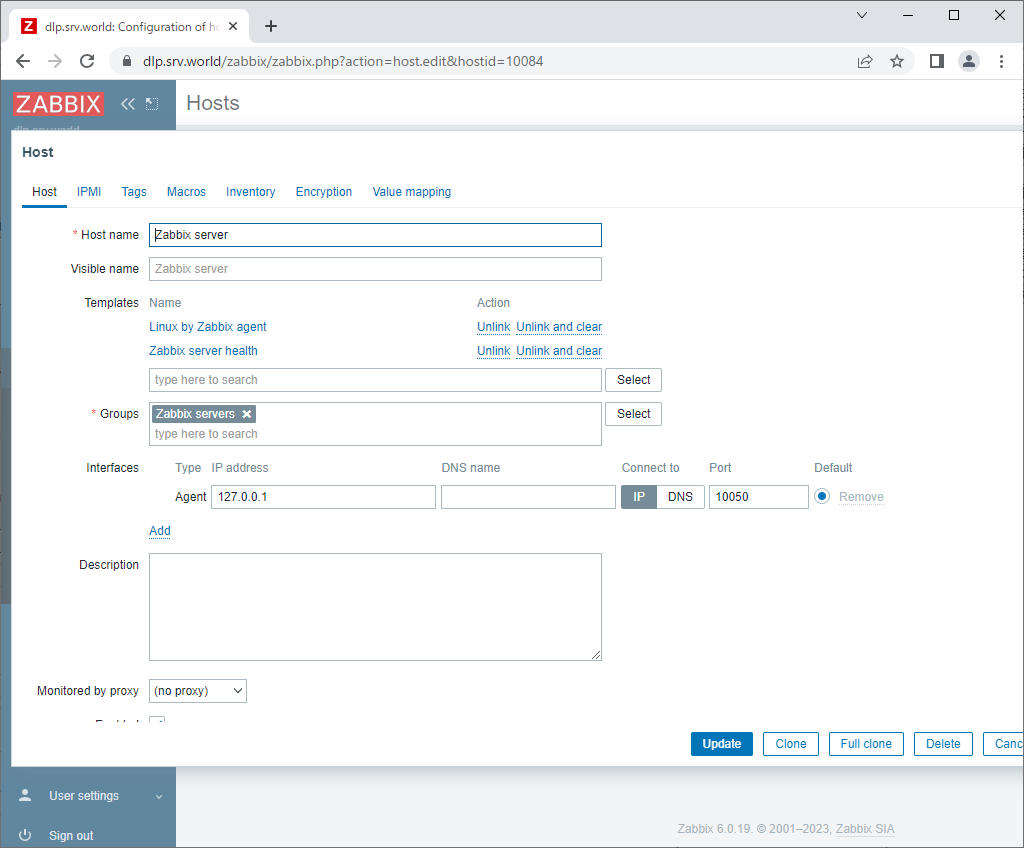
| [3] | Click [Select] button on [Templates] section. |
|
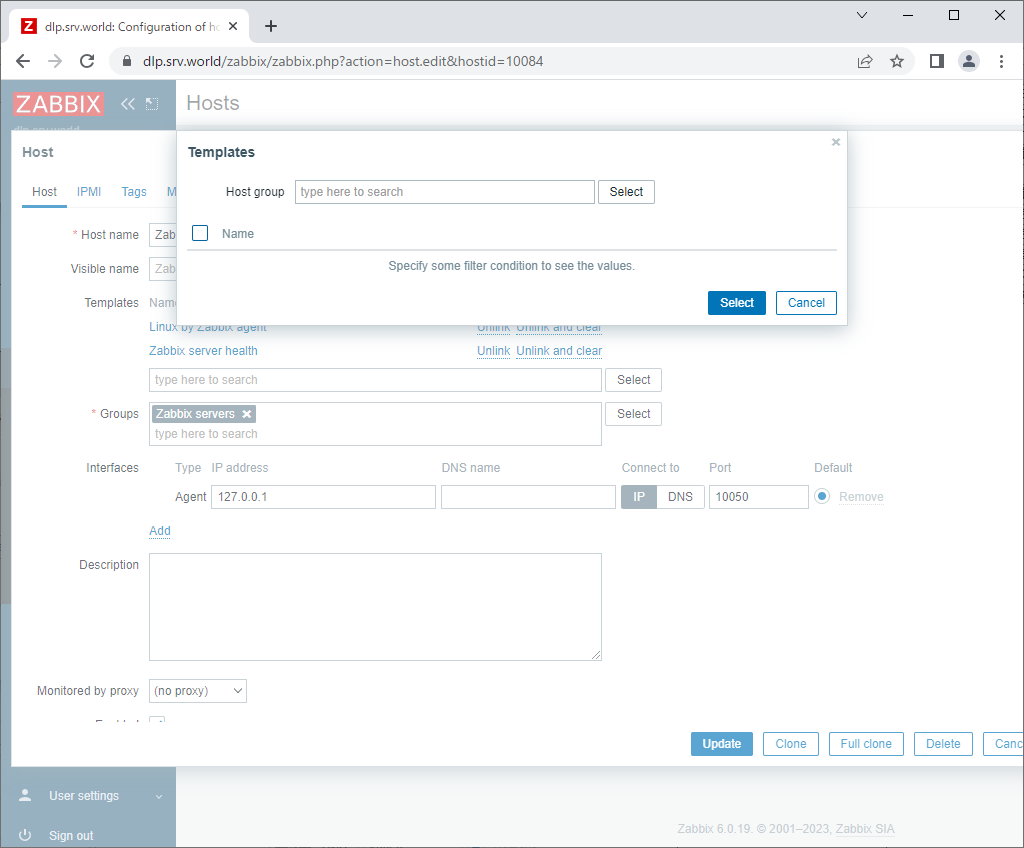
| [4] | Click [Select] button. |
|
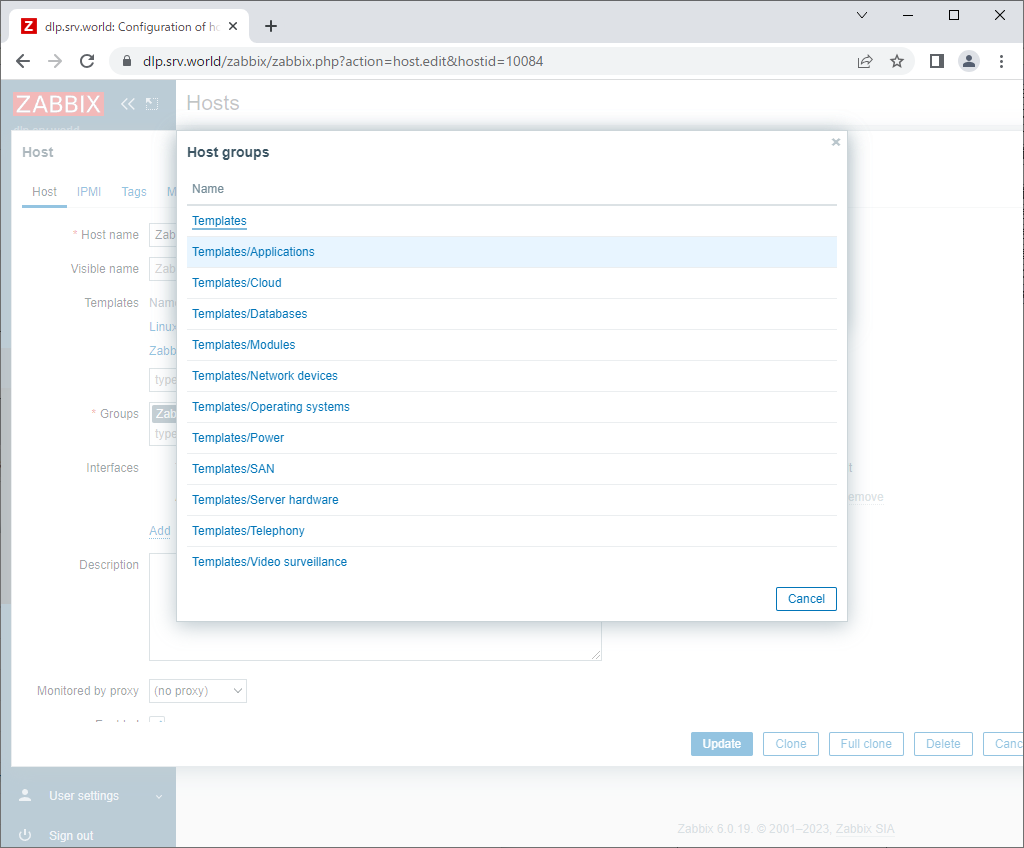
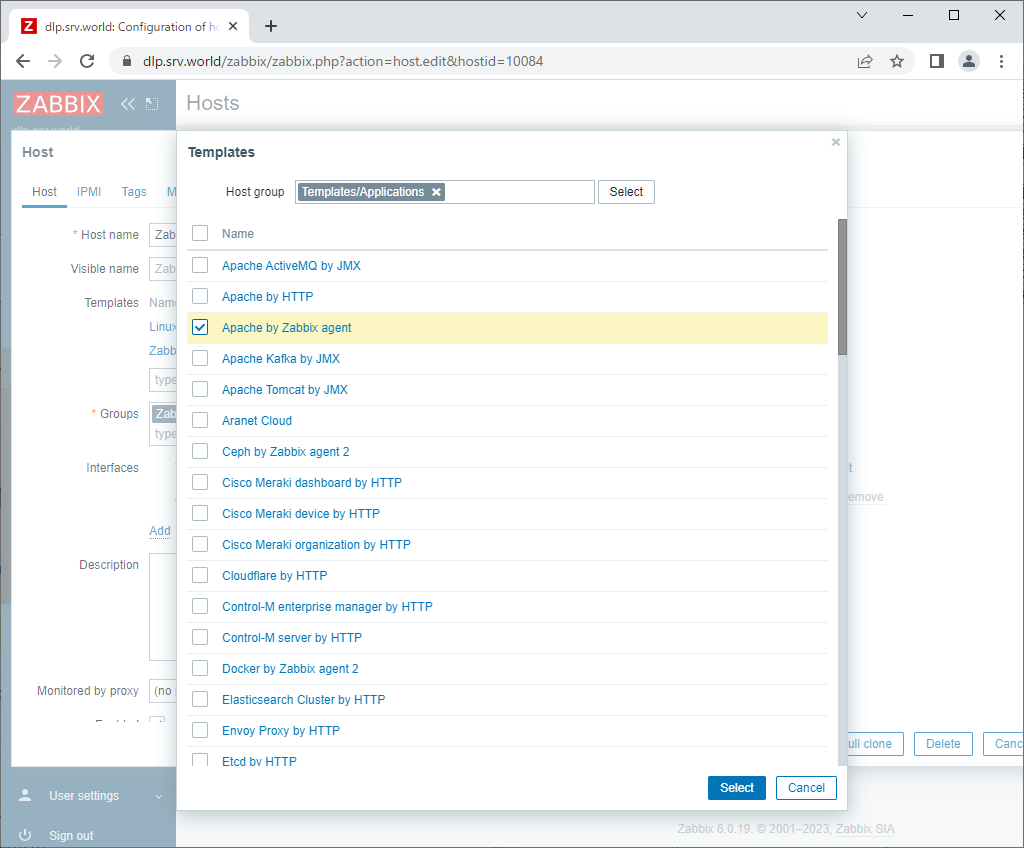
| [5] | Click [Templates/Applications]. |
|
| [6] | Select [Apache by Zabbix agent]. |
|
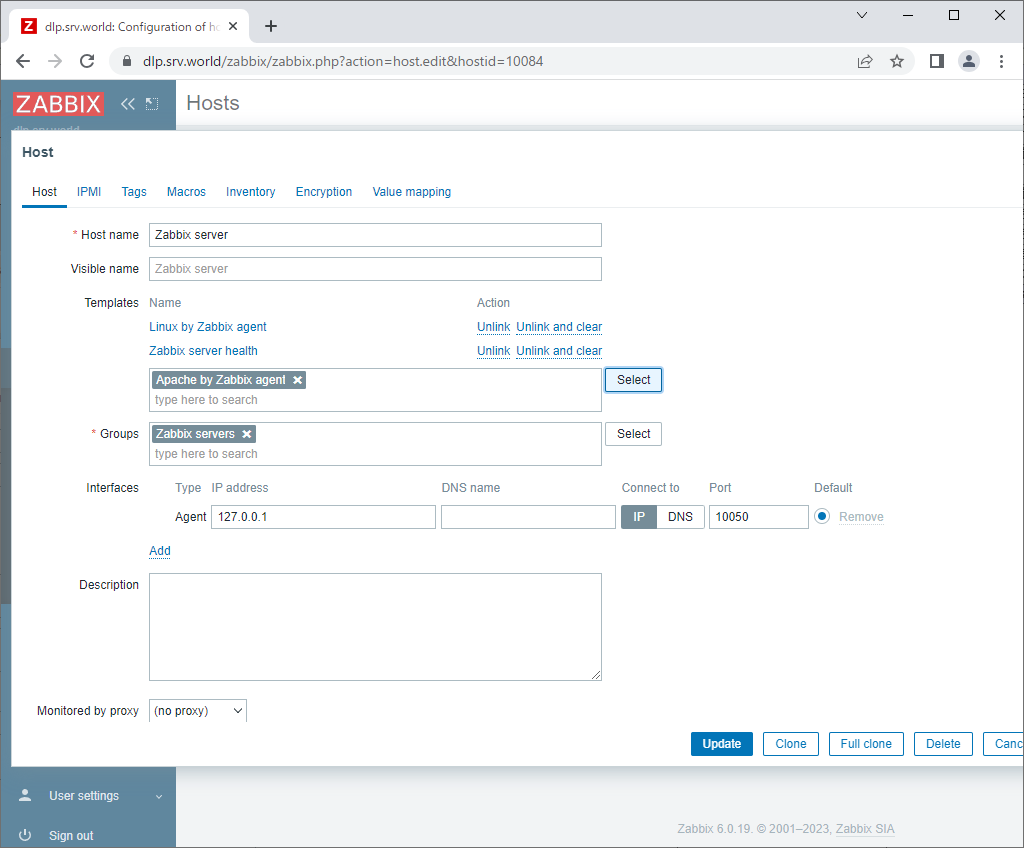
| [7] | Click [Update] button to finish. |
|
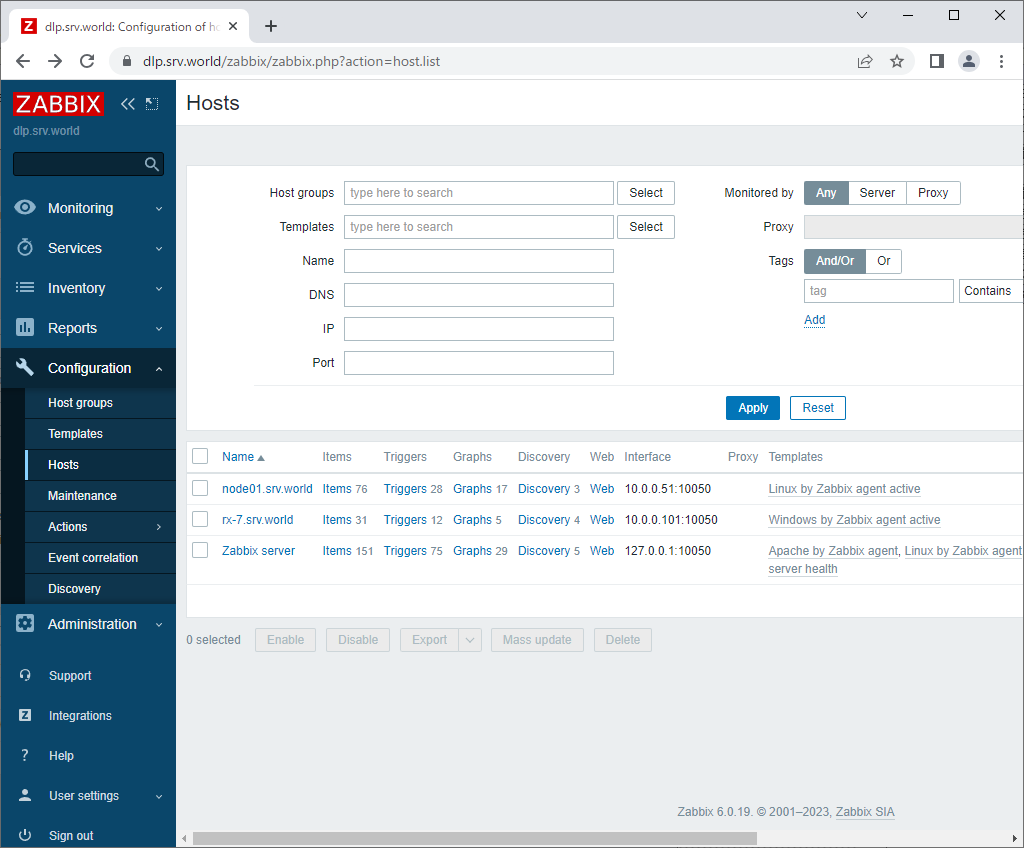
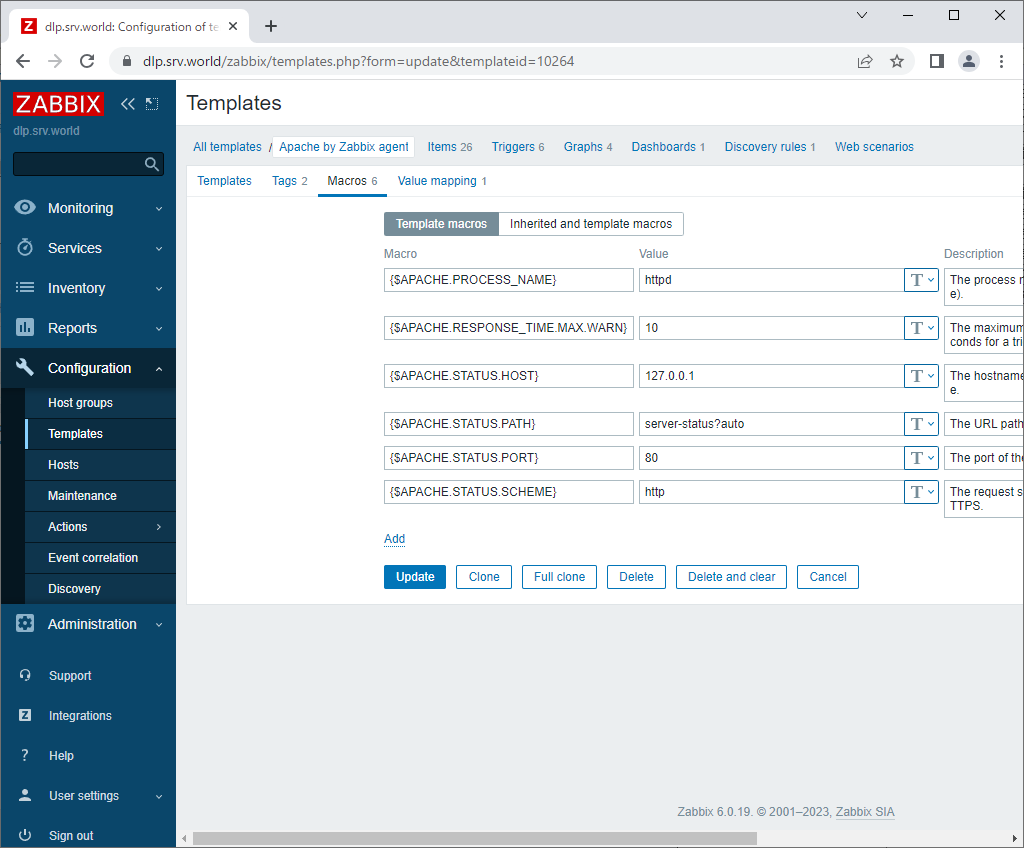
| [8] | Next, modify [Apache by Zabbix agent] template. The template is set for Apache httpd on Redhat kind Linux, so Zabbix can not monitor processes on Debian Apache2 by default. Click [Configuration] - [Templates] on the left pane. |
|
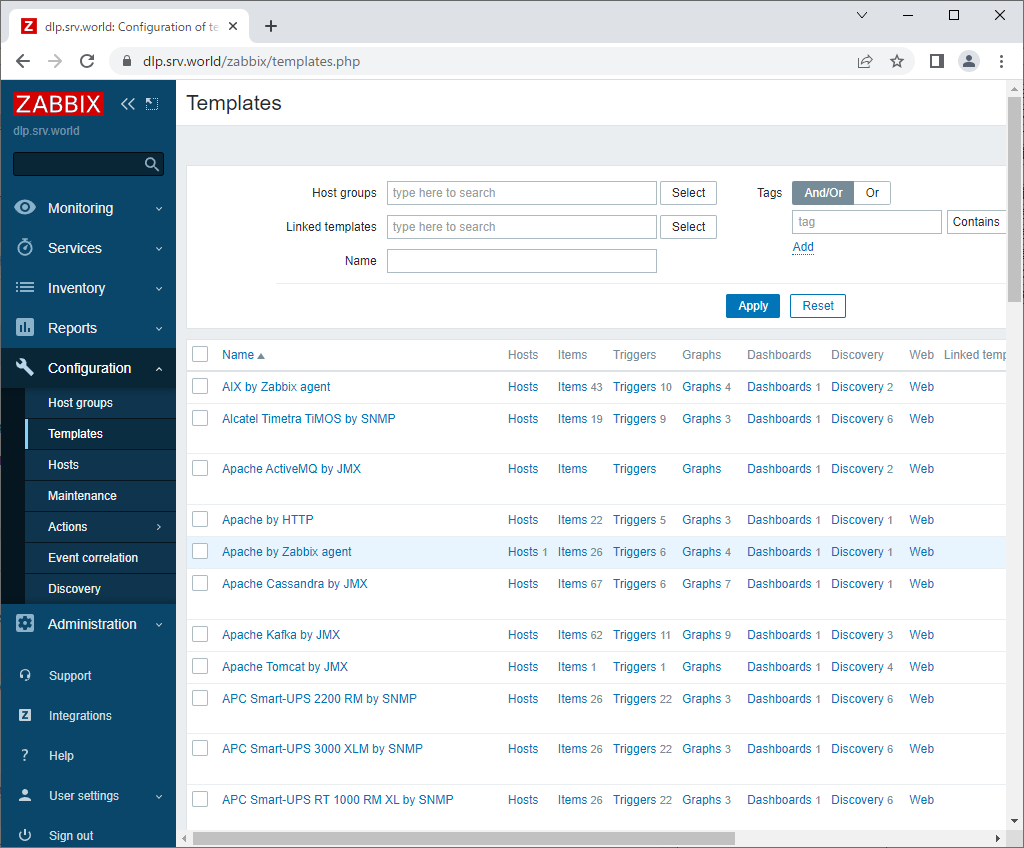
| [9] | Click [Apache by Zabbix agent]. |
|
| [10] | Move [Macros] tab, then following form is shown. |
|
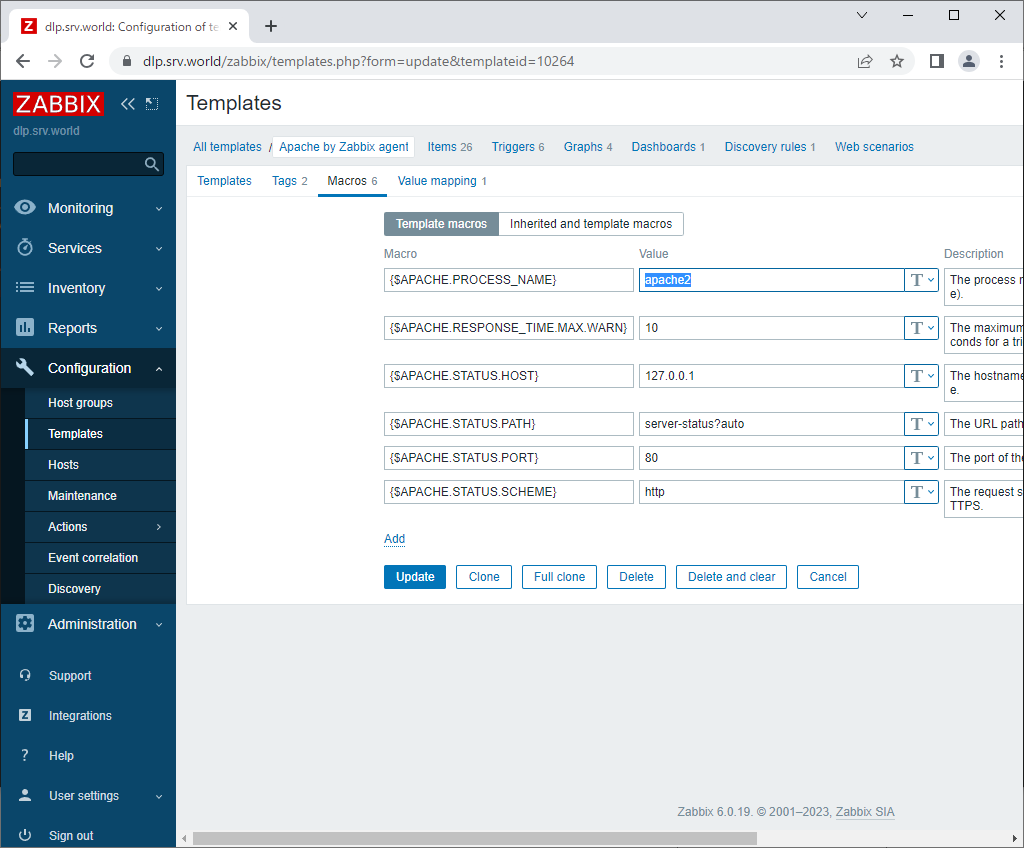
| [11] | Change to [apache2] value on the top field and click [Update] button to finish. |
|
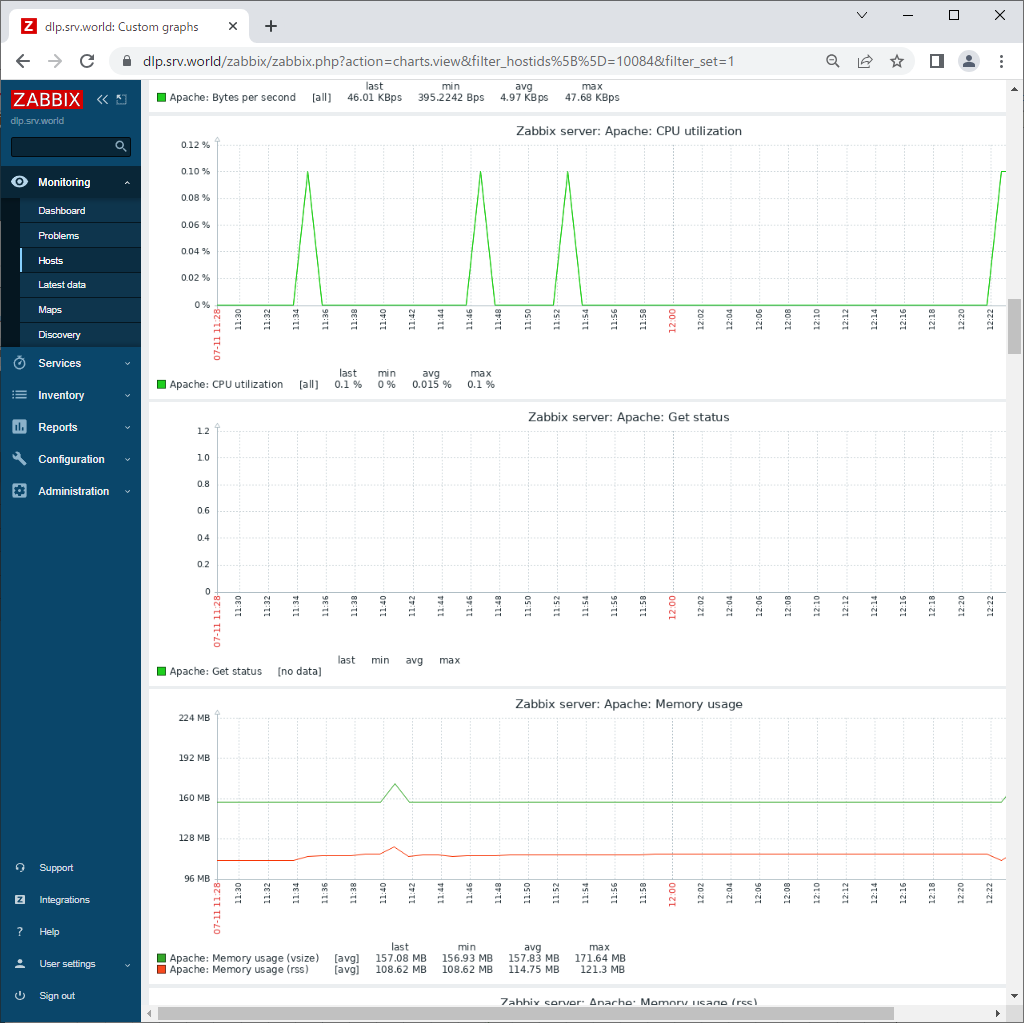
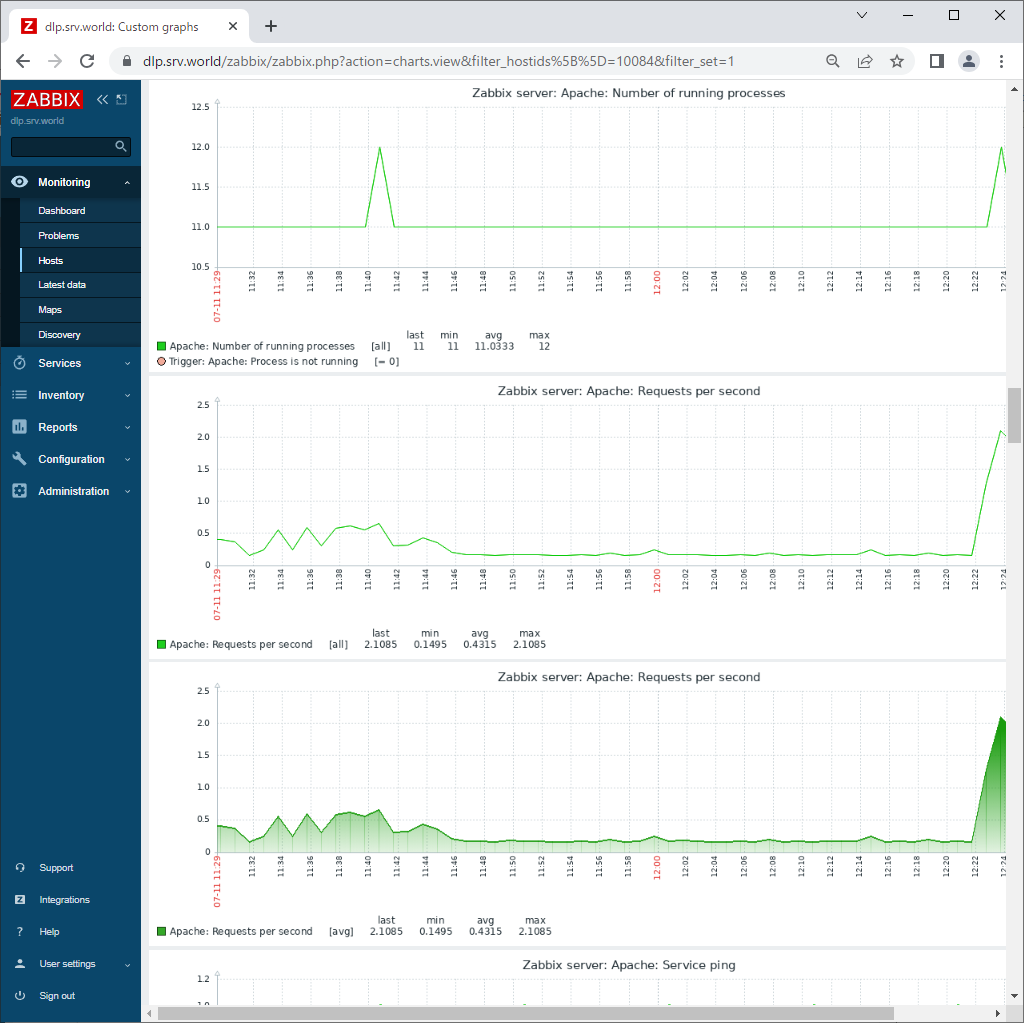
| [11] | That's OK. After few minutes, monitoring data are collected like follows. |
|
|
Matched Content