Ruby on Rails 7 : Install2023/07/14 |
|
Install Ruby on Rails 6 to build Ruby Framework environment.
|
|
| [1] | |
| [2] | Install some other required packages. |
|
root@dlp:~# apt -y install ruby-dev libmariadb-dev yarnpkg
|
| [3] | Install Rails 7. |
|
root@dlp:~# gem install bundler root@dlp:~# gem install nokogiri -- --use-system-libraries root@dlp:~# gem install rails --version="~>7.0" root@dlp:~# rails -v Rails 7.0.6 |
| [4] | Create a sample application and make sure it works normally. Install MariaDB Server for this sample app, refer to here. |
|
root@dlp:~# gem install mysql2 -- --with-mysql-config=/usr/bin/mysql_config root@dlp:~# rails new SampleApp -d mysql root@dlp:~# cd SampleApp
root@dlp:~/SampleApp#
vi config/database.yml
default: &default
  adapter: mysql2
  encoding: utf8mb4
  pool: <%= ENV.fetch("RAILS_MAX_THREADS") { 5 } %>
  username: root       # MariaDB connection user
  password: password   # MariaDB connection password
  host: localhost
root@dlp:~/SampleApp#
vi config/application.rb
module SampleApp
  class Application < Rails::Application
    # Initialize configuration defaults for originally generated Rails version.
    config.load_defaults 7.0
    # line 13 : specify hosts
    # if not specified, users can access to only [localhost] and IP address
    # if allow all sub-domain, specify domain name like follows
    config.hosts << ".srv.world"
# create sample application root@dlp:~/SampleApp# rails db:create Created database 'SampleApp_development' Created database 'SampleApp_test' root@dlp:~/SampleApp# rails generate scaffold testapp name:string title:string body:text root@dlp:~/SampleApp# rails db:migrate == 20230714020424 CreateTestapps: migrating =================================== -- create_table(:testapps) -> 0.0121s == 20230714020424 CreateTestapps: migrated (0.0123s) ==========================root@dlp:~/SampleApp# rails server --binding=0.0.0.0
=> Booting Puma
=> Rails 7.0.6 application starting in development
=> Run `bin/rails server --help` for more startup options
Puma starting in single mode...
* Puma version: 5.6.6 (ruby 3.1.2-p20) ("Birdie's Version")
*  Min threads: 5
*  Max threads: 5
*  Environment: development
*          PID: 25439
* Listening on http://0.0.0.0:3000
Use Ctrl-C to stop
|
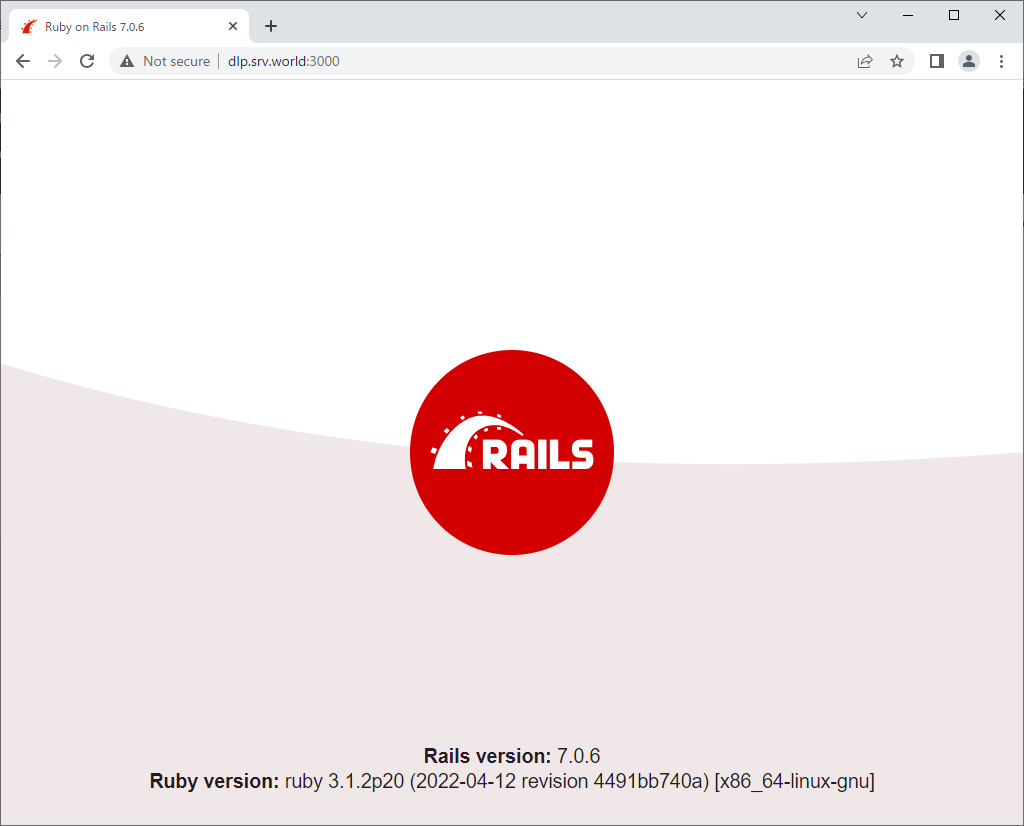
| [5] | Access to the [http://(server's hostname or IP address):3000/] from a client computer. It's OK if following site is displayed normally. |
|
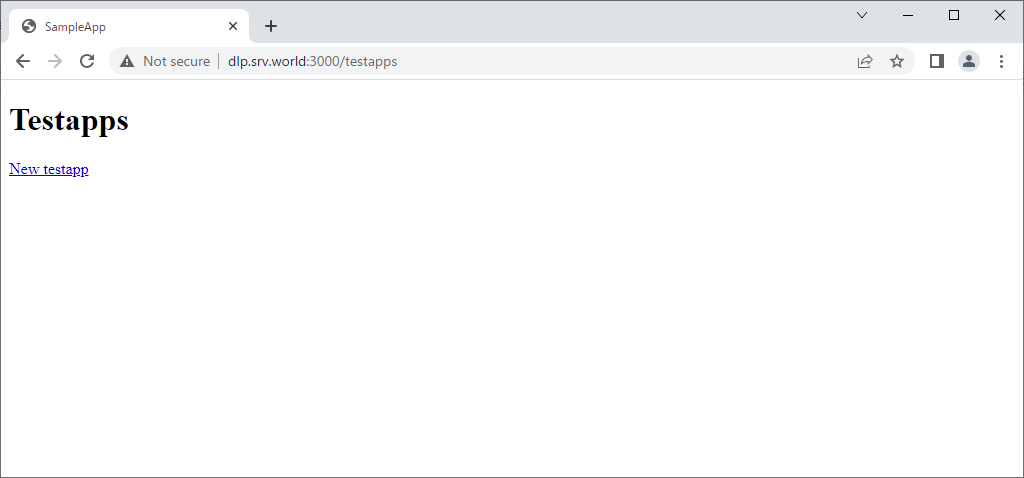
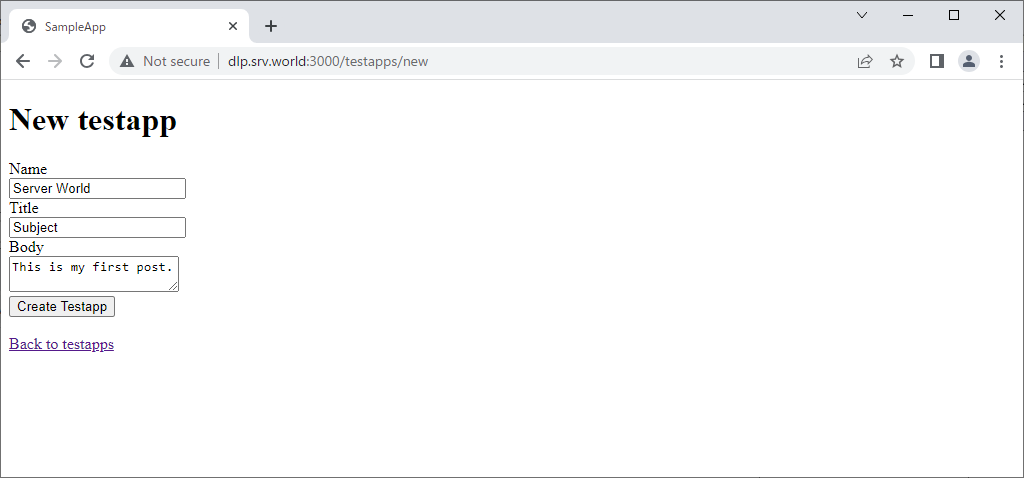
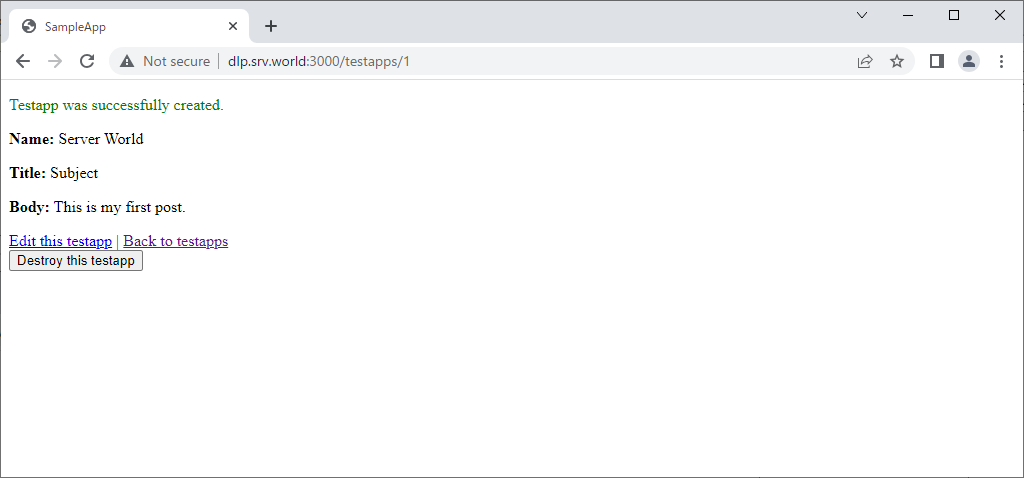
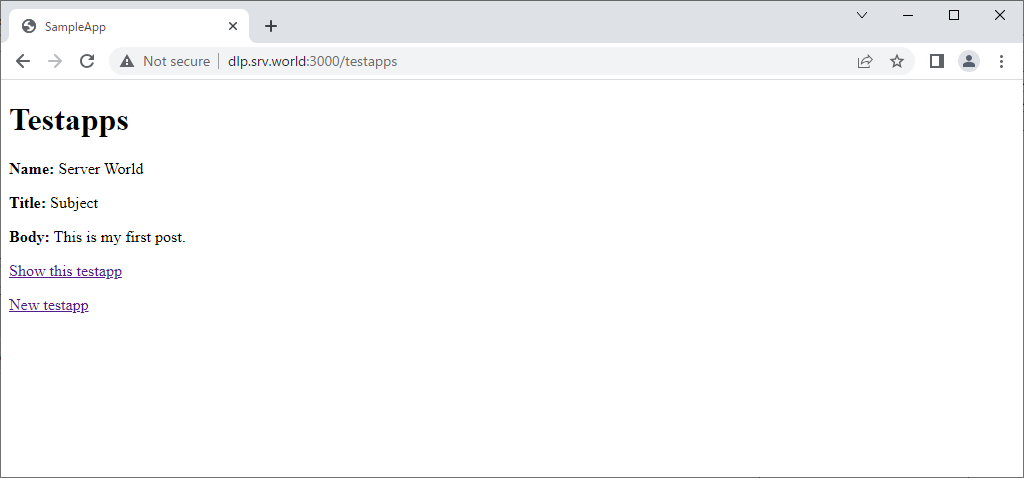
| Access to [http://(server's hostname or IP address):3000/testapps/], then it's possible to use sample app like follows. |
|
|
|
|
Matched Content