Apache2 : Configure mod_wsgi2023/07/19 |
|
Install [mod_wsgi (WSGI : Web Server Gateway Interface)] to make Python scripts be fast. |
|
| [1] | Install [mod_wsgi]. |
|
root@www:~# apt -y install libapache2-mod-wsgi-py3
|
| [2] | For example, For example, configure WSGI to be able to access to [/test_wsgi] from [/var/www/html/test_wsgi.py]. |
|
root@www:~#
vi /etc/apache2/conf-available/wsgi.conf # create new
WSGIScriptAlias /test_wsgi /var/www/html/test_wsgi.py
a2enconf wsgi Enabling conf wsgi. To activate the new configuration, you need to run: systemctl reload apache2root@www:~# systemctl reload apache2
|
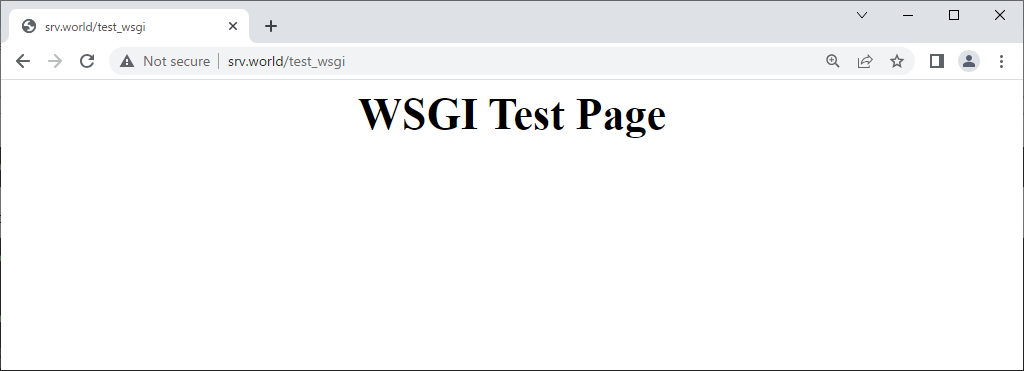
| [3] | Create a test script which you set above. |
|
root@www:~#
vi /var/www/html/test_wsgi.py # create new
def application(environ, start_response):
    status = '200 OK'
    html = '<html>\n' \
           '<body>\n' \
           '<div style="width: 100%; font-size: 40px; font-weight: bold; text-align: center;">\n' \
           'WSGI Test Page\n' \
           '</div>\n' \
           '</body>\n' \
           '</html>\n'.encode("utf-8")
    response_header = [('Content-type','text/html')]
    start_response(status,response_header)
    return [html]
|
|
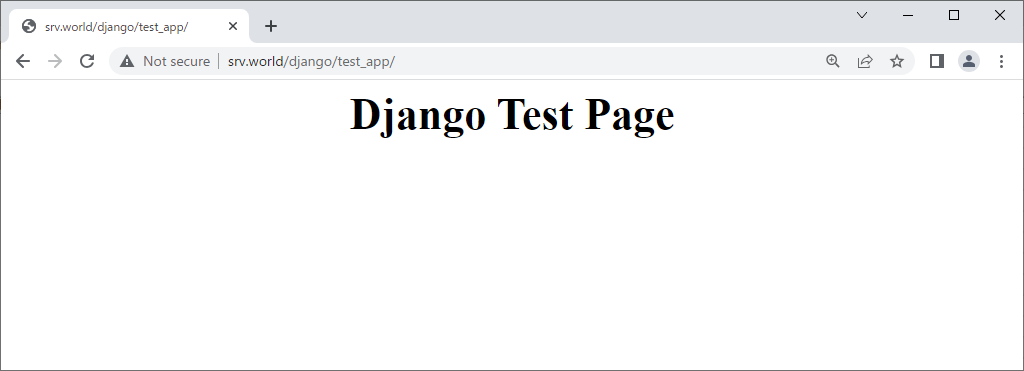
| [4] | To use Django, Configure like follows. ( for Django settings, refer to here ) For example, Configure [test_app] under the [/home/debian/testproject] which is owned by [debian] user. |
|
root@www:~#
vi /etc/apache2/conf-available/django.conf # create new
WSGIDaemonProcess testapp python-path=/home/debian/testproject:/home/debian/django/lib/python3.11/site-packages
WSGIProcessGroup testapp
WSGIScriptAlias /django /home/debian/testproject/testproject/wsgi.py

<Directory /home/debian/testproject>
    Require all granted
</Directory>
a2enconf django Enabling conf django. To activate the new configuration, you need to run: systemctl reload apache2
root@www:~#
systemctl reload apache2
# if you use user directory like the example, it needs to change the directory permission root@www:~# ll -d /home/debian drwx------ 5 debian debian 4096 Jul 18 23:42 /home/debian root@www:~# chmod 711 /home/debian |
|
Matched Content