Desktop Environment : Configure Xrdp Server2023/06/16 |
|
Install Xrdp Server to connect to Debian Desktop from the Windows Remote Desktop feature.
|
|
| [1] | Install and Start Xrdp Server. |
|
root@dlp:~#
root@dlp:~# apt -y install xrdp tigervnc-standalone-server systemctl enable xrdp |
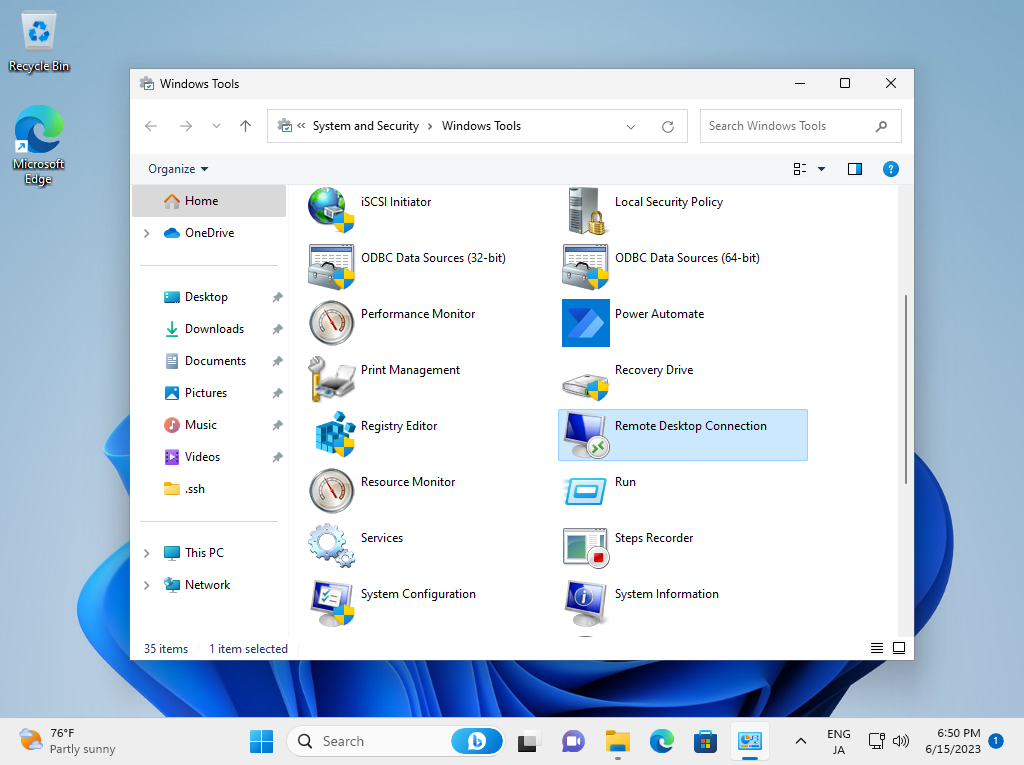
| [2] | Connect from Windows clients. For example on Windows 11. Start [Remote Desktop connection] from the Windows Tools. |
|
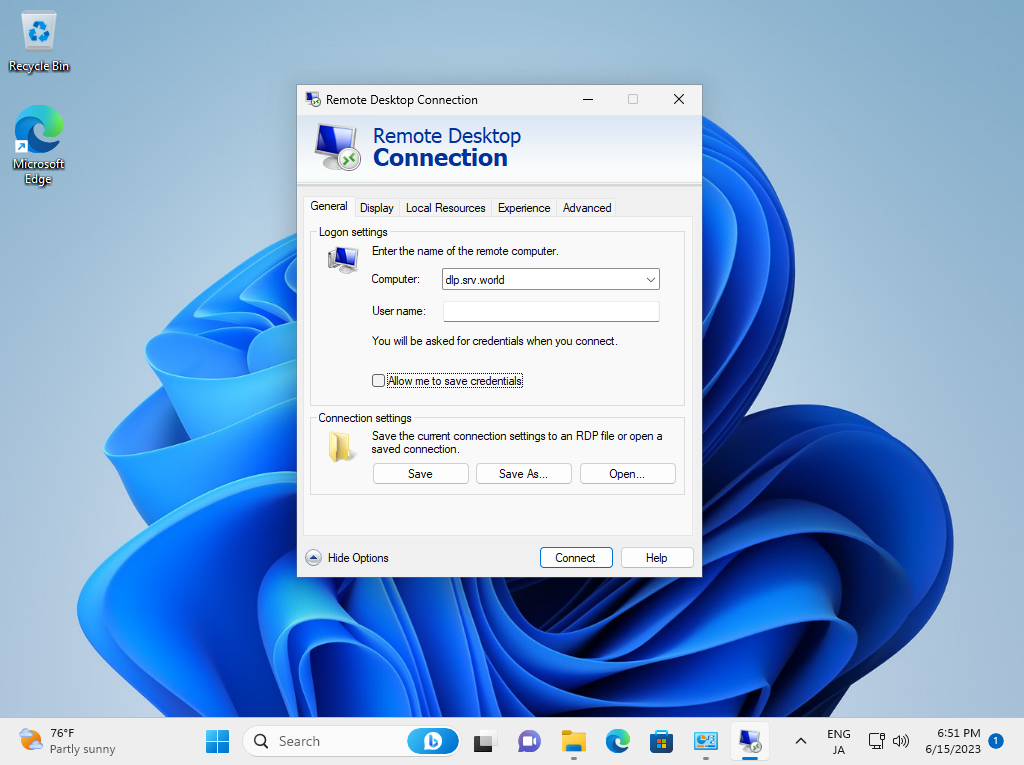
| [3] | Input the hostname or IP address you'd like to connect and push the [Connect] button. |
|
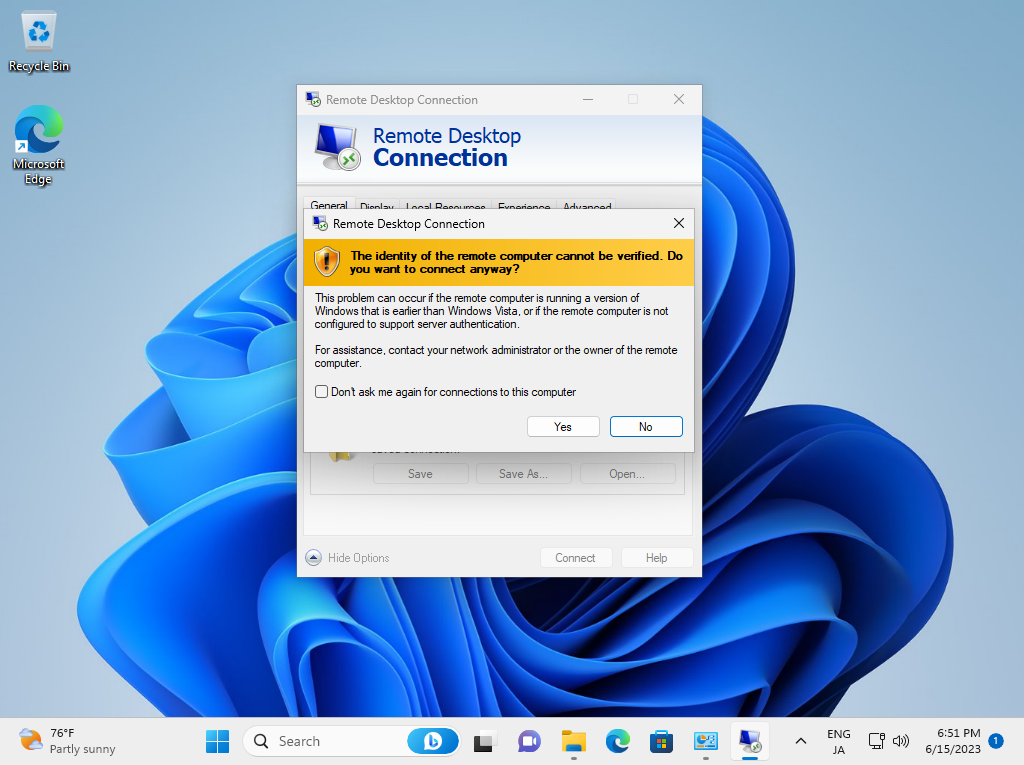
| [4] | Answer with [Yes]. |
|
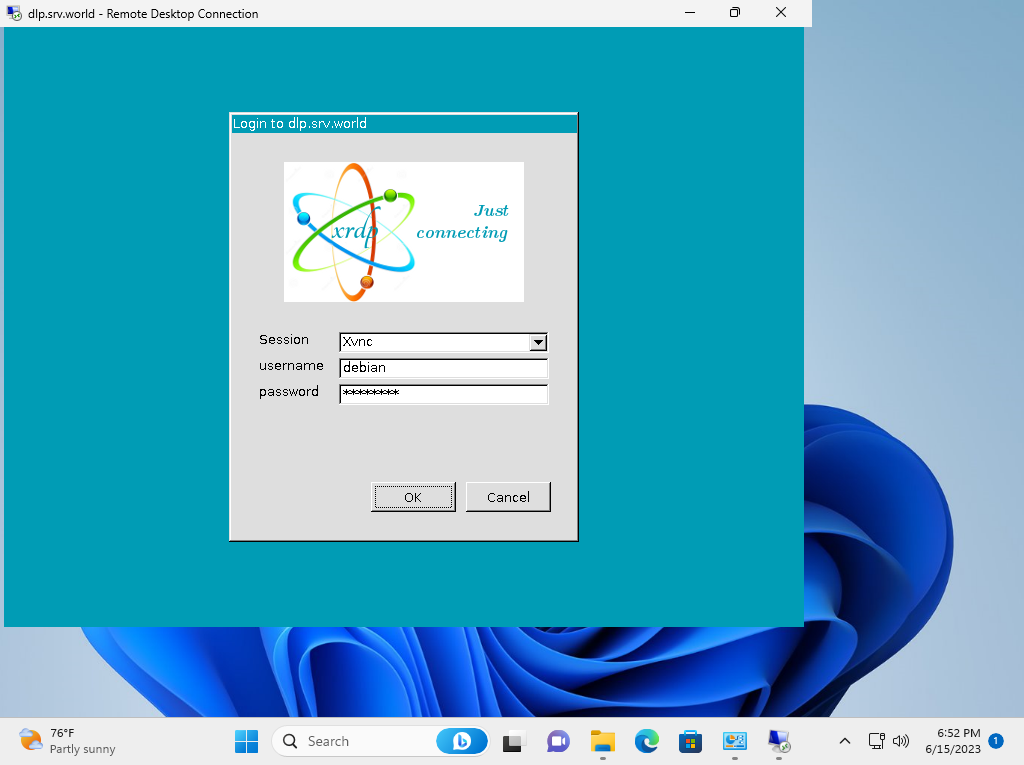
| [5] | Input a user that exists On Debian Host to authenticate. |
|
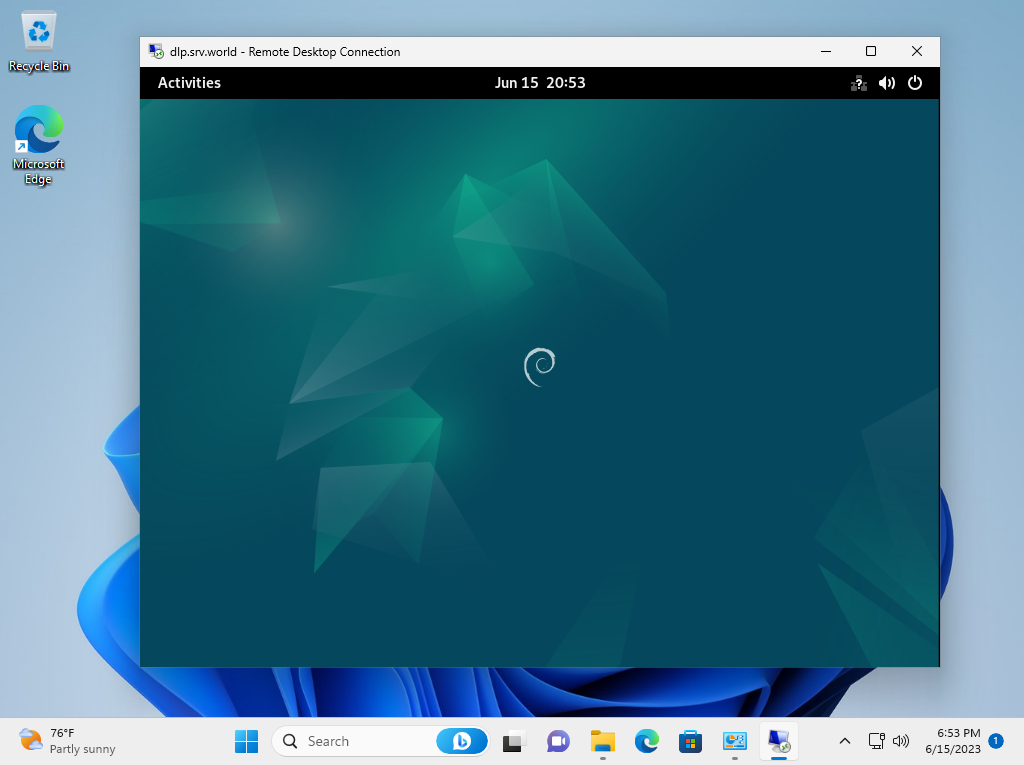
| [6] | If successfully passed authentication, Xrdp session starts like follows. |
|
Matched Content