HAProxy : HTTP Load Balancing2019/08/06 |
|
Install HAProxy to configure Load Balancing Server.
This example is based on the environment like follows.
-----------+---------------------------+--------------------------+------------
           |                           |                          |
           |10.0.0.30                  |10.0.0.51                 |10.0.0.52
+----------+-----------+   +-----------+----------+   +-----------+----------+
|   [ dlp.srv.world ]  |   | [ node01.srv.world ] |   | [ node02.srv.world ] |
|        HAProxy       |   |      Web Server#1    |   |      Web Server#2    |
+----------------------+   +----------------------+   +----------------------+
|
|
Configure Servers that HTTP connection to HAProxy Server is forwarded to backend Web Servers.
|
|
| [1] | Install HAProxy. |
|
root@dlp:~# apt -y install haproxy
|
| [2] | Configure HAProxy. |
|
root@dlp:~#
vi /etc/haproxy/haproxy.cfg # add to the end # define frontend (any name is OK for "http-in") frontend http-in # listen 80 port bind *:80 # set default backend default_backend backend_servers # send X-Forwarded-For header option forwardfor # define backend backend backend_servers # balance with roundrobin balance roundrobin # define backend servers server node01 10.0.0.51:80 check server node02 10.0.0.52:80 check systemctl restart haproxy |
| [3] | Change Apache2 settings on Backends to logging X-Forwarded-For header. |
|
root@node01:~# a2enmod remoteip Enabling module remoteip. To activate the new configuration, you need to run: service apache2 restart
root@node01:~#
vi /etc/apache2/apache2.conf # line 212-215: change like follows # specify HAProxy's IP address for [RemoteIPInternalProxy]
RemoteIPHeader X-Forwarded-For RemoteIPInternalProxy 10.0.0.30 LogFormat "%v:%p %a %l %u %t \"%r\" %>s %O \"%{Referer}i\" \"%{User-Agent}i\"" vhost_combinedLogFormat " %a %l %u %t \"%r\" %>s %O \"%{Referer}i\" \"%{User-Agent}i\"" combined
systemctl restart apache2 |
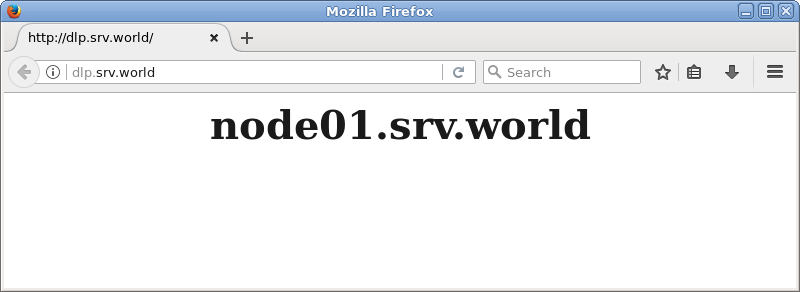
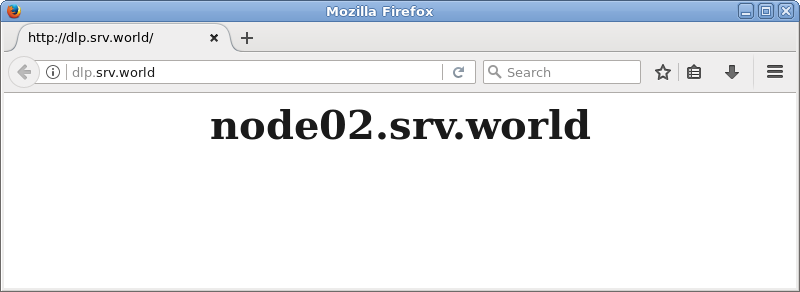
| [4] | Verify working normally to access to frontend HAproxy Server. |
|
|
Matched Content