oVirt 4.5 : Web Admin Portal2022/06/16 |
|
Access to the oVirt Web Admin Portal on oVirt Engine Virtual Machine.
+-----------------------+          |          +-----------------------+
|   [   Admin Node   ]  |10.0.0.30 | 10.0.0.25| [    oVirt Engine   ] |
|    dlp.srv.world      +----------+----------+     ctrl.srv.world    |
|                       |          |          |                       |
+-----------------------+          |          +-----------------------+
                                   |
+-----------------------+          |
| [   Shared Storage  ] |10.0.0.35 |
|     nfs.srv.world     +----------+
|                       |
+-----------------------+
|
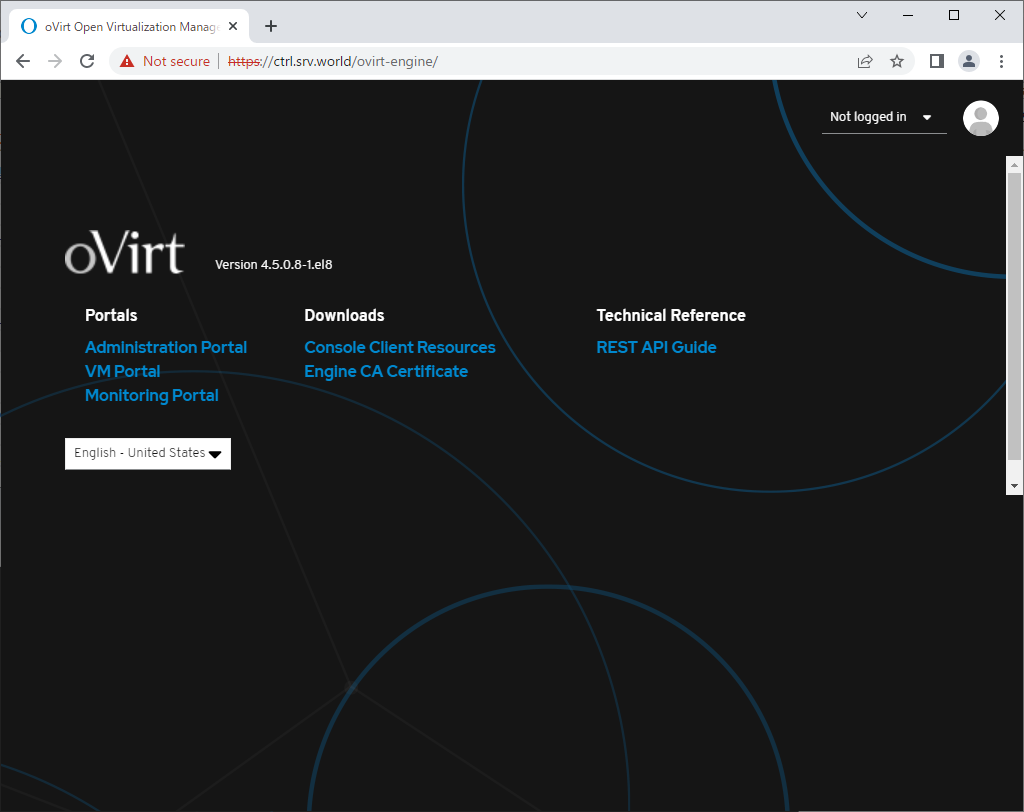
| [1] | Run a Web browser on any Client Host and access to the [oVirt Engine] Host. on this example ⇒ https://ctrl.srv.world/ Click [Administration Portal] link on the index page. |
|
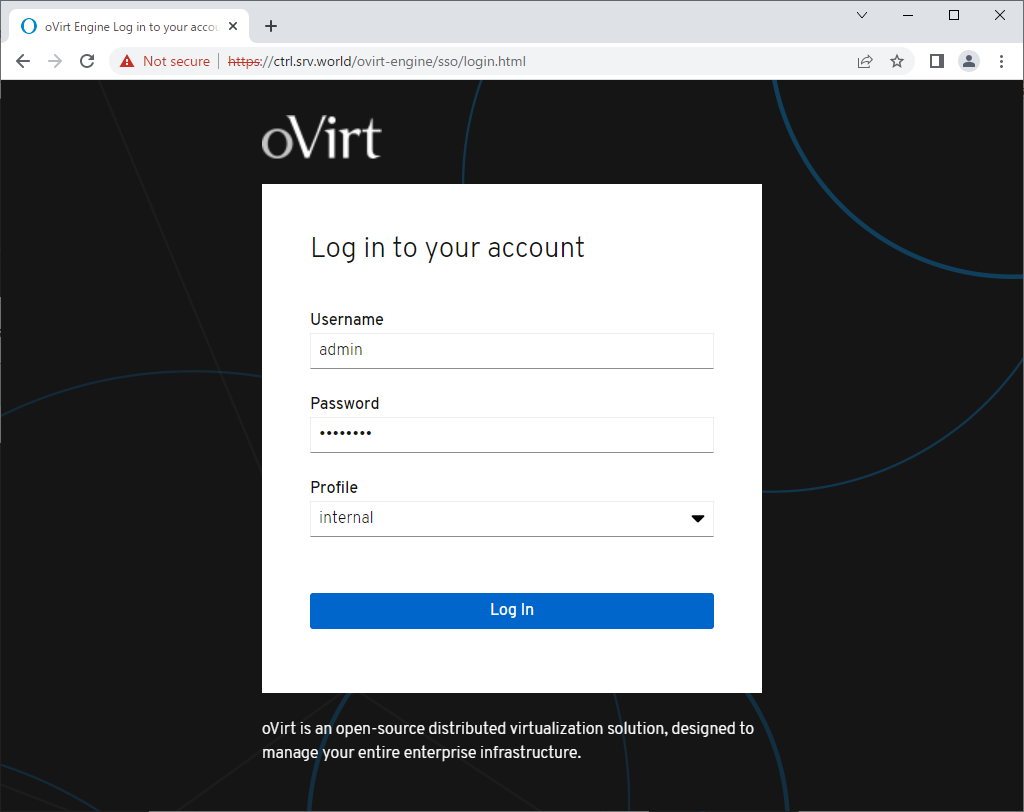
| [3] | Login form is shown, login with [admin] user and password which you set during Installation of oVirt Administration Server. |
|
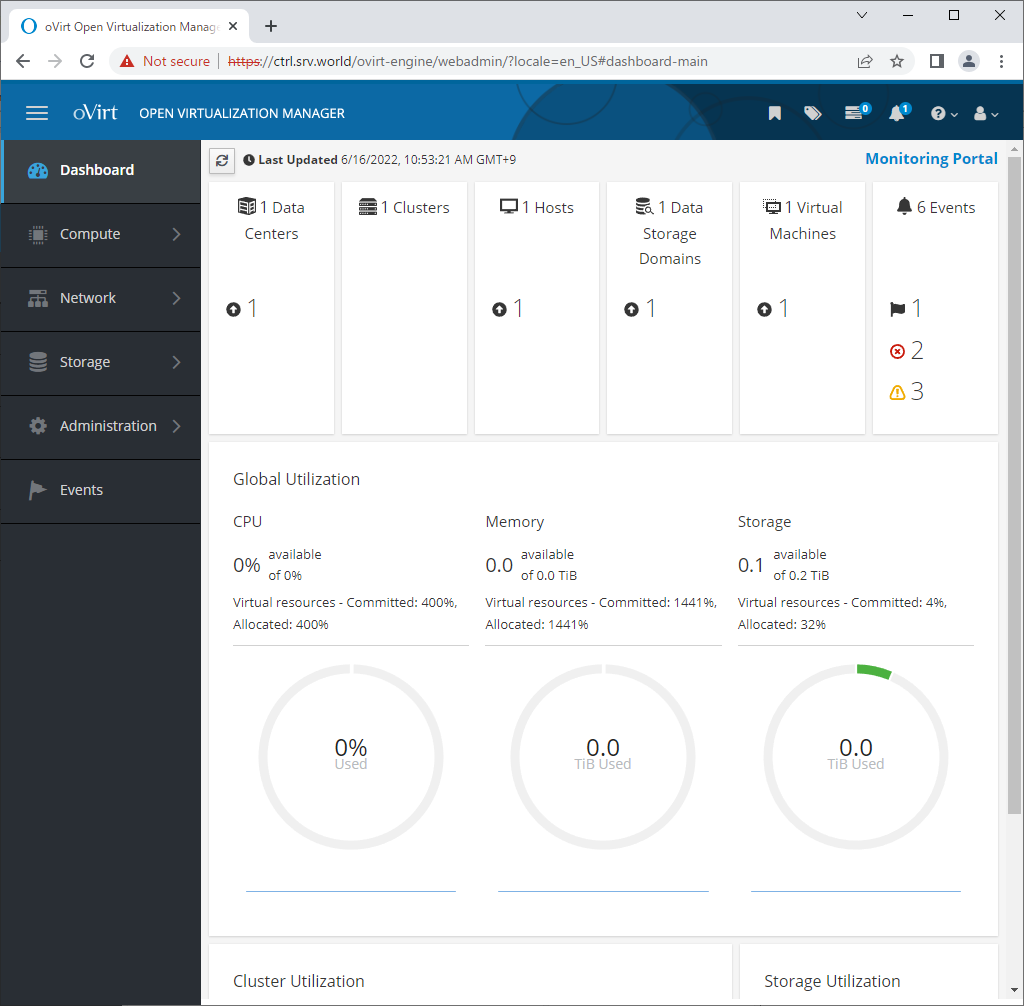
| [4] | If successfully logined, oVirt Web admin portal is displayed. |
|
Matched Content