Zabbix 4.2 : Set Monitoring Target Host2019/06/07 |
|
Set Monitoring Target Host.
|
|
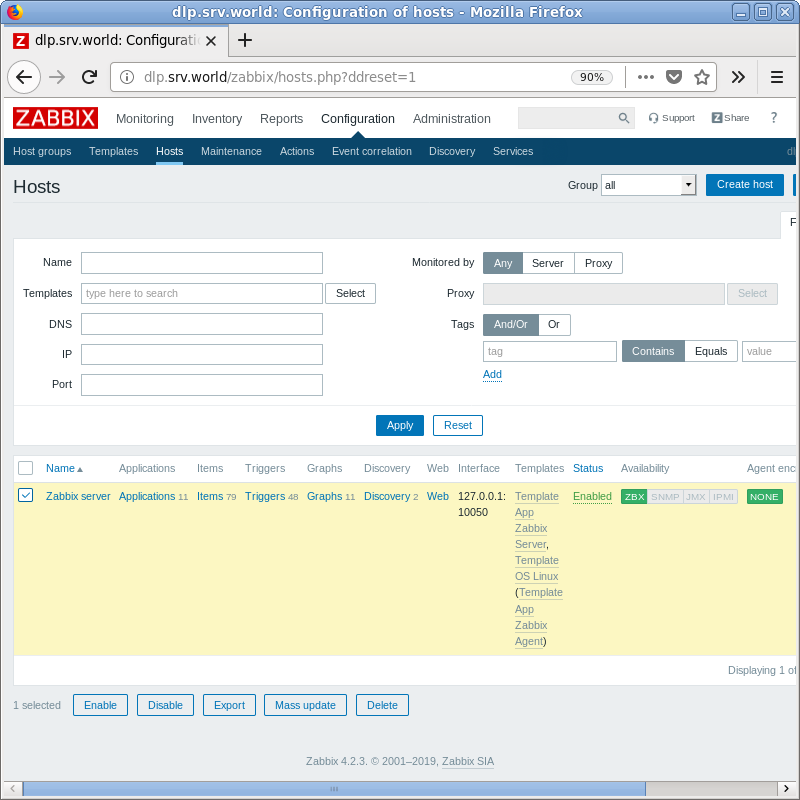
| [1] | Login to Zabbix admin site with admin user and click [Configuration] - [Hosts]. The localhost which Zabbix Agent has been installed is displayed like follows, check a box on it and click [Enable] button. |
|
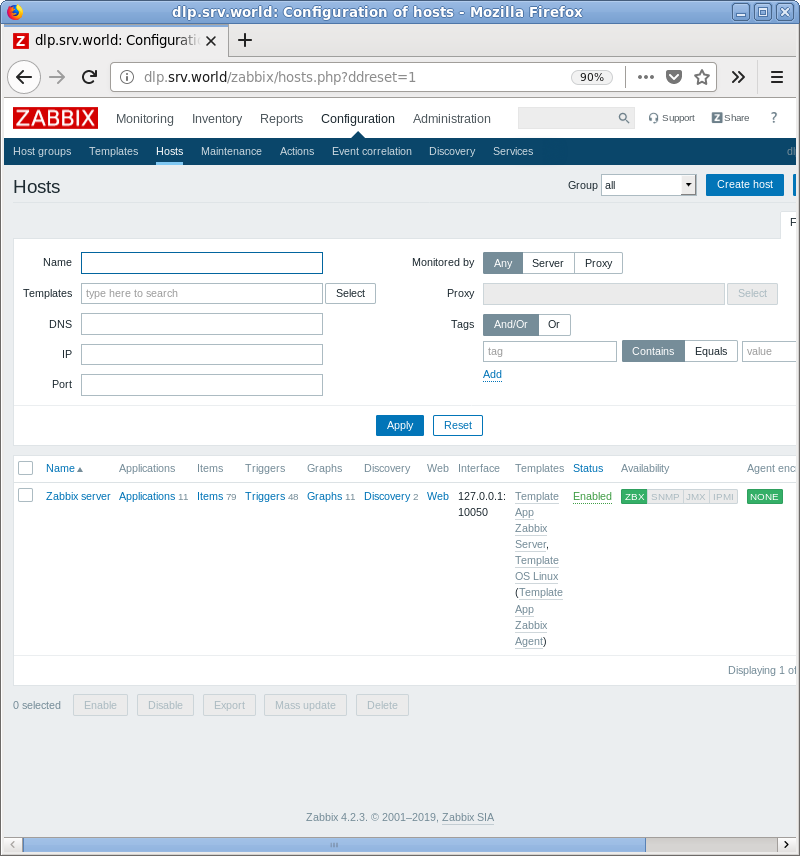
| [2] | The [Status] is turned to [enabled] and the server is monitored. |
|
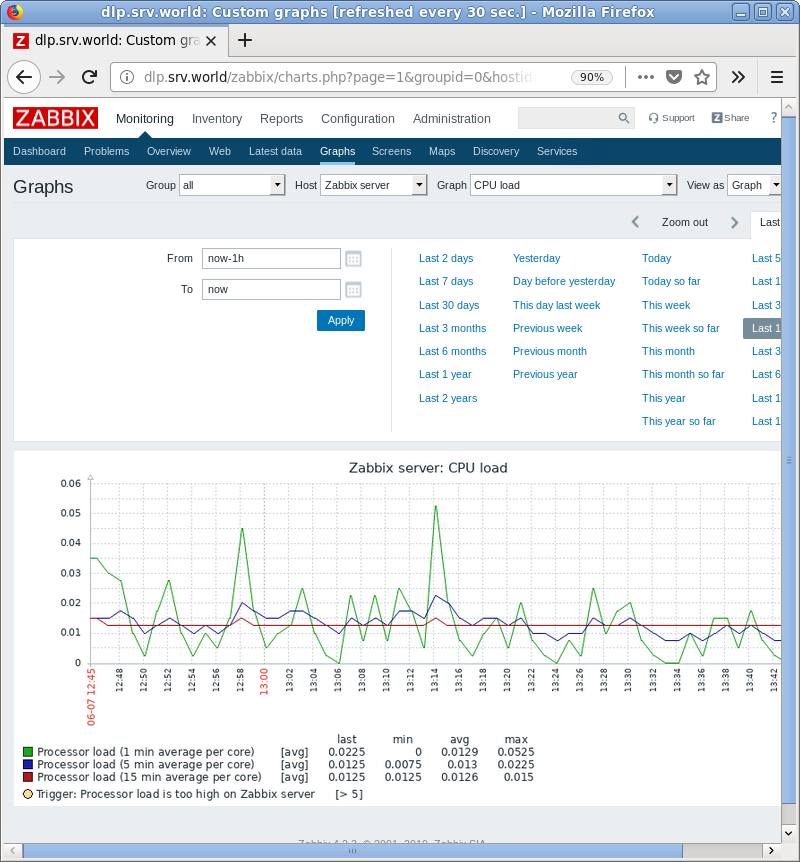
| [3] | After few miniutes later, monitoring data is collected like follows. The following screen is on [Monitoring] - [Screens]. |
|
Matched Content